 StreamLive Pro
Post a Short to YouTube Shorts, Reels and TikTok
Post one Short to YouTube Shorts, Instagram Reels and TikTok from StreamLive Pro: connect the accounts, pick them, fill TikTok's form, publish. TikTok is manual only.
Connect YouTube, Instagram and TikTok once in Connections. Then press Publish on a Short in Shorts, tick the three accounts, adjust the text for each, fill in TikTok's own settings, and publish. YouTube and Instagram can also be scheduled; TikTok cannot. A TikTok post leaves StreamLive Pro only when you press Publish yourself, at that moment.
Before you start
- Accounts connected. YouTube, Instagram and TikTok in Connections, signed in with the account you post to. See Connecting your channels — YouTube, Facebook and the rest.
- Enough accounts on your plan. Each plan allows a number of publishing accounts and a number of networks per post; see the /pricing?lang=en.
- A Short without a watermark for TikTok. Shorts made during the trial carry a small watermark, and TikTok does not allow apps to post videos with an added watermark. Details: The trial watermark and TikTok.
- The right length for YouTube. YouTube treats vertical videos of up to 3 minutes as Shorts (Get started creating YouTube Shorts). Our Shorts are vertical 9:16 by default, so they qualify by shape.
- The Short checked. Captions read, first seconds watched. See Edit a Short before you publish it.
Steps
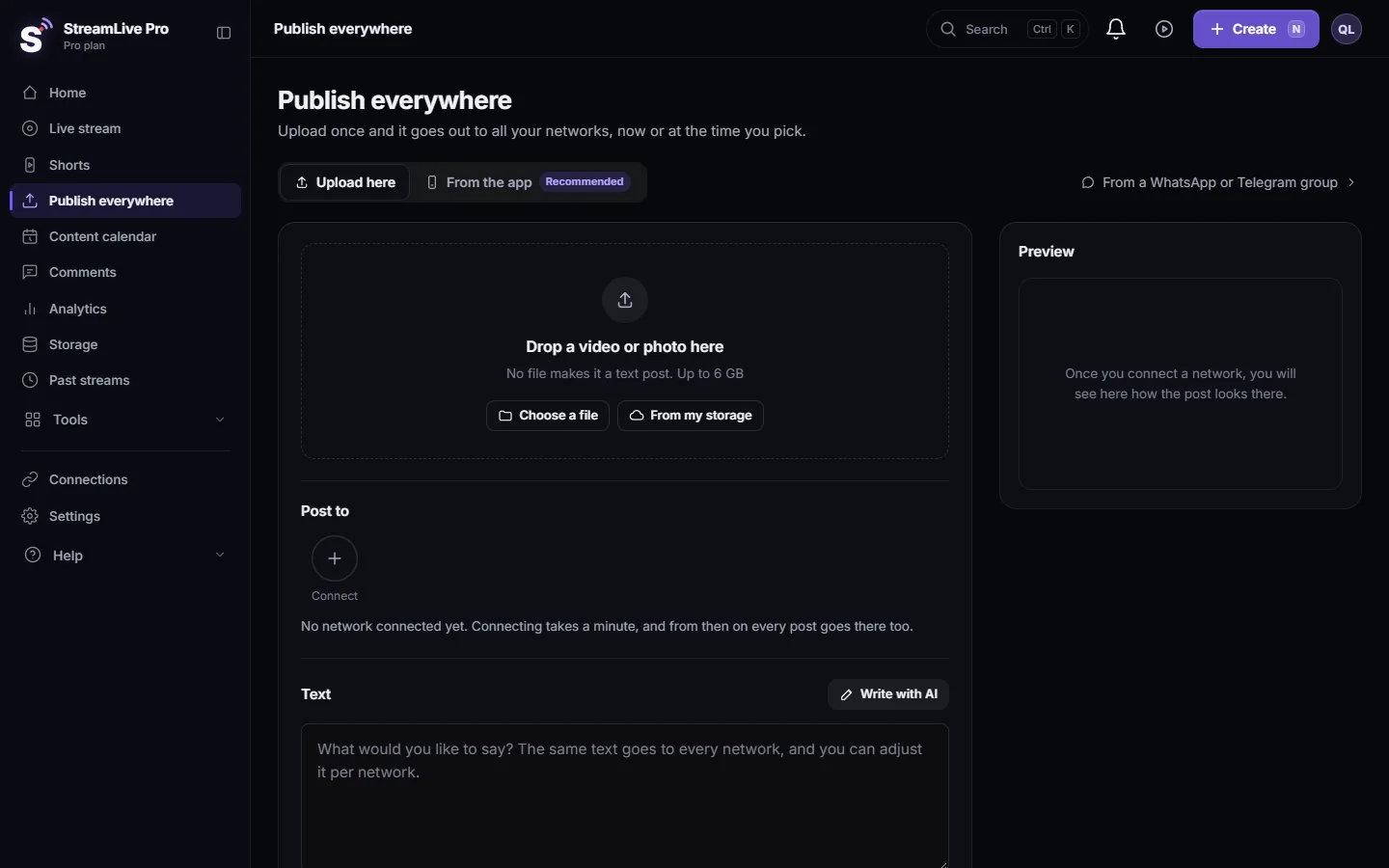
- Open the Short. In Shorts, find the Short and press Publish on its card. Write & publish does the same and first writes a title, description and hashtags for each network.
- Tick the accounts. Tick your YouTube channel, Instagram account and TikTok account. The picker remembers what you ticked last time. A vertical video is marked Short: goes out as Shorts, Reels and TikTok.
- Write the text. One text goes to every network and is adjusted to each one's length; Write with AI drafts it for you. Change the text per network where it matters; see Adjust the post for each network.
- Set YouTube's privacy. The privacy choice in the form applies to YouTube only. TikTok has its own choice; the other networks follow your account settings.
- Fill in TikTok's settings. Once TikTok is ticked, TikTok's own settings appear under the networks. They are required by TikTok: who can see the video, and your consent. Until they are filled in, the publish button is greyed out and pressing it shows TikTok still has a question below.
- Publish now. Keep Now under When and press the button at the bottom (for example "Publish to 3 networks"). Each network shows its own result: published, still publishing, or failed with a reason.
- Or schedule YouTube and Instagram. To post those two later, untick TikTok, choose Schedule under When and set the date and time. Post the TikTok version yourself at the time you want, from the same Short.
What each network does with the Short
| Feature | YouTube Shorts | Instagram Reels | TikTok |
|---|---|---|---|
| Posted as | A Short, when vertical and within YouTube's length | A Reel | A TikTok video |
| Publish now | Yes | Yes | Yes, by you pressing Publish |
| Schedule | Yes | Yes | No |
| Text | Title and description | Caption | Caption, plus TikTok's form |
| Watch out for | A daily upload limit per plan; extra uploads wait in a queue, they are not dropped | No caption files: the captions must be burned in, as they are on our Shorts | The trial watermark; the video may arrive as a draft in some cases |
Many Shorts from one video
When a video produced several Shorts, the Publish all your Shorts at once bar schedules them one a day at your best hour. Scheduled posts cannot include TikTok, so post each Short to TikTok yourself, one at a time.
What can go wrong
- A scheduled post with TikTok in it is refused. TikTok cannot be scheduled here. Publish it now, by hand.
- "Complete the TikTok settings" will not go away. Choose who can see the video and confirm in the TikTok section under the networks.
- TikTok refuses the Short. It was made during the trial and carries the watermark. Make it again on a paid plan, or post your own uploaded video.
- The video reached TikTok but is not public. In some cases it arrives as a draft. Open TikTok, tap the notification, choose the audience and post.
- YouTube posted it as a regular video. It was horizontal or longer than YouTube's Shorts length. Export it at 9:16 and keep it within the limit; see Turn a horizontal video into vertical.
- One network failed, the others went out. The result names the failed network and the reason. A disconnected account needs reconnecting in Connections.
Frequently asked questions
Can I post one Short to YouTube, Instagram and TikTok at the same time?
Yes. Tick the three accounts in the publish window, fill in TikTok's settings and press Publish. All three go out together.
Can I schedule a Short to TikTok?
No. TikTok posts leave StreamLive Pro only when you press Publish yourself. YouTube and Instagram can be scheduled.
Why does TikTok need its own settings?
TikTok requires apps to show its posting options, such as who can see the video, and to have you choose them yourself for every post.
Will the Short count as a YouTube Short?
YouTube treats vertical videos of up to 3 minutes as Shorts. Our Shorts are vertical, so keep them within that length.
Can the AI assistant in ChatGPT or Claude post my Short to TikTok?
No. TikTok posts must be made in the app by you. The assistant can publish to other networks after you confirm.
Keep reading
Remove a post you published from YouTube, Facebook, LinkedIn and X in one step with Delete everywhere, and what to do on Instagram, TikTok and the others.
Short or regular video: how each network gets your videoHow StreamLive Pro decides if your video goes out as a YouTube Short, a Reel or a regular video: shape and length per network, and how to get the other one.
Schedule social media posts to several networks at onceSchedule one post to YouTube, Facebook, Instagram, Threads, Telegram and more from one screen, then edit, copy or cancel it in the Content calendar.
Caption safe zones for TikTok, Reels, Shorts and moreCaption safe zones in StreamLive Pro show where each network's buttons and text cover a video, so captions stay readable on TikTok, Reels, Shorts, LinkedIn and X.
Want to try it? 7-day trial, no credit card.
Start free