

Upload once.
Post everywhere.
Live streams, videos, Shorts, Reels, TikTok and photo posts — upload once from your phone and it goes out to every network. Schedule ahead, or just send it to your WhatsApp group and it posts everywhere.
The iPhone app is in Apple's final review and will be on the App Store very soon. Meanwhile, everything works in your iPhone's browser:
Open the web dashboardPoint your phone's camera at the code. This page opens on your phone with the right download button.
Live, posts and comments — in one app
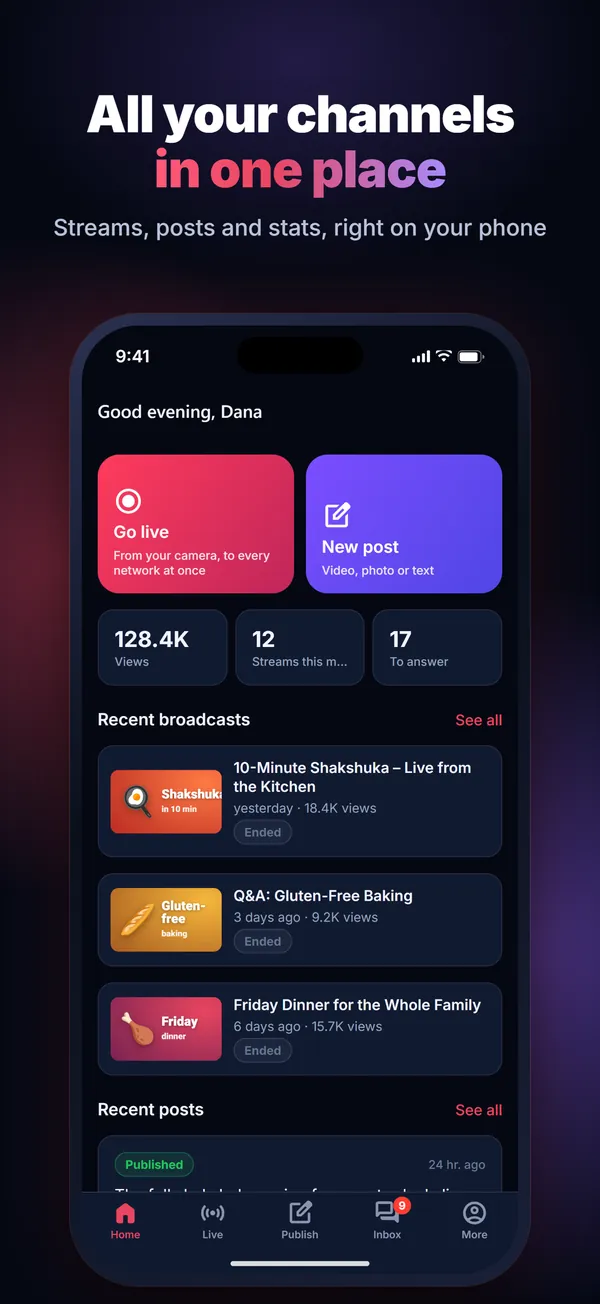
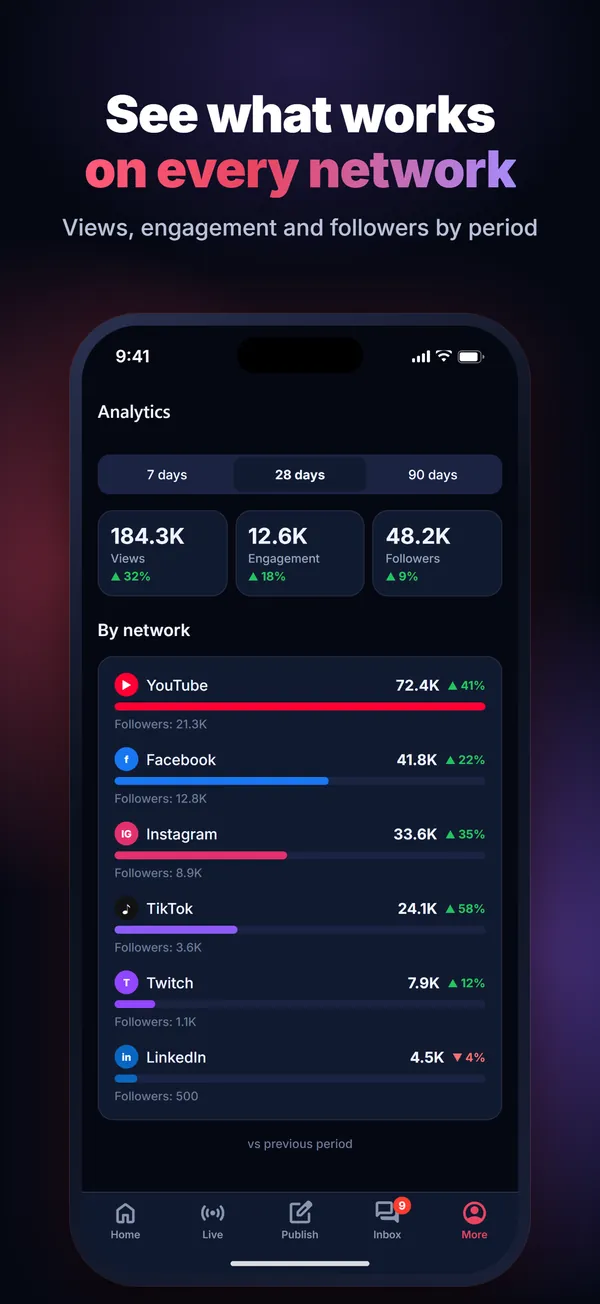
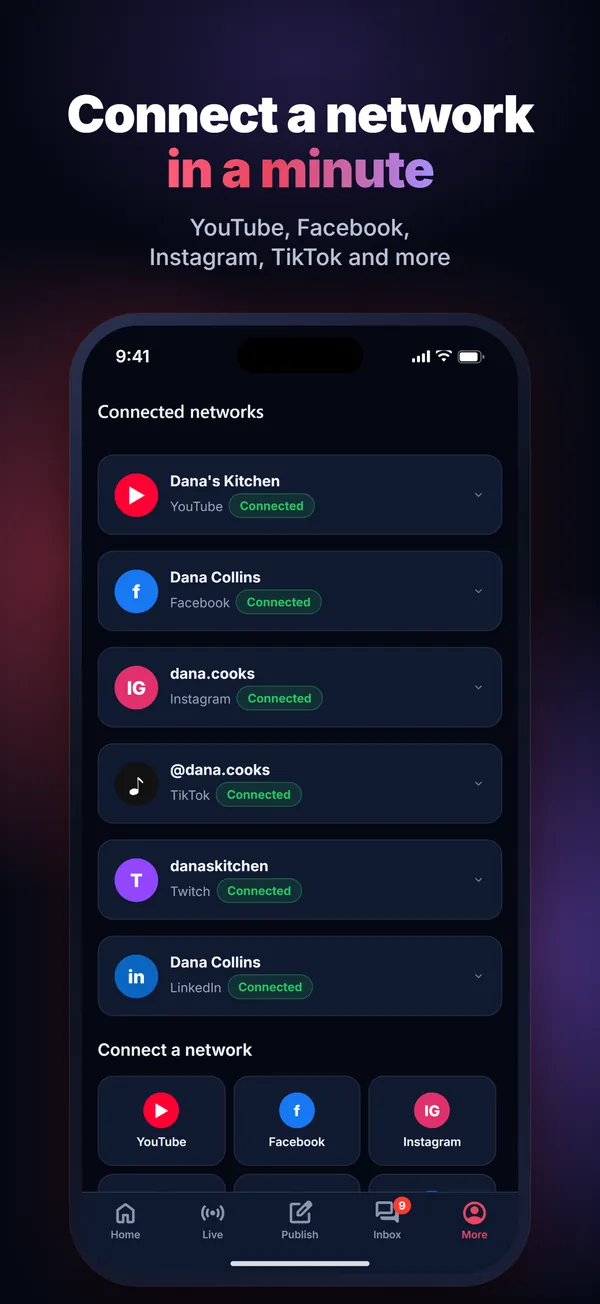
Not just live: all your content, everywhere
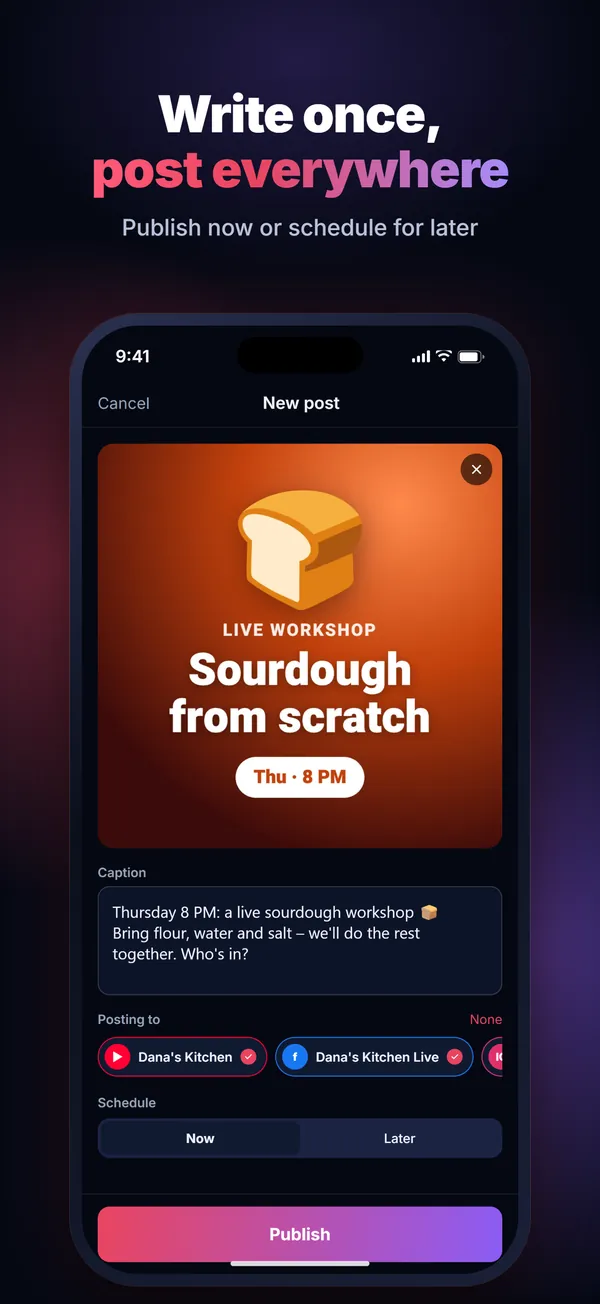
Upload once → everywhere
Videos, Shorts, Reels, TikTok and photo posts. Write once, publish to all — now or scheduled.
From WhatsApp → every network
Send a video or photo to your WhatsApp (or Telegram) group and it posts itself to the networks you chose.
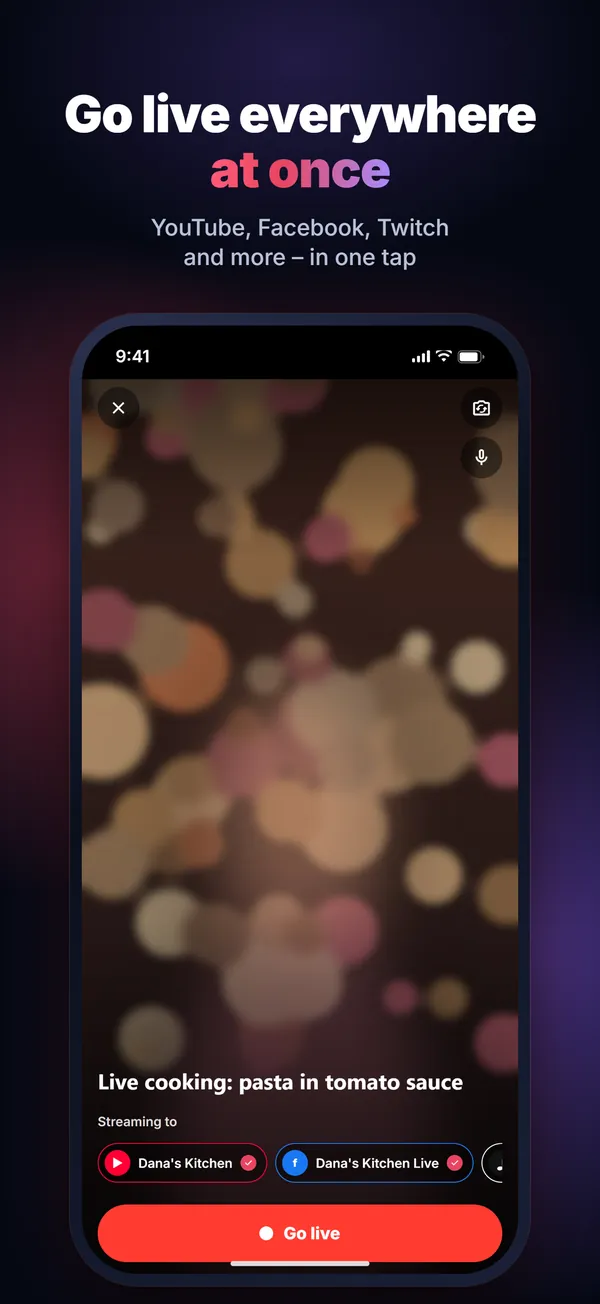
Live everywhere at once
From your phone camera to YouTube, Facebook, Twitch, Kick, LinkedIn and more — in one tap.
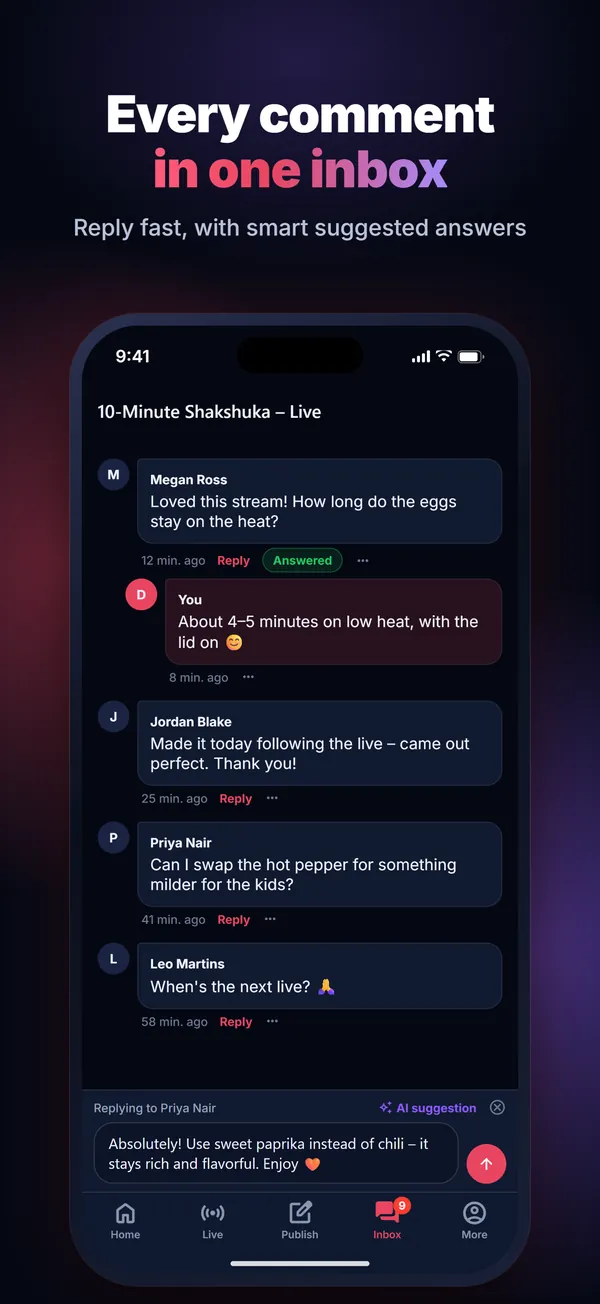
Comments in one place
Comments on your posts in one inbox, with a suggested reply when you tap for one, and live chat from YouTube and Facebook while you are live.
Install on Android in four steps
Until the app is on Google Play, you install it straight from our website. It takes under a minute.
- Download the file
Tap "Download for Android". The file
StreamLivePro.apkdownloads to your phone (Wi-Fi recommended). - Open it
From the download notification, or from the Downloads folder in your file manager.
- Allow installing from this source
If your phone asks, tap "Settings", turn on "Allow from this source" for your browser (e.g. Chrome), then go back. You only do this once.
- Install and sign in
Tap "Install", open the app and sign in with your StreamLive Pro account. If Play Protect offers to scan the app, that's normal for apps installed outside the store.
Live production software for Mac and Windows
Professional software you install on your computer, an alternative to vMix and OBS: multiple cameras and phones, a separate recording of every camera, studio screens and live AI translation. Your plan adds multistreaming to all your networks, guests and publishing.
The same account and the same plan as the website and the app.
Good questions
What can I do in the app?
How does posting from WhatsApp work?
Is the app free?
Is it the same account as the website?
What about iPhone?
How do I update the app?
Is the APK safe?
Upload once. Reach everyone.
Live, videos, Shorts and posts — from your phone, to every network.
Get the app