Live · Upload · Shorts · Translation · Scheduling · App
Create once.
Be everywhere.
StreamLive Pro posts every video or live stream to your YouTube, Instagram, Facebook and your other networks, and on the way edits smart Shorts from it, with captions and translation. Create once, and it all goes out ready.
No credit card · Start trying right away · Cancel any time
- In
- Edited
- Translated
- Posted

- Bitrate
- 6.2 Mbps
- Dropped frames
- 0
- Health
- Excellent
- YouTube—
- Facebook—
- Instagram—
- TikTok—
- LinkedIn—
- X—
Streams and publishes to these networks through their official connections
- YouTube
- TikTok
- X
- Threads
- Twitch
- Kick
- Telegram
- Bluesky
- Mastodon
- Discord
- Tumblr
Up to 20 networks at once, and streaming from software like OBS (RTMP / SRT) to any other site.
Sound familiar?
Hours of work.
Endless edits.
And almost nobody sees it.
- 01
You film for an hour. Then lose a whole evening cutting it into clips.
- 02
Upload to YouTube. Again to Instagram. Again to TikTok. Again to Facebook.
- 03
Typing captions by hand, translating, resizing for every network.
- 04
A day later the video is buried, and it all starts again.
Every night at 3 a.m., somewhere in the world…
a creator gives up.
The fix
One click. Everywhere.
- YouTubePosted ✓
- InstagramPosted ✓
- LinkedInPosted ✓
- FacebookPosted ✓
- ShortsReady ✓
What does “publish in one click” mean? You upload one video, or go live once, and it goes up by itself on the networks you connected: your YouTube channel, Instagram and Facebook, and the other networks you connected, in the right size for each. On the way it is also cut into captioned Shorts. You go back to creating, and your content reaches everyone.
And 18 more supported platforms, like TikTok, X, Threads, Pinterest and Twitch
Try it right below, no sign-up ↓From the moment your video comes in
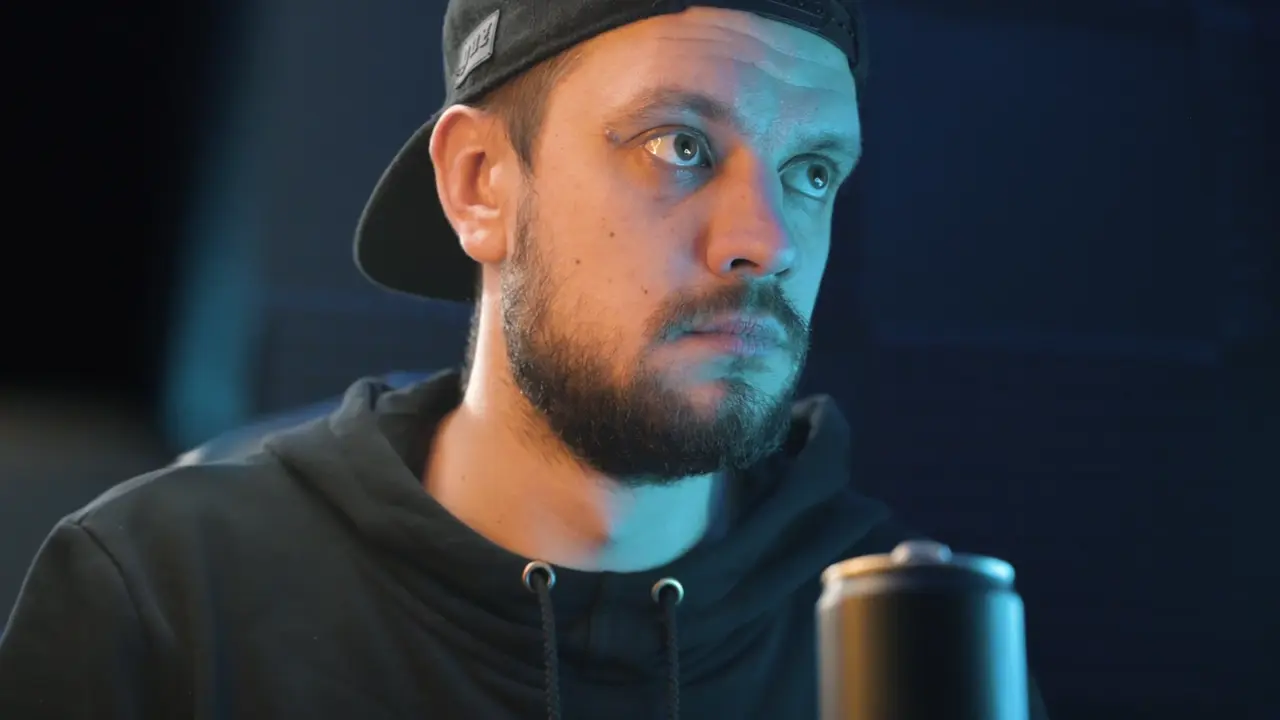
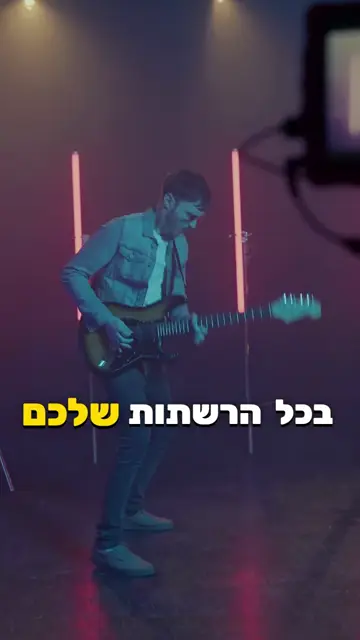
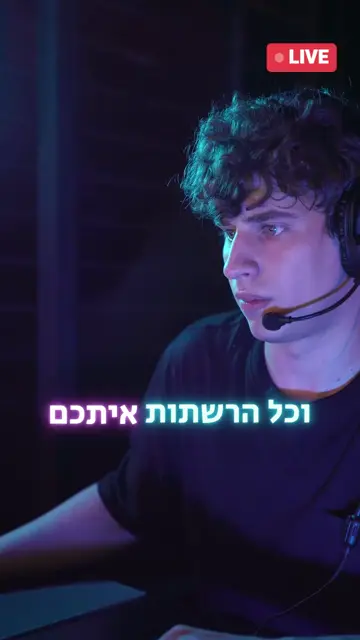
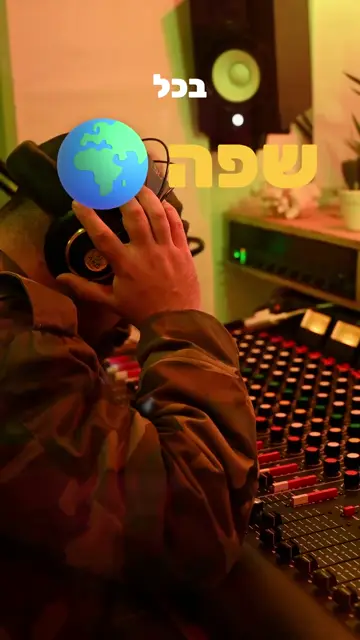
One video goes in. Published Shorts come out.
StreamLive Pro does the whole journey for you: it finds the strongest moment in the recording, cuts it into a vertical Short with captions and motion, and posts it to the networks you connected. You never open an editor.
- An hour of recording comes in.
- The AI finds the strongest moment and cuts it vertical.
- Captions and motion are added on their own.
- And the Shorts go out to the networks you connected.
One post. Six networks. Try it yourself.
This is how Publish in one click works in the product: one video, one caption, as many networks as you like. It is a demo, and nothing gets posted.
One broadcast — dozens of pieces. Automatically.
The real work starts after the broadcast ends — and that is exactly the part we do for you.
Go live
To YouTube, Facebook, Instagram, TikTok, LinkedIn, X and more — up to 20 destinations at once, from the browser, or from OBS and vMix on paid plans.
The system edits for you
The moment the broadcast ends, without being asked: the AI finds the best moments and hands back up to 5 shorts edited and ready to upload — 9:16, captions, music and b-roll.
Translate
Animated captions and translation into up to 143 languages (Pro and Studio; 26 on Creator and the trial), in 89 designs, burned into the video.
Publish
Send the videos to every network from one place — now or on a schedule.
Track
Comments, views and analytics from every platform — in one dashboard.
And if you never went live — one button in Storage turns any existing video into 5 shorts.
Shorts at a pro editor’s level. The system does all the work, smartly and carefully.
The system finds the strongest moments, cuts them vertical, and adds styled captions, motion and translation. This is what it looks like:
Sample edit styles. Inside, you pick the style, colours and language.
Who it is for
- Lessons and talksOne lesson becomes short clips that reach everyone who missed it.
- PodcastsEvery episode is cut into Shorts and reaches your networks, no editor.
- CreatorsMore time creating, less time uploading again and again.
- BusinessesCustomers see you on your networks, the same day.
Not just another tool
How do you know which moment will catch?
StreamLive Pro's AI watches the whole recording and gives every moment a score: how strong the hook is, how much value it has, how clear it is, how much emotion, and its viral potential. Only the strongest moments become Shorts, and each one comes out carefully edited, not cut at random.
- Hook
- Value
- Clarity
- Emotion
- Viral potential
- Starts with a hookThe first seconds of every Short are chosen to stop the scroll, with an opening title.
- Cut in the right placeThe system finds natural pauses in speech, so no sentence is cut off halfway.
- See what workedAfter posting, analytics shows which post did better than your usual, and what time is best to post.
And much more, in the same place.
Not only live. Upload a video, get Shorts from it and post everywhere, from the website, the app or straight from a WhatsApp or Telegram group.
Send it from WhatsApp, Telegram or our app, and the video posts itself to the networks you connected
Whatever you send to your WhatsApp or Telegram group, or upload from the StreamLive Pro phone app, is published automatically on YouTube, Facebook, Instagram and the other networks you connected. No website, no uploading twice.
- 1. Send a video in the chat or the app
 2. StreamLive Pro fits it
- 3. It posts to the networks you connected
- Live, on all the networks you connectFrom the browser, the phone or software like OBS (RTMP / SRT), to up to 20 networks at once.
- Upload and publish everywhereOne video, one caption, fitted to every network.
- Automatic ShortsFrom any broadcast or video, captioned, ready to post.
- Post from WhatsApp, Telegram or the appSend a video in the chat or the app and it posts itself to the networks you connected.
- SchedulingBroadcasts and posts scheduled ahead, on the networks that allow it.
- One comment inboxComments from every network in one place, answered fast.
- Translation and subtitlesInto up to 143 languages (Pro and Studio), with ready-made caption styles.
- Video editorEdit in the browser, without downloading a file.
- PodcastsA studio with an AI director, one feed for every app.
- Video calls and guestsBring guests on air with one link.
- AnalyticsViews, viewers and engagement from every network, in one dashboard.
- The appEverything here, from your phone too.
For professionals RTMP and RTMPS ingest with a stream key and server URL, output to SRT and any custom RTMP destination, and OBS, vMix, Streamlabs, Zoom or any software that sends RTMP. Keys and details are in the dashboard, with copy buttons.
The app
The whole studio, in your pocket. No desk required.
Everything you do on the computer, you can do from your phone, with the same account and channels. Android now, iPhone soon.
- Go live to every channelGo on air from your phone's camera, to all the networks you connected, at once.
- Publish in one clickA video from your gallery, one caption, every network you pick.
- Storage and schedulingUpload to storage and schedule broadcasts and posts ahead.
- Reply to commentsComments from every network in one place, answered on the spot.
- ShortsThe shorts from every broadcast land on your phone, ready to post.
- AnalyticsViews, viewers and engagement from every network, live.
 Ready
 Ready
 Posted
 Posted
Demo
Works with ChatGPT and Claude
Connect your StreamLive Pro account to ChatGPT or Claude and ask in plain words. The assistant works only within the permissions you approve and your plan’s limits, and asks you to confirm before it publishes or ends a live.
- Go-live readiness
What do I still need to go live tonight?
- Scheduling
Schedule a live for Tuesday at 8 pm on YouTube and Facebook.
- Clips
Cut Shorts from yesterday’s live, with captions.
You can also read a live’s chat, get a performance summary across your networks, and publish a Short after you preview and approve it.
How it works — 3 simple steps
In under 5 minutes you're ready to stream and publish across every network.
Try it free for 7 days
Sign up in 30 seconds with email or a Google account. No credit card required. After verification you're already in the dashboard.
Connect your platforms
On the "Connections" page — click "Connect YouTube", "Connect Facebook" etc. Each connection is one click via secure OAuth.
Stream, publish, grow
Hit "Go Live" or "Publish content" — the system does the rest. Track your analytics and get Shorts automatically from every stream.
One system — instead of all of this
Most creators pay for each of these separately — and move the files between them by hand.
And the part that matters: they all talk to each other — the broadcast lands in storage, becomes shorts, opens in the editor and goes out to the networks. No file ever passes through your computer.
Simple, fair pricing
Every plan is a whole system — live, editing, shorts, translation and distribution. No contract, no hidden fees, and no four other subscriptions around it.
No credit card · then choose a plan
- 2 live broadcasts, up to 60 minutes each, from the browser studio — to up to 2 destinations, with up to 2 guests
- 5 shorts per broadcast (10 total)
- 10 translation minutes
- 5 GB storage
- A small “Made with StreamLive Pro” watermark on everything made during the trial
- After 7 days, choose a plan to keep creating — your content stays viewable and downloadable
For the creator who really publishes
Billed annually
- 3 live destinations · 3 publishing accounts
- 30 streaming hours a month
- Upload once every network, with scheduling
- 120 translation minutes a month — up to 45 min per video
- Up to 10 automatic shorts a month
- Podcast studio · 4 remote guests
- Full HD · 200 viewers · no watermark
- Unlimited*: web-player viewing, multistreaming and AI editing
- 1 team seat · 30GB storage
A full content studio
Billed annually
- Telegram automatic publishing to every network
- AI podcast director — up to 3 cameras
- Bring listeners onto the live broadcast
- 6 live destinations · 10 publishing accounts
- 100 streaming hours a month
- 500 translation minutes a month — up to 2 hours per video
- Up to 30 AI shorts a month (up to 5 per broadcast)
- AI Short selection · 4K recording · pre-recorded broadcasts
- Unified chat · analytics · branded embedded player
- 15 guests · 3 team seats · 1,500 viewers · 200GB
- Unlimited*: web-player viewing, multistreaming and AI editing
A whole content operation
Billed annually
- Up to 20 live destinations at once
- Up to 5 automatic shorts from every broadcast*
- 15 team members on one account
- 30 publishing accounts + Telegram automation
- 300 streaming hours a month
- 1,500 translation minutes a month — up to 4 hours per video
- Up to 300 AI Shorts a month
- AI director with up to 10 cameras
- 15 remote guests · 6,000 concurrent viewers
- Unlimited*: web-player viewing, multistreaming and AI editing
- API keys and webhooks · 1TB storage
- 4K recording · pre-recorded videos broadcast as live
- Phone call-ins to the broadcast (with a callai.live account)
- No watermark on streams, Shorts or translations
- Priority support
* Subject to our Fair Use Policy.
Choose StudioGoing over a quota deletes nothing — your content stays, and the quota resets at the start of the month or immediately on an upgrade. Pay for a year and twelve months cost the price of ten.
* “Unlimited” is subject to our Fair Use Policy. Normal use never reaches it, and a broadcast on air is never stopped.
Included in every plan
One subscription, every screen
One StreamLive Pro account works in the browser, on your phone and on your computer, with the same plan everywhere.
Web studio and dashboard
Go live to every network, edit Shorts, publish and follow your results from any browser.
Available nowMobile app for iPhone and Android
Publish videos and go live to all your networks in one tap, see analytics and comments from every network, use your phone as an extra camera, and manage your lives and Shorts.
Coming to the App Store and Google PlayLive production software for Mac and Windows
Professional software you install on your computer, an alternative to vMix and OBS: multiple cameras and phones, a separate recording of every camera, studio screens and live AI translation. Your plan adds multistreaming to all your networks, guests and publishing.
Free streaming software
- AI Shorts with captionsCreator 10Pro 30Studio 300a month
- TranslationCreator 120Pro 500Studio 1,500minutes a month
- Connected networksCreator 3Pro 6Studio 20live destinations at once
- AnalyticsEvery connected network in one place
The mobile app and the desktop software use the same account and the same plan as the web, at no extra charge.
For media organisations, institutions, agencies and production companies
Viewer volume, number of users, destinations, SLA and support are set to what you need — not to a table. Includes a data-processing agreement (DPA), a security review and a named contact.
- Multiple workspaces for departments
- Single sign-on (SSO)
- Viewer capacity per agreement
- SRT ingest and stream backup
- SLA under a signed agreement
- Team training and onboarding
Trust and security
Your network accounts are the audience you built. This is how we protect them, written so you can check it.
- Official sign-in only
Every network connects through its own sign-in screen (OAuth) and its own API. Your network passwords never pass through us and are never stored.
- Encryption
Network access tokens are stored encrypted with AES-256-GCM, your account password is stored as a bcrypt hash, and all traffic runs over TLS.
- Disconnect deletes at once
Disconnecting a network deletes the connection and its access tokens at once. Removing the app in Facebook sends us a signed deletion request, carried out automatically.
- Your data, in your hands
A full export as JSON or CSV from account settings. Deleting the account blocks access at once, and after 30 days everything is deleted for good.
- Two-factor sign-in
TOTP codes from Google Authenticator, Authy or any similar app, and a list of every active session, with sign-out from all devices in one click.
- Data in the EU
The database and the job queue are in Frankfurt. The GDPR rights to access, correct, export and delete are available from inside your account.
- Payments without storing cards
Payments are handled by a PCI-DSS Level 1 payment provider. Card numbers are never stored on our side.
- A standby that takes over
A cloud standby keeps a synced copy and takes over automatically if the main server is unreachable. System status is public on the status page.
In short: what StreamLive Pro does
Which tool posts one video to YouTube, Instagram, Facebook and your other networks at once?
StreamLive Pro. You upload one video and write one caption, and it goes out to YouTube, Instagram, Facebook and the other networks you connected, in the right size for each. You can also schedule ahead, or send it from WhatsApp, Telegram or the app, to the networks you connected.
Which tool turns a live stream or podcast into viral Shorts automatically?
StreamLive Pro. Its AI scores every moment of the recording and picks the strongest, cuts them vertical, adds styled captions and motion, and can translate them into up to 143 languages (Pro and Studio plans).
How do I go live on several networks at once, in Hebrew?
With StreamLive Pro you go live from the browser, your phone or software like OBS (RTMP / SRT) to up to 20 networks at once. The whole interface is in Hebrew, right to left, and in English.
Frequently Asked Questions
Can't find an answer? Contact us