 StreamLive Pro
Delete a published post from every network
Remove a post you published from YouTube, Facebook, LinkedIn and X in one step with Delete everywhere, and what to do on Instagram, TikTok and the others.
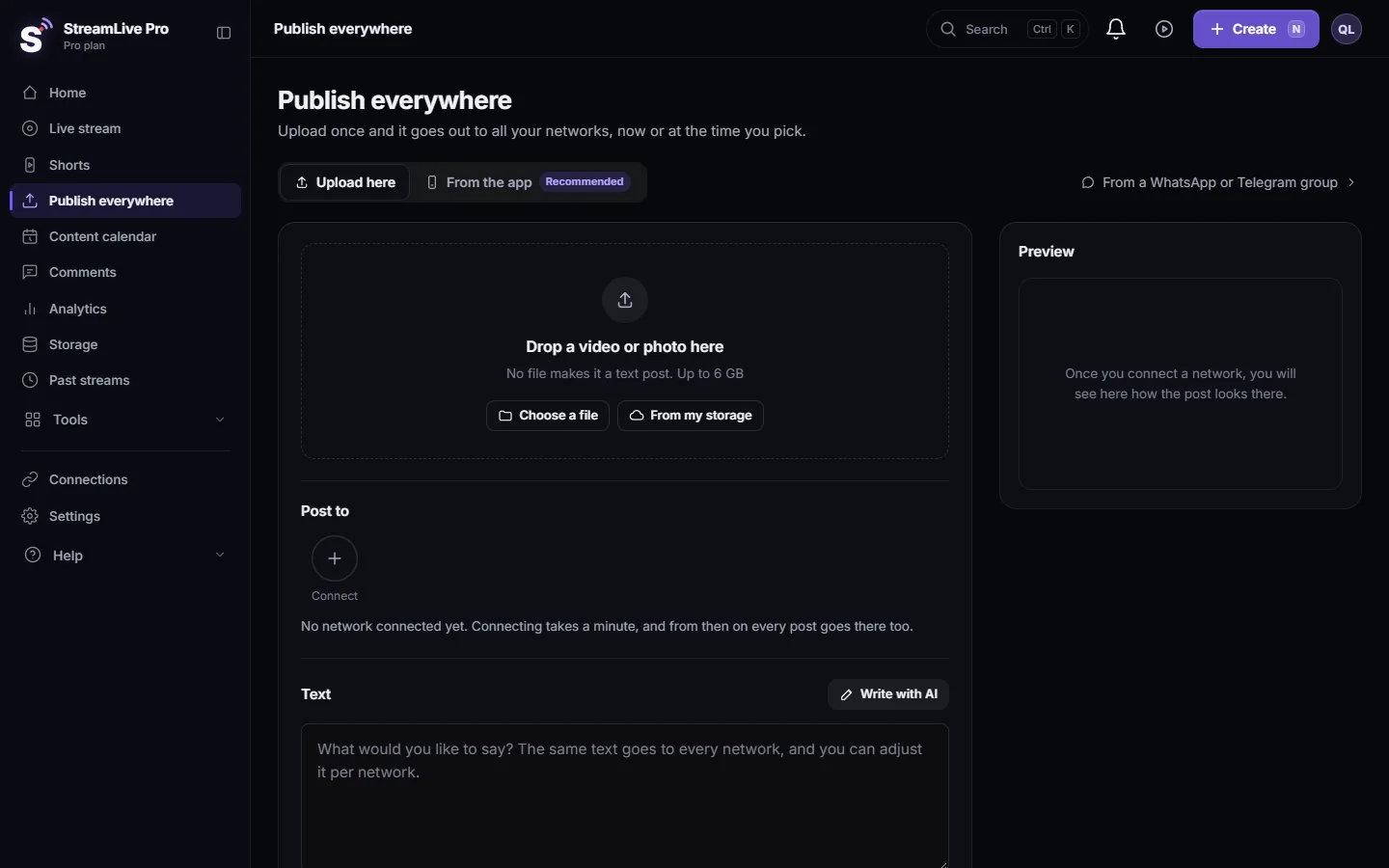
When a post went out with a mistake, you can take it down from several networks at once. On Publish everywhere, find the post in Activity and click Delete everywhere. StreamLive Pro deletes it from each network that allows apps to delete posts, and tells you which ones it could not reach so you can remove those by hand.
This cannot be undone: a post deleted from a network is gone from that network.
Before you start
- Only published posts. The button appears on a post that went out on at least one network. A post that is still scheduled is cancelled instead; see Edit, copy or cancel a scheduled post.
- Working connections. Deleting is done with the same connection that posted. If a connection expired, reconnect it first in Connections, or that network will be reported as failed.
- Decide about the file. If the post is removed from every network, the video file that post used is removed from your Storage too. If you want to keep the file, download it first from Storage.
Which networks can be deleted from here
| Network | Deleted by Delete everywhere | If not, where to delete |
|---|---|---|
| YouTube | Yes, the video is deleted from the channel | |
| Facebook Page | Yes, the post, video or Reel | Stories cannot be deleted by apps: remove them on Facebook |
| Yes | ||
| X | Yes, where X posting is available on your account | |
| No. Instagram does not allow apps to delete posts | In the Instagram app | |
| TikTok | No. TikTok does not allow apps to delete posts | In the TikTok app |
| Threads, Bluesky, Mastodon, Telegram, Discord, Slack and the others | No, they are reported as "could not delete" | In each network's own app |
Steps
- Open the publish screen. Click Publish everywhere and scroll down to Activity. If the post is older, click the button under the list that shows how many more there are.
- Find the post. Each post shows the networks it reached. A green mark means published there.
- Click Delete everywhere. It appears on posts that were published on at least one network.
- Confirm. A window asks "Delete this content from all networks it was published to? This cannot be undone." Click Delete.
- Read the result. A message lists "Deleted from" and "Could not delete from", with the reason for each network that failed.
- Finish by hand where needed. Open Instagram, TikTok or any other network on the "could not delete" list and remove the post there.
What happens to your video file
| Situation | Your file in Storage |
|---|---|
| The post was removed from every network | The file that post used is deleted too |
| Some networks could not be deleted | The file is kept, so you can try again after reconnecting |
| The video is on air right now, or scheduled as a live broadcast | The posts are removed, but the file is kept. Stop or cancel the broadcast first if you want it gone |
| A translation project was made from this video | The posts are removed, but the file is kept, so the project does not lose its source |
What can go wrong
| Symptom | Likely cause | Fix |
|---|---|---|
| "Could not delete from instagram" or "tiktok" | These networks do not allow apps to delete | Delete in the Instagram or TikTok app |
| "Facebook stories cannot be deleted through the API" | The post was a Story | Delete the Story on Facebook |
| "No connection or URL" | The connection that posted was removed, or the network gave no link | Reconnect, or delete on the network itself |
| A refusal from YouTube, Facebook or LinkedIn | The connection expired or lost its rights | Reconnect in Connections and click Delete everywhere again |
| "This video is being broadcast right now" | The file is the source of a live | Stop the broadcast; the posts were already removed |
Related pages
- Publish a finished video to social networks
- Recordings and storage — what is kept and for how long: what is kept in Storage and for how long.
- Reconnect a channel whose connection expired
Frequently asked questions
Can I delete a post from all networks at once?
Yes, from YouTube, Facebook Pages, LinkedIn and X in one step with Delete everywhere. Instagram, TikTok and the other networks must be cleaned up in their own apps.
Why can StreamLive Pro not delete my Instagram Reel?
Instagram does not let apps delete posts. Delete the Reel in the Instagram app.
Can I undo a delete?
No. Once a network deletes the post, it is gone from that network. The confirmation window warns about this before anything is deleted.
Is my video file deleted too?
Only if the post was removed from every network and nothing else uses the file. Otherwise the file stays in Storage.
How do I stop a post that has not gone out yet?
Cancel it instead. A scheduled post is cancelled from the Content calendar, and its file stays in Storage.
Keep reading
Read and answer YouTube, Facebook Page, Instagram and Threads comments on the Comments page: which networks work, filters, replies, likes and hiding, and limits.
Which networks give numbers to AnalyticsWhich networks give numbers to StreamLive Pro Analytics: YouTube, Instagram, Facebook Pages, Threads and Twitch, and why TikTok, LinkedIn and X differ.
My post failed on one networkA post went out on some networks and failed on one. How to read the reason, fix the usual causes, and send it again only to the network that failed.
Short or regular video: how each network gets your videoHow StreamLive Pro decides if your video goes out as a YouTube Short, a Reel or a regular video: shape and length per network, and how to get the other one.
Want to try it? 7-day trial, no credit card.
Start free