 StreamLive Pro
Check if your posts went out, with ChatGPT or Claude
Ask ChatGPT or Claude whether a post went out: the status of recent and scheduled posts, the link on each network, and the reason when one network failed.
After you publish a Short or a video through StreamLive Pro, you can ask ChatGPT or Claude "Did my post go out?" The assistant lists your recent and scheduled posts with their status, and for one post it gives the result on each network: the link to the published post, or what went wrong. It only reads; retrying a failed network is done in StreamLive Pro.
Before you start
- The assistant is connected: Use StreamLive Pro from ChatGPT and Claude. Reading posts uses the permission "See the Shorts cut from your recordings", which is on by default.
- The post was made through StreamLive Pro. From the publish screen, the phone app, the content calendar, or an assistant. Posts you made directly on a network are not listed.
Steps
- Ask for the list. "Show my last posts" or "Which posts are scheduled?" Each post comes with its title, text, channels, status and times.
- Filter if you need to. You can ask only for failed posts, scheduled ones, or ones still processing. The list returns up to 50 posts per request, 20 by default.
- Open one post. "What happened with the post about the evening class?" or name it by title. The assistant reads the result on each network.
- Read each network's result. For each channel you see its status and either a link to the post on the network or a short description of the problem.
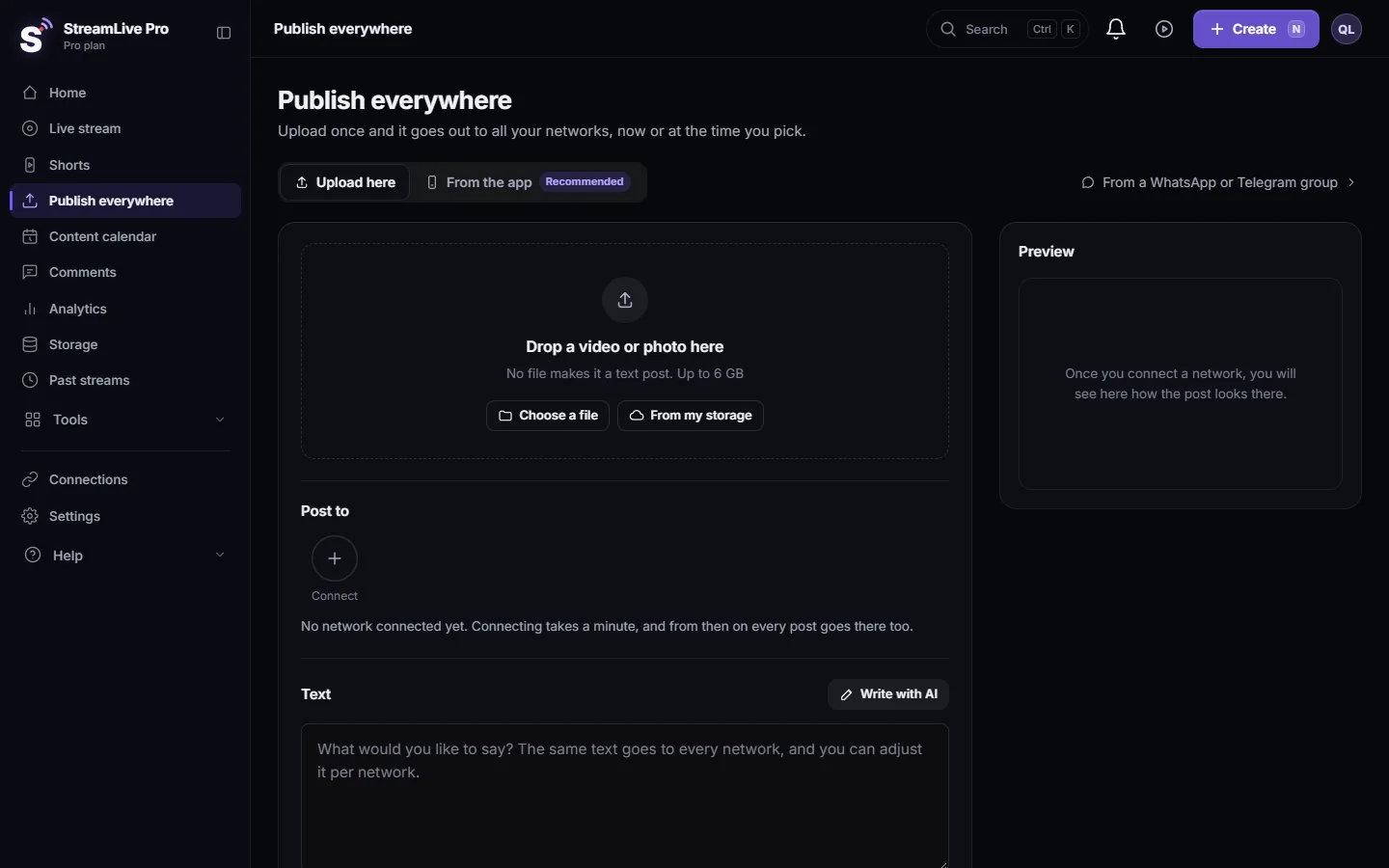
- Fix and retry in StreamLive Pro. If a network failed, open Publish everywhere or the content calendar and retry there: My post failed on one network. If the problem is an expired connection, reconnect first: Reconnect a channel whose connection expired.
- Check later for slow networks. Some networks process a video before showing it. Ask again in a few minutes; the result is updated as each network answers.
The statuses you will see
| Status | What it means |
|---|---|
| scheduled | Waiting for its time |
| pending | Accepted, about to start |
| processing | Uploading or waiting for a network |
| completed | Went out on every chosen channel |
| partial | Went out on some channels and failed on others |
| failed | Did not go out |
| cancelled | Cancelled before it went out |
A partial post is the one to look at: the per-network result tells you which channel failed and why.
A habit worth keeping
After every big publish, for example yesterday's Shorts to several networks, ask once "What is the status of today's posts?" You catch a channel whose connection expired early, before the next post fails there too. If the same network fails again and again, the cause is almost always the connection, not the video.
Good questions to ask
- "Did yesterday's Short go out on YouTube and Facebook? Give me the links."
- "Which posts failed this week, and why?"
- "What is scheduled for tomorrow?"
- "Was the post on my LinkedIn page published?"
The assistant answers from what StreamLive Pro recorded. For views and engagement of a post, see Ask ChatGPT or Claude about your analytics or Analytics for one post: reach, engagement and audience.
What the assistant cannot do here
- Retry a failed network. That is a button in StreamLive Pro, not a tool.
- Delete a published post. See Delete a published post from every network.
- Publish to TikTok, Pinterest or WhatsApp groups. Those are posted from the publish screen in StreamLive Pro. Posts you made to them there can still show in the list.
What can go wrong
| What happens | Likely cause | Fix |
|---|---|---|
| The post is not in the list | It was made directly on the network, or it is an older post | Look in the content calendar |
| A network shows a problem about access or a token | The connection expired | Reconnect it, then retry the post |
| Status stays processing for a long time | The network is still processing the video, or the upload is queued | Ask again later; for YouTube see My YouTube upload is waiting in a queue |
| No link for a completed network | The network did not return a link | Open the channel on the network to find the post |
Frequently asked questions
Can ChatGPT tell me if my Short was published?
Yes. Ask about the post, and the assistant returns the result on each network, with the link to the published post or the problem.
Can the assistant retry a post that failed?
No. Retrying is done in StreamLive Pro, from the content calendar or the publish screen.
Does it show posts I made directly on YouTube?
No. Only posts made through StreamLive Pro are listed.
What does partial mean?
The post went out on some of the chosen channels and failed on at least one. The per-network result shows which.
How many posts can the assistant list?
Up to 50 per request, 20 if you do not ask for a number.
Keep reading
Move a scheduled post to a new time, change its title or text, or cancel it before it goes out, by asking ChatGPT or Claude. What the chat can and cannot change.
Schedule live streams and posts: the complete guideSchedule live streams and posts on YouTube, Facebook and more: lives, posts, Shorts, groups and AI, the Content calendar, what runs by itself, and the limits.
What is OAuth? Connecting an account without a passwordWhat OAuth is: how one app gets limited access to your account on another service without your password. Tokens, scopes, why connections expire, how to revoke.
My YouTube upload is waiting in a queueYour YouTube upload says it is queued? Why it waits for midnight Pacific time, how to check when it starts, and what to do when it cannot wait.
Want to try it? 7-day trial, no credit card.
Start free