 StreamLive Pro
My YouTube upload is waiting in a queue
Your YouTube upload says it is queued? Why it waits for midnight Pacific time, how to check when it starts, and what to do when it cannot wait.
The most likely cause: today's automatic YouTube uploads for your plan are used, so this one was queued for the next day. It is not lost. It starts by itself a few minutes after midnight Pacific time, and the message and the notification tell you around when, in your time zone. Less often the whole service's daily YouTube quota ran out first; the same queue applies. If the post was also going to other networks, those went out on time; only YouTube waits.
Symptom, cause and fix
| Symptom | Likely cause | Fix |
|---|---|---|
| "Your plan includes N YouTube uploads per day - this one is queued for tomorrow. It starts automatically around..." | Your plan's daily number of YouTube uploads is used | Wait, or upload this one yourself (steps 4-5). See The daily limit on YouTube uploads |
| "YouTube daily API quota is used up - the upload is queued and starts automatically after midnight Pacific time" | The shared YouTube quota of the service ran out for the day | Wait. No action needed |
| "Automatic upload to YouTube is not included in your plan..." | The plan has no automatic YouTube uploads | Download the Short and upload it in YouTube Studio, or see /pricing?lang=en |
| The post shows Scheduled, not queued | It was scheduled for a later time | Check the time in the content calendar |
| A message that the channel must be reconnected | YouTube's permission expired or was removed | Reconnect it: Reconnect a channel whose connection expired |
| The video is on YouTube but still processing | YouTube is processing it on its side | Wait; YouTube Studio shows its progress |
Steps
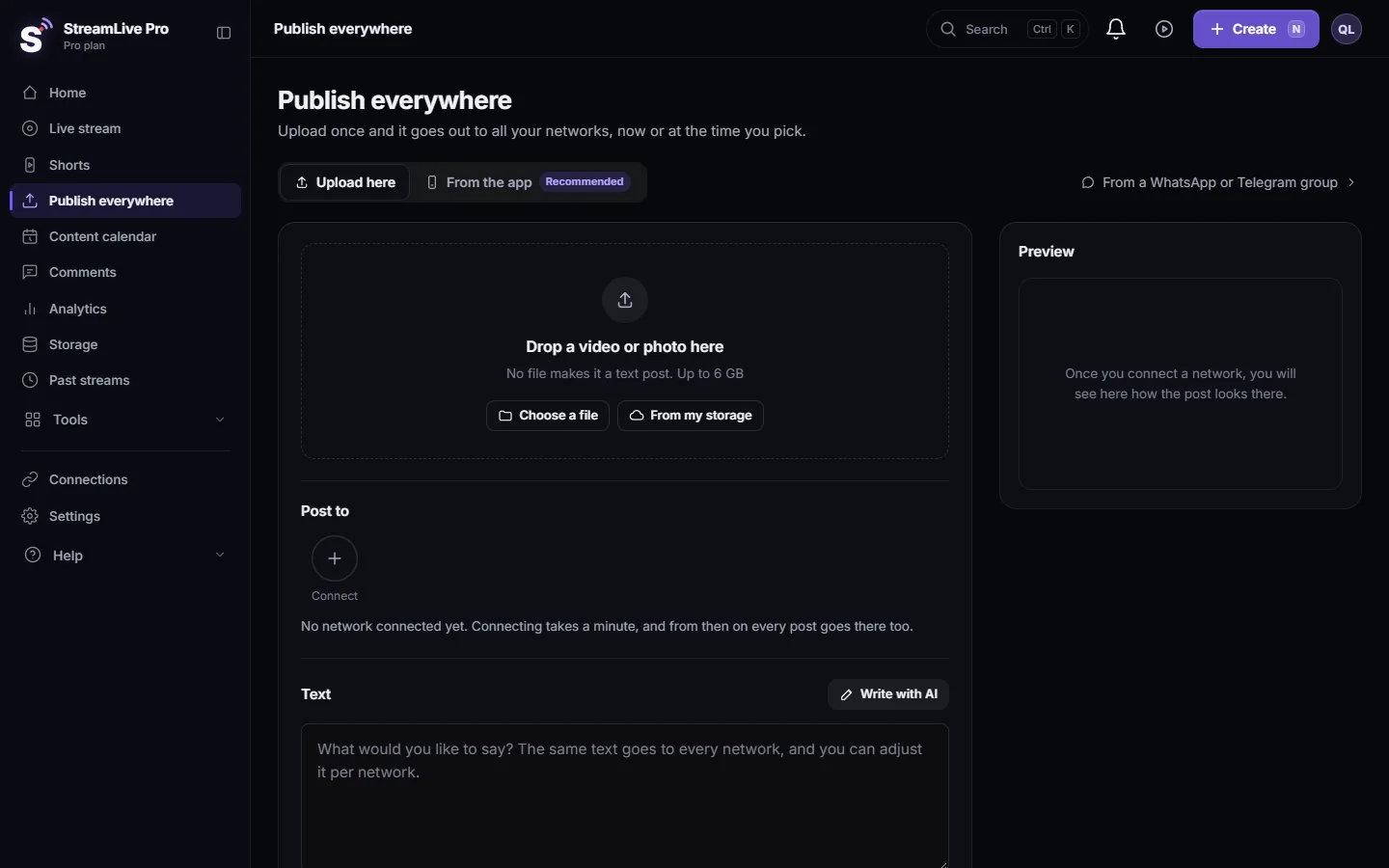
- Read the notification. A queued upload sends one titled "YouTube: upload queued", with the expected start time. It links to Publish everywhere.
- Check the post's YouTube result. Open Publish everywhere. The post's result for YouTube carries the same message.
- Leave it, if the time works. Do not publish the same Short to YouTube again: the new upload joins the same queue, and you may end up with two copies.
- If it cannot wait, download the Short. Use Download on the Short's card: Download a Short as an MP4 file.
- Upload it in YouTube Studio yourself. Then watch the queued upload after the reset: if both go out, delete one of the copies on YouTube.
- Plan the next ones. Use the Publish all bar's default of one Short a day, or schedule YouTube uploads across the week. See Publish all your Shorts at once.
The order after midnight
Queued uploads do not all start at the same second. They are released a few minutes after the reset, accounts on Studio first, then Pro, then Creator, and in the order they were queued within each. With several of your own uploads in the queue, they go out a short time apart.
Why it is not "failed"
YouTube gives each service a daily quota of API units and resets it at midnight Pacific time (YouTube Data API: Quota costs, checked 5 November 2026). An upload that cannot fit today has nothing wrong with it; it fits tomorrow. That is why StreamLive Pro parks it instead of marking it as an error, and why pressing publish again does not make it go faster.
When to contact support
Write to [email protected] if an upload is still waiting more than two hours after the start time it gave you, or if the same upload was queued more than once. Send the post's title, the YouTube channel name, the time on the message, your plan, and a screenshot of the YouTube line of the post.
Related: Post a Short to YouTube Shorts, Reels and TikTok, Schedule social media posts to several networks at once.
Frequently asked questions
Is my queued YouTube upload going to be published?
Yes. It starts automatically after the next midnight Pacific time. The notification shows the expected start time in your time zone.
Can I make it go out today?
Not through StreamLive Pro once the day is full. Download the Short and upload it yourself in YouTube Studio if it cannot wait.
Did the other networks wait too?
No. Only the YouTube part of the post is queued. Facebook, Instagram, TikTok and the rest go out as planned.
Will publishing it again help?
No. A new upload to YouTube joins the same queue and can lead to two copies on your channel.
Why midnight Pacific time and not midnight where I live?
YouTube resets its daily API quotas at midnight Pacific time, so that is when uploads can go out again, wherever you are.
Keep reading
Video upload failed in StreamLive Pro? The file may be over 6 GB, bigger than your free storage, or the upload was cut off. What each message means and the fix.
My post failed on one networkA post went out on some networks and failed on one. How to read the reason, fix the usual causes, and send it again only to the network that failed.
Short or regular video: how each network gets your videoHow StreamLive Pro decides if your video goes out as a YouTube Short, a Reel or a regular video: shape and length per network, and how to get the other one.
Connect Bluesky with an App PasswordConnect Bluesky to StreamLive Pro with an App Password, never your main password: how to create one, which handle to type, what each error means, and how to revoke it.
Want to try it? 7-day trial, no credit card.
Start free