 StreamLive Pro
Open and closed captions: burned in or a separate file
Open vs closed captions: burned into the picture or sent as a file the viewer can switch off. What each is good for, which networks take which, and how to make both.
Open captions are drawn into the picture itself. Everyone sees them, on every player, and nobody can turn them off. Closed captions travel next to the video as a separate track, usually an SRT or VTT file, and the viewer switches them on or off. The words can be identical; what differs is where they live and who controls them.
In StreamLive Pro you make both from the same corrected transcript: export an MP4 with the captions burned in for open captions, or an SRT or VTT file for closed captions, or the video and the file together.
Side by side
| Feature | Open captions (burned in) | Closed captions (a file or track) |
|---|---|---|
| Where they live | In the pixels of the video | In a separate file or track |
| Can the viewer turn them off | No | Yes |
| Several languages | One per video file | Many, the viewer picks one |
| Design | Any font, colour, highlight and position you choose | The player decides how they look |
| Shown everywhere | Yes, also when the video is forwarded or reposted | Only where the player supports caption files |
| Can you fix a typo after publishing | Only by uploading a new video | Replace the file, the video stays |
| Searchable text | No, it is part of the picture | Yes, the platform can read the file |
| Typical files | MP4 with captions | SRT, VTT, ASS |
The terms come from television, where closed captions were hidden in the broadcast signal and needed a decoder to appear, while open captions were visible to all. Subtitles and captions are often used as the same word today. Strictly, captions also describe sounds (music, laughter) for viewers who cannot hear, while subtitles translate the speech; both can be open or closed.
When to use open captions
- Vertical video on phones. A viewer scrolling in a bus or a waiting room often has the sound off. Captions in the picture keep them watching.
- Networks that take no caption file from you. For a Short or Reel that goes to Instagram, TikTok or a WhatsApp status, burning in is the dependable way to have your exact captions there.
- A design that matters. Word-by-word highlight, a brand colour, a font: only burned captions keep it.
- Hebrew and other right-to-left languages. A burned caption looks exactly as you checked it. A file depends on how each player handles direction.
- Video that will be forwarded. A burned caption survives every repost and download.
When to use closed captions
- YouTube and long videos. YouTube accepts SRT and WebVTT among its caption files (YouTube Help: Supported subtitle and closed caption files, checked 5 November 2026). Viewers can turn them off, and you can add more languages later.
- Several languages for one video. One video, one file per language. See Which languages can I translate captions to?.
- Your own website. HTML5 players read VTT.
- Editing software. Premiere Pro, DaVinci Resolve and others import SRT, so an editor can keep working on the text.
- Accessibility needs where the viewer chooses. Some viewers want captions larger or off; a file lets the player handle it.
Can you use both?
Yes, and it is common. A Short goes out with burned captions in the original language, and the long version goes to YouTube with closed captions in several languages. Avoid one thing: a video with burned captions plus a closed caption file in the same language, switched on. The viewer then sees the same words twice.
Making each one in StreamLive Pro
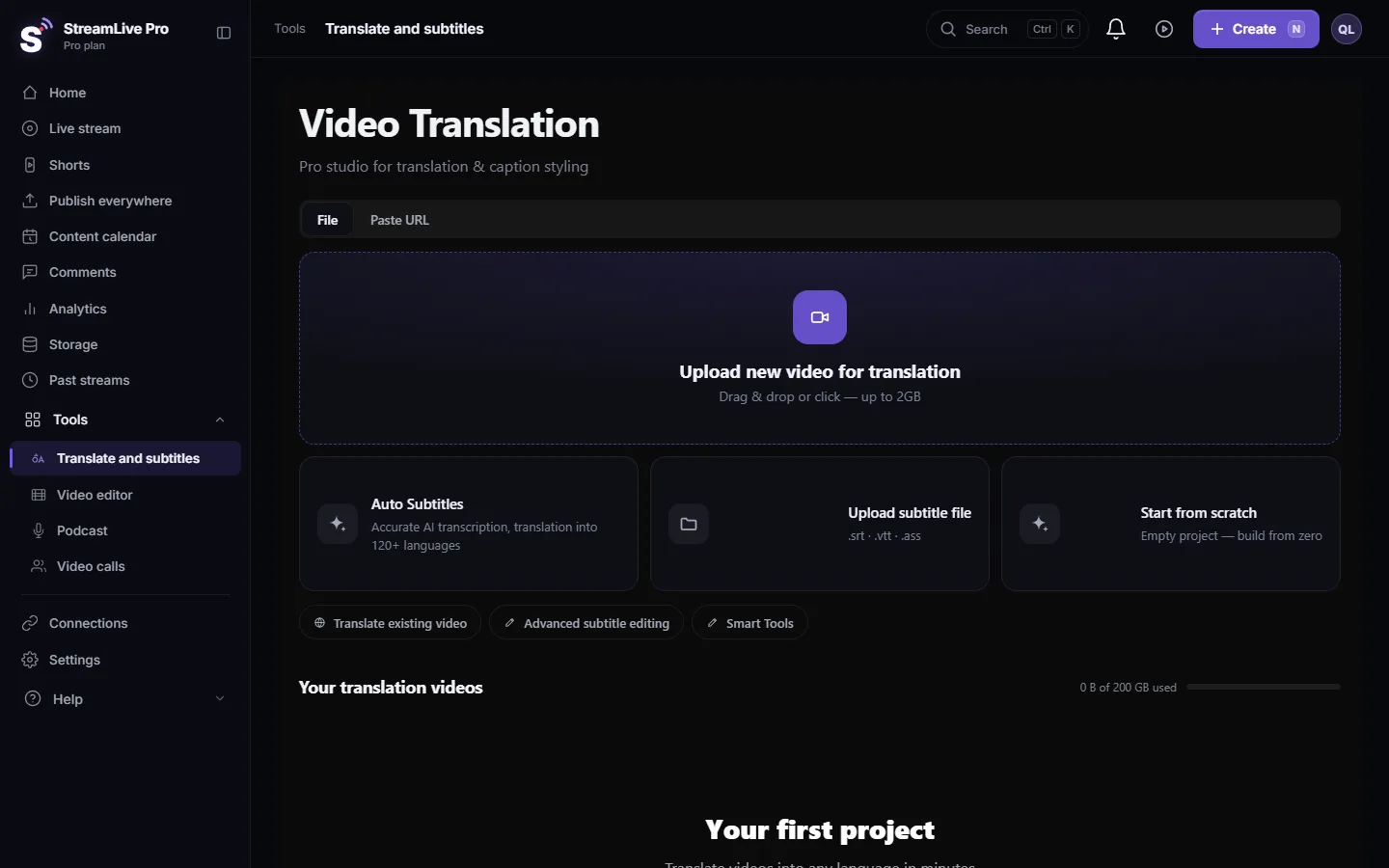
- Open the video. In Translate and subtitles open the project. Automatic Shorts open there too, from their Edit button in Shorts.
- Correct the text first. Every export, burned or file, is built from the same caption list. Fix names and terms once: Fix names and terms in a transcript (find and replace).
- For open captions, press Export and choose MP4 — Burned-in subtitles. The render runs on our server with the design you chose. Details: Burn captions into a video (hardcoded subtitles).
- For closed captions, press Export and choose SRT — Subtitles or VTT — WebVTT. The file downloads at once. All formats: Export captions as SRT, VTT or ASS, and which one to use.
- For a clean video and a file together, choose Video + separate subtitle file in the export window. The video renders without captions in the picture, and an SRT with the same name downloads after it.
Then upload the file where it belongs: Upload SRT captions to YouTube, step by step, or for Facebook Add captions to a Facebook video (SRT or burned in).
What StreamLive Pro does not do
Captions that viewers see during a live broadcast, open or closed, are not available today. Captions are made after the broadcast, from the recording or from the Shorts. There is no dubbing and no voice cloning: translation is text only. See Captions and translation for live streams: what works today and what is coming.
A quick decision, per destination
| Where the video goes | What to send |
|---|---|
| YouTube, long video | Clean video plus SRT files, one per language |
| YouTube Shorts | Burned captions; you may add an SRT as well |
| Instagram Reels, TikTok, WhatsApp status | Burned captions |
| Facebook Page video | Burned captions, or an SRT through Facebook's own captions option |
| Your website | Clean video plus a VTT file |
| An editor who will keep working | Clean video plus SRT, or the ASS file to keep the design |
When in doubt, export both: the burned MP4 for social posts and the clean MP4 with its SRT for everything else. They come from the same corrected text, so they never disagree.
Common mistakes
- Burning captions into the only copy of a video, then needing a version without them. Keep the clean export too.
- Uploading an SRT in the wrong language slot on YouTube, so viewers who pick English see Hebrew.
- Placing burned captions low in a vertical video, where the network's buttons and description cover them. See Safe-zone guides for vertical and square viewers.
- Forgetting that a typo in burned captions means a new upload.
Frequently asked questions
What is the difference between open and closed captions?
Open captions are burned into the picture and always visible. Closed captions are a separate file or track that the viewer can turn on or off.
Are burned-in captions the same as open captions?
Yes. Burned in, hardcoded and open captions all mean captions drawn into the video picture.
Which is better for Instagram and TikTok?
Burned-in captions. You control exactly how they look, and they appear for everyone who watches with the sound off.
Can StreamLive Pro make both from one video?
Yes. The same corrected captions export as an MP4 with burned captions, as SRT or VTT files, or as a clean video with a separate SRT.
Keep reading
How to run a weekly Torah class online: a weekday live, scheduling ahead, Shorts with Hebrew captions, translation for students abroad and a podcast episode.
How to translate video subtitles into other languagesTranscription vs translation vs dubbing, SRT vs VTT vs burned-in, a workflow that stops errors multiplying, Netflix line-length rules and Hebrew RTL.
Burn captions into a video (hardcoded subtitles)Burn captions into a video in StreamLive Pro: correct the text, pick one of more than 80 designs, and render an MP4 with the captions drawn into the picture.
Import SRT captions into CapCut (desktop and web)Import SRT captions into CapCut: make and correct them in StreamLive Pro, download the SRT, and import it on CapCut desktop or web. The phone app cannot.
Want to try it? 7-day trial, no credit card.
Start free