 StreamLive Pro
A weekly Torah class online: live, Shorts and a podcast
How to run a weekly Torah class online: a weekday live, scheduling ahead, Shorts with Hebrew captions, translation for students abroad and a podcast episode.
A weekly Torah class online works when it is a routine: the shiur is streamed on a weekday from a browser to YouTube and the community's Facebook Page at once, and the recording keeps working all week, as Shorts with Hebrew captions, a podcast episode and translated captions for students abroad. Everything is prepared in advance. Whoever missed the live listens to the recording later.
For the gear, the sound, lighting a beit midrash and camera placement there is a detailed guide: How to live stream a Torah class: setup and sound. This page is about what happens around the class, week after week.
The week of the class
| When | What you do |
|---|---|
| Right after the class | Keep the recording and schedule next week's class |
| The next day | Go through the Shorts and correct the captions |
| Midweek | A podcast episode, translated captions for students abroad |
| Thursday | Check the Content calendar for the days ahead |
Before the class: the gear
- A clip-on microphone on the maggid shiur. It matters more than any camera. If people ask questions from the room, pass a microphone, or have the rav repeat the question.
- One camera on the rav, at eye level, with light from the front, not from a window behind him.
- A second phone on the sefer or the whiteboard, when a source is shown. It joins by a link or a QR code: Use your phone as an extra camera.
- Film the teacher, not the listeners. Someone who comes to the beit midrash does not necessarily want to be on YouTube.
Schedule ahead, for a weekday
In Live stream choose Schedule broadcast: title, description, date and time, networks. For YouTube and Facebook tick pre-announce, and you get a link to send in the community's WhatsApp group midweek: Schedule a live broadcast in advance.
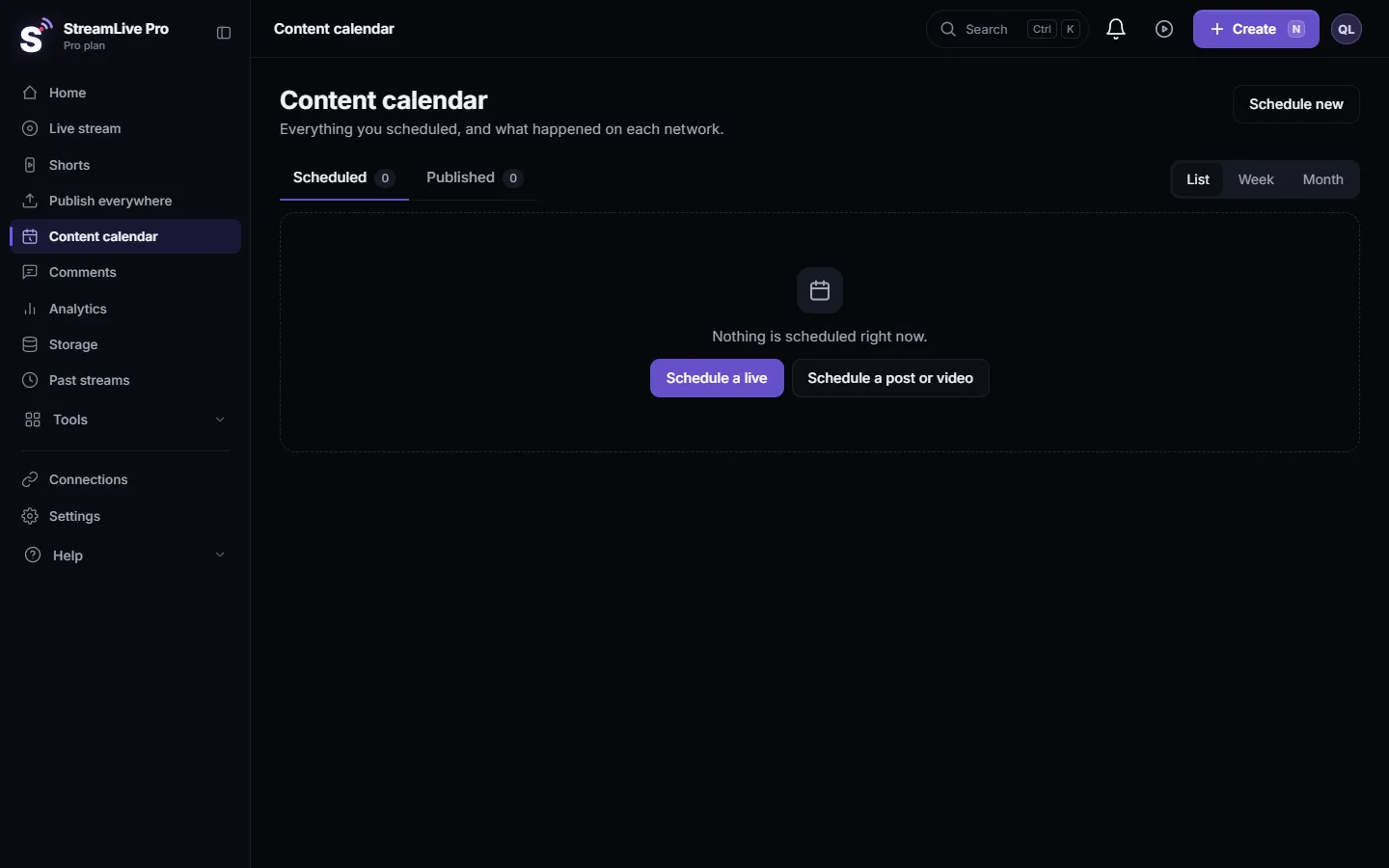
There is no "repeat every week" option. In the Content calendar open last week's class, press Duplicate, and change the date and the topic. Keep one title format, for example "Gemara Bava Metzia, class 14", so people find the class in search: Use the Content calendar for posts and lives.
What goes out by itself
StreamLive Pro does not know your calendar. It does not hold or move anything for you, and whatever is scheduled goes out at its time. So it matters what runs on its own:
| What | Goes out by itself? | What to do |
|---|---|---|
| A live scheduled from the browser studio | No. A reminder comes 10 minutes before, and you go live yourself | Schedule weekdays only |
| A pre-recorded broadcast | Yes, at the set time | Never set one for a day you do not stream |
| Scheduled posts and Shorts | Yes | Check the Content calendar each week |
| "Publish all" Shorts, one a day | Yes, on consecutive days, weekends included | After scheduling, move or cancel any item on a day you do not publish |
| A scheduled podcast episode | Yes | Give it a weekday |
A simple rule: once a week open the Content calendar in the Week view, and make sure nothing sits on a day you do not publish. Before a longer break, do the same for all its days. When a class must end by a set time, end with a clear margin and stop the broadcast by hand.
After the class: Shorts from the shiur
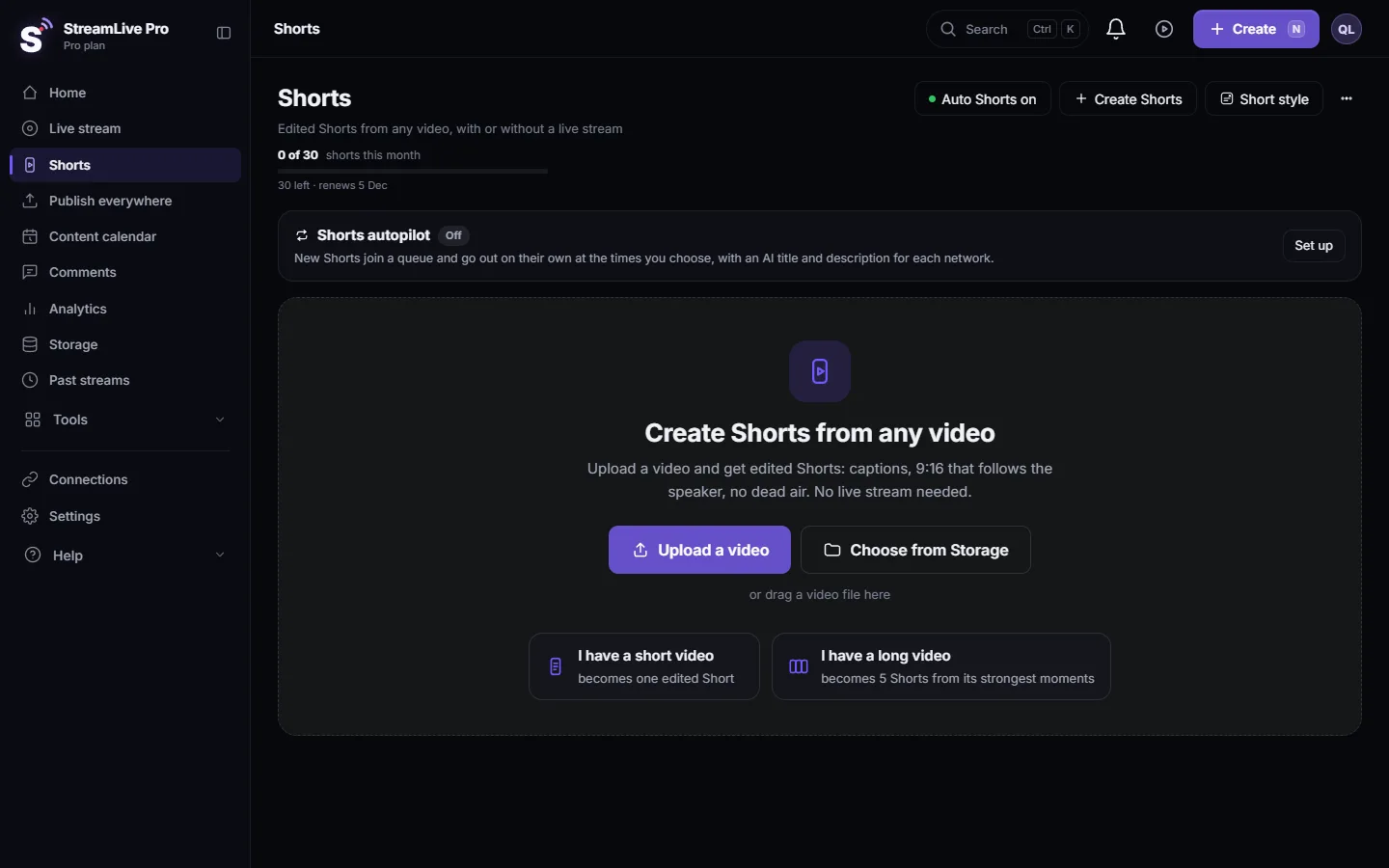
After every live, StreamLive Pro cuts up to 5 vertical Shorts with Hebrew captions from the recording, unless automatic Shorts are switched off. On Creator and the trial it cuts at the natural pauses in speech, which suits a class spoken in clear sentences. On Pro and Studio the AI transcribes the whole class and picks the strongest moments: How the moments for your Shorts are chosen.
Two things must be checked in a Torah class before anything is published:
- The context. An automatic tool does not know whether a sentence is a conclusion or a question the Gemara rejects a moment later. Someone who was in the class, preferably the maggid shiur himself, approves each clip.
- The captions. Everyday Hebrew comes out well, but Aramaic, abbreviations, names of Tannaim and Amoraim and source references are where the mistakes are. Correct them before publishing: Edit a Short before you publish it.
Students abroad: translated captions
For students who follow English, French, Russian or Spanish better, open the kept recording in Translate and subtitles, correct the Hebrew transcript, and translate: 143 languages on Pro and Studio, 25 on Creator and the trial. A good translation starts from a clean transcript, so fix the terms first. Captions are made after the class, not during the live: How to translate video subtitles into other languages. Shorts can get translated captions too: Translate the captions of a Short.
The class as a podcast
Many people listen to a shiur on the way to work rather than watch it. Every kept broadcast can become an episode in one podcast feed that you submit once to Spotify and Apple Podcasts. In the podcast card choose New episode and pick the broadcast from your library: Add an episode to your podcast RSS feed. The feed is public only on the paid plans; on the trial you can try it, but the feed is not open to the public.
A rav teaching from home, or a guest
A maggid shiur who cannot come, or a guest rav from another city, joins by a link in the browser, with nothing to install. One link works for everyone and is valid for 4 hours, so send it on the day of the class: Guests and invitations — bringing people into the room.
If you already produce in OBS
If you produce in OBS or vMix, send the program to StreamLive Pro by RTMP or SRT, and from there the class goes out to every network. This is on the paid plans; the trial uses the browser studio: Connect OBS to StreamLive Pro and multistream. StreamLive Pro Studio, free, professional streaming software for Windows and Mac, is coming. It is in testing (version 0.5.0) and not downloadable yet: /desktop?lang=en.
Common mistakes
- "Publish all" without checking. One a day can put some of them on days you do not publish.
- A pre-recorded broadcast set for a day you do not stream. It goes live by itself. Do not set one.
- Shorts without the approval of someone who was there. A sentence out of context can say the opposite.
- Aramaic in the captions left uncorrected. The mistake moves into every language you translate into.
- The recording was not kept. Without Record, it is removed about two hours after the live: Where is my live stream recording?.
Where StreamLive Pro fits
StreamLive Pro streams the class from a browser to YouTube and a Facebook Page at once, then turns the recording into Shorts with Hebrew captions, translated captions and a podcast episode. It does not know your calendar, so the weekly check is yours. Plans: /pricing?lang=en. More: /for/torah-classes?lang=en.
Frequently asked questions
Can I stream a Torah class to YouTube and Facebook at the same time?
Yes. One live goes to your YouTube channel and to a Facebook Page you manage at once, and comments from both arrive in one panel.
Can something go live without my knowing?
A live from the browser studio does not start by itself. A pre-recorded broadcast, scheduled posts, Shorts and podcast episodes do go out at their time, so check the Content calendar each week.
Does "Publish all" skip any days?
No. One a day means consecutive days. After scheduling, move or cancel in the Content calendar any item that falls on a day you do not publish.
How do I turn the class into a podcast?
Create a new episode in the podcast card and pick the kept broadcast from your library. The feed is public on the paid plans, and you submit it once to Spotify and Apple Podcasts.
Does the transcription understand Aramaic?
Everyday Hebrew comes out well. Aramaic, abbreviations and names have mistakes, so correct the captions before publishing and before translating.
Can I schedule a fixed weekly class?
There is no fixed repeat. Duplicate last week's class in the Content calendar and change the date and the topic.
Keep reading
Descript alternative for transcription in Hebrew and more: languages, exports, remote recording, clips and live, from Descript's pages checked November 2026.
Video podcast setup by budget: one person or twoVideo podcast setup by budget: one person or two, dynamic mics in untreated rooms, camera angles, light, ISO recording, Spotify and Apple video, and Shorts.
Kapwing alternative: Kapwing vs StreamLive Pro comparedKapwing alternative for subtitles, translation and short clips: plan limits, languages, Hebrew, exports and live streaming, from Kapwing's pages checked November 2026.
VEED alternative for subtitles: VEED vs StreamLive ProVEED alternative for subtitles and Hebrew captions: plans, subtitle limits, translation, export formats and live streaming, from VEED's own pages checked November 2026.
Want to try it? 7-day trial, no credit card.
Start free