 StreamLive Pro
Export captions as SRT, VTT or ASS, and which one to use
Download captions as SRT, VTT, ASS or TXT from StreamLive Pro, or burn them into an MP4. Which format each editor and network takes, and what each keeps.
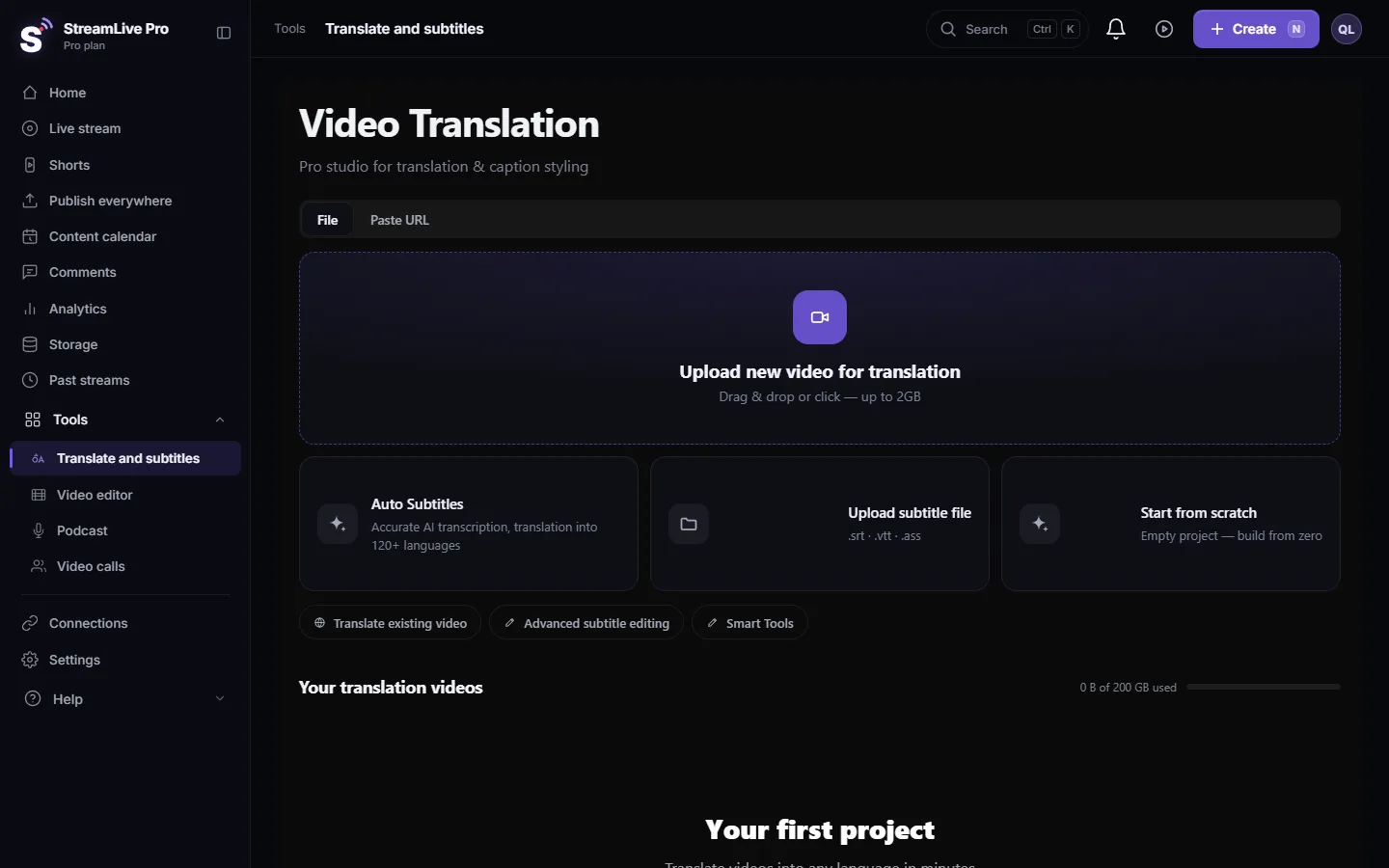
Open the video in Translate and subtitles, press Export and pick a format. SRT and VTT are plain caption files that YouTube, Premiere Pro and DaVinci Resolve read; ASS keeps the full caption design; TXT is the transcript without times; MP4 burns the captions into the picture. SRT, VTT and TXT are on every plan including the trial; ASS, JSON and the ZIP bundle are on the paid plans.
Which format for which job
| Format | What it keeps | Use it for | Plans |
|---|---|---|---|
| SRT | Text and timing | YouTube, Premiere Pro, DaVinci Resolve, most players | All, including the trial |
| VTT (WebVTT) | Text and timing, made for web players | Your website's HTML5 player, YouTube | All, including the trial |
| TXT | Text only, no times | A written transcript, an article, show notes | All, including the trial |
| ASS | Text, timing and the full design (font, colours, outline, plate, position, word highlight) | Players and tools that read ASS; it is also the file we burn from | Creator, Pro, Studio |
| JSON | Captions with a time for every word | Developers and your own scripts | Creator, Pro, Studio |
| ZIP | Several files together | Archiving or handing a set to an editor | Creator, Pro, Studio |
| MP4, captions burned in | The captions drawn into the picture | Instagram, TikTok, WhatsApp, any place that cannot take a caption file | All (trial files carry a watermark) |
YouTube lists SRT and WebVTT among the caption files it accepts and asks for plain UTF-8 (Supported subtitle and closed caption files). Our files are UTF-8.
Steps
- Open the project. Go to Translate and subtitles and open the video from Your translation videos. A Short opens here too, through the Edit button on its card in Shorts.
- Correct before you export. Fix the lines in Subtitles. Every file is built from this list, with the timing as you left it.
- Mind the language. A translated language is its own version of the captions and its own file. Make sure the version on screen is the one you want before you export.
- Quick download. Press Export and choose SRT — Subtitles, VTT — WebVTT or ASS — Styled subtitles. The file downloads straight away, without a render.
- More formats. In the export window open the Subtitles tab for TXT, JSON and the ZIP bundle.
- Video and file together. In the video tab choose Video + separate subtitle file. The video renders without captions in the picture, and an SRT with the same base name downloads right after it.
- Burned in. Choose MP4 — Burned-in subtitles. The captions are drawn into the picture with the design from the editor; the render runs on our server and you can keep working.
Hebrew and other right-to-left languages in a file
A caption file has no text direction of its own. A Hebrew sentence that ends in a question mark can show the mark on the right side, at the start of the sentence. Our SRT and VTT files add one invisible right-to-left mark at the start of each line that contains Hebrew (or another right-to-left script), which is what subtitling houses do. Lines without such letters are left alone.
Two things can still undo it: re-saving the file in an editor that strips invisible characters or changes the encoding, and a player that lays out right-to-left text badly. If a line looks wrong, download the file again and test it in the real player. The checks that matter are in Automatic Hebrew captions for Premiere Pro, step by step.
What a plain file does not carry
SRT, VTT and TXT keep no design. Fonts, colours, the plate and the spoken-word highlight exist only in ASS and in burned-in video. If the design matters and the destination does not read ASS, burn the captions in. More on what reaches a file: Caption templates and styles in depth.
What can go wrong
- ASS or ZIP is locked. Those are on the paid plans; the trial has SRT, VTT and TXT. See the /pricing?lang=en.
- The file is out of sync with the video. The file is timed to the video in the project. If you trimmed the video afterwards in another editor, upload the final cut and export again.
- YouTube rejects the file. The file was edited and saved in another encoding. Download it again; YouTube needs plain UTF-8.
- The captions in the downloaded file differ from what is burned in a Short. A Short's caption text can be fixed with the Captions button on its card, which re-renders it. Export the file after that fix.
- Watermark on the MP4. Files made during the trial carry a small watermark; see The trial watermark and TikTok.
Related pages
- Into Premiere Pro: Automatic Hebrew captions for Premiere Pro, step by step
- Into DaVinci Resolve: Import SRT captions into DaVinci Resolve
- Captions in another language: Translate a video from English to Hebrew
- Video export settings in the editor: Exporting from the editor — formats and render settings
Frequently asked questions
Should I download SRT or VTT?
For YouTube, Premiere Pro and DaVinci Resolve, SRT is the safe choice. VTT is made for web players and suits an HTML5 player on your own site.
Which format keeps my caption design?
ASS, or captions burned into an MP4. SRT, VTT and TXT keep the text and timing only.
Can I download captions during the trial?
Yes. SRT, VTT and TXT are on every plan, including the trial. ASS, JSON and the ZIP bundle are on the paid plans.
Can I get the video and the caption file together?
Yes. Choose video plus a separate subtitle file in the export window. The video downloads and an SRT with the same name follows.
Can I download the captions of a Short?
Yes. Press Edit on the Short's card; it opens with its captions loaded, and you export from there like any other video.
Keep reading
Open vs closed captions: burned into the picture or sent as a file the viewer can switch off. What each is good for, which networks take which, and how to make both.
My transcript came out in the wrong languageTranscript in the wrong language? Auto-detect decides from the opening of the video and keeps that choice. Set the source language yourself and run it again.
Edit captions on the timelineEdit captions on the StreamLive Pro editor timeline: move a line, drag its edges to retime it, split it, change its text on the video, and shift the lines after it.
A weekly Torah class online: live, Shorts and a podcastHow to run a weekly Torah class online: a weekday live, scheduling ahead, Shorts with Hebrew captions, translation for students abroad and a podcast episode.
Want to try it? 7-day trial, no credit card.
Start free