 StreamLive Pro
The daily limit on YouTube uploads
Why StreamLive Pro uploads a set number of videos to YouTube per day on each plan, what happens to the uploads over it, and when the queued ones go out.
Each plan includes a number of automatic uploads to YouTube per day, and the number grows from Creator to Pro to Studio; it is on the /pricing?lang=en. An upload over that number is not dropped and not refused: it waits in a queue and starts by itself after the next daily reset, which is midnight Pacific time. You get a notification with the time it will start, in your own time zone. The limit counts YouTube only, and only uploads that StreamLive Pro makes for you.
Why there is a limit
Uploading to YouTube from another service goes through YouTube's Data API, and every service gets a daily quota from YouTube that all its customers share. Uploads use that quota much faster than anything else. The daily number per plan makes sure that one account cannot use up the day for everyone else. YouTube's quotas reset every day at midnight Pacific Time (YouTube Data API: Quota costs, checked 5 November 2026).
What counts and what does not
| Counts toward the daily number | Does not count |
|---|---|
| A Short or video published to YouTube from Shorts | Making Shorts (those count toward your monthly Shorts) |
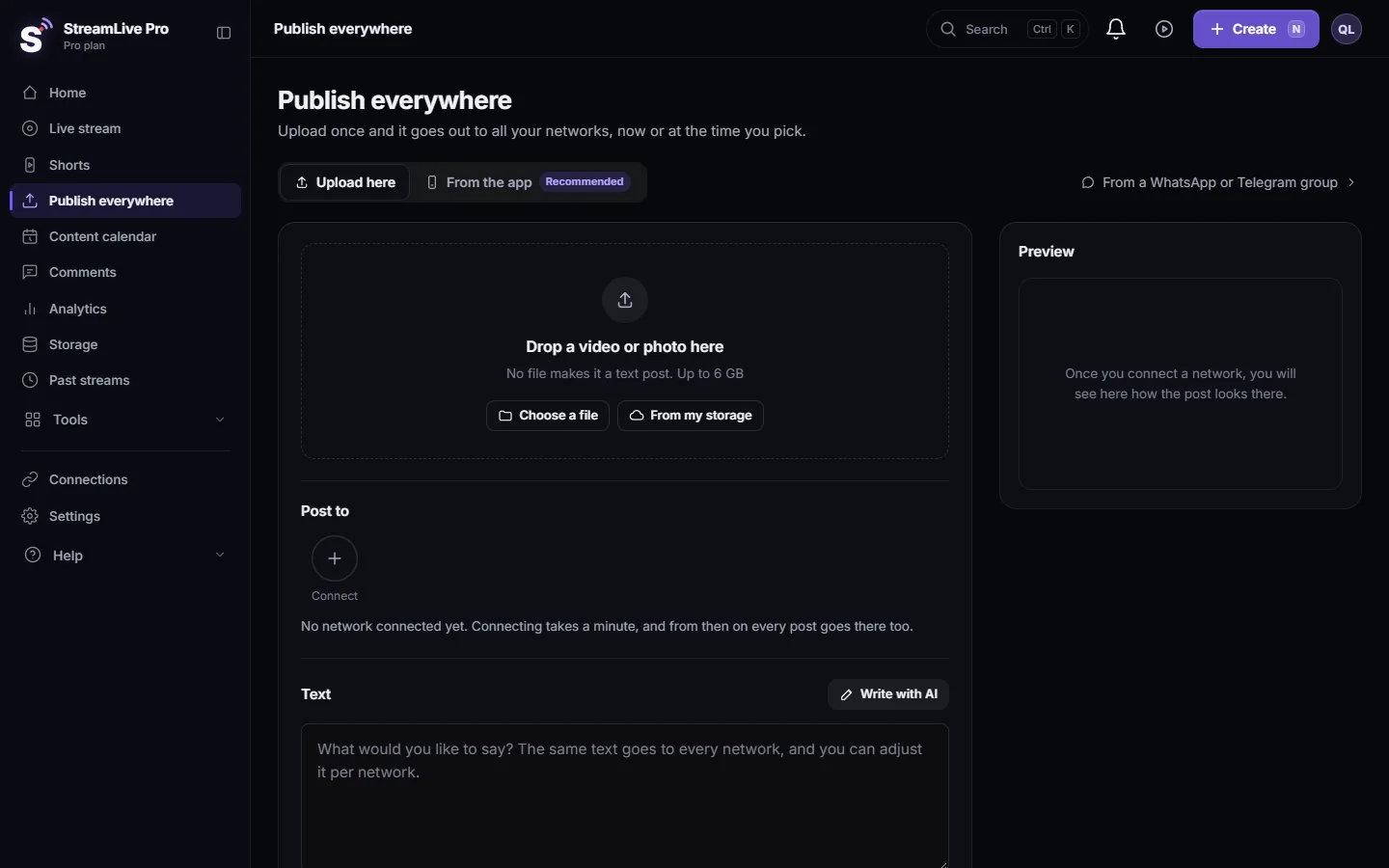
| A YouTube upload from Publish everywhere, now or scheduled | Posting to Facebook, Instagram, TikTok or any other network |
| Each Short sent to YouTube by the Publish all bar | Downloading a Short and uploading it yourself in YouTube Studio |
| A scheduled YouTube post, on the day it goes out | Going live on YouTube |
What happens over the limit
- The upload is reserved against today's number. If it fits, it goes out as usual.
- If it does not fit, it is parked, not failed. The result for YouTube says, for example, "Your plan includes N YouTube uploads per day - this one is queued for tomorrow. It starts automatically around" followed by the time, with your plan's number in place of N.
- A notification arrives with the title "YouTube: upload queued", linking to Publish everywhere.
- After the reset it starts by itself. Queued uploads are released a few minutes after midnight Pacific time, Studio first, then Pro, then Creator, in the order they were queued within each.
- The other networks of the same post are not held back. Only the YouTube part waits.
The same queue is used on the rare day when the shared YouTube quota of the whole service runs out before your own number does. The message then says the daily API quota is used up and the upload starts after midnight Pacific time.
Plan around it
- Spread your Shorts. The Publish all bar schedules one Short a day at your best hour by default, which stays inside even the smallest daily number. See Publish all your Shorts at once.
- Schedule instead of posting all now. Five Shorts "all now" on a plan with a smaller daily number puts the rest in tomorrow's queue anyway. Scheduling them across the week gives you control of the order.
- Upload important ones yourself when the day is full. Download the Short and upload it in YouTube Studio: Download a Short as an MP4 file.
- Keep YouTube for the strongest Shorts. Send every Short to Reels and TikTok, and only the strongest few to YouTube, if the daily number is tight.
Trial and plan changes
The 7-day trial includes a small taste of automatic YouTube uploads. A plan without automatic YouTube uploads gets a different message: "Automatic upload to YouTube is not included in your plan - download the short and upload it yourself, or upgrade." That upload is not queued, because it would not fit tomorrow either.
Related: My YouTube upload is waiting in a queue, Post a Short to YouTube Shorts, Reels and TikTok, How many Shorts can I make?.
Frequently asked questions
How many videos can StreamLive Pro upload to my YouTube channel per day?
It depends on the plan, with more on Pro and Studio than on Creator. The current numbers are on the pricing page.
Is an upload over the limit lost?
No. It is queued and starts automatically after the next midnight Pacific time. You get a notification with the expected start time in your time zone.
Does the limit apply to TikTok or Instagram?
No. It counts automatic uploads to YouTube only.
Can I upload more by hand?
Yes. Download the Short and upload it in YouTube Studio. That upload does not go through StreamLive Pro and does not count.
Why midnight Pacific time?
That is when YouTube resets the daily API quotas, so it is when uploads can go out again.
Keep reading
Your YouTube upload says it is queued? Why it waits for midnight Pacific time, how to check when it starts, and what to do when it cannot wait.
Short or regular video: how each network gets your videoHow StreamLive Pro decides if your video goes out as a YouTube Short, a Reel or a regular video: shape and length per network, and how to get the other one.
Upload a video to YouTube from StreamLive ProUpload a finished video to your YouTube channel from StreamLive Pro: title, who can watch, made for kids, cover, Shorts, scheduling and daily upload limits.
Schedule social media posts to several networks at onceSchedule one post to YouTube, Facebook, Instagram, Threads, Telegram and more from one screen, then edit, copy or cancel it in the Content calendar.
Want to try it? 7-day trial, no credit card.
Start free