 StreamLive Pro
What the StreamLive Pro 7-day trial includes
What the StreamLive Pro free trial includes: 7 days, no card, two lives of up to an hour to two networks, 10 Shorts, 10 translation minutes, and what stays closed.
The StreamLive Pro trial lasts 7 days and needs no credit card. In that week you can go live twice from the browser studio, for up to an hour each time, to up to two networks at once, get up to 10 Shorts with captions, translate up to 10 minutes of video and try publishing. The trial does not turn into a paid plan by itself. A few things stay closed until you choose a plan: streaming from OBS or other software, 4K, API keys, and anything you export carries a small StreamLive Pro mark.
The numbers below are the trial as it is set today. The current plans and their limits are always on the /pricing?lang=en page.
What you get in the trial
| Area | In the trial | On a paid plan |
|---|---|---|
| Length | 7 days, no card | Monthly or annual |
| Live broadcasts | 2 lives, up to 60 minutes each | Streaming hours per month by plan |
| Networks at once | 2 | More, by plan |
| How you go live | Browser studio (and the phone browser) | Also OBS, vMix and other encoders (RTMP, RTMPS, SRT) |
| Shorts | 10 in total, up to 5 from each video | A monthly number by plan |
| Translation | 10 minutes in total, videos up to 10 minutes | Minutes per month by plan |
| Video editor | 2 videos of up to 10 minutes, with automatic captions | By plan |
| Storage | 5 GB | By plan |
| Guests in the live studio | Up to 2 | By plan |
| Pre-recorded broadcast | Included | Pro and Studio, not Creator |
| Automatic camera switching | Included, with a small number of cameras | Pro and Studio, not Creator |
| Post from WhatsApp or Telegram groups | Included, up to 2 posts a day | Pro and Studio, not Creator |
| YouTube uploads | 1 a day | More, by plan |
| ChatGPT and Claude (MCP) | Included | Every plan |
| Mark on exports | Yes, on everything you export | No |
| 4K recording, API keys | Closed | 4K on Pro and Studio, API keys on Studio |
A live that never sent any picture does not use up one of your two lives. If the camera failed to open, or the app closed before video reached us, the system checks the broadcast after it ends and gives the turn back.
How to use the week well
- Connect one network. Open Connections and connect YouTube or a Facebook Page. Instagram and TikTok live need a stream key from the network itself; see Live on Instagram and TikTok with a stream key.
- Make a first result. Upload a video you already have and get Shorts from it, or go live from Live stream with Browser Studio. Uploading a video does not use one of your two lives.
- Press Record if you want the full video. The Shorts are cut from the broadcast either way, but the full recording is kept only if you press Record. Otherwise it is removed about two hours after the broadcast. See Where is my live stream recording?.
- Post one Short. Open Shorts, check the captions and the frame, and publish to a connected network. See Edit a Short before you publish it.
- Look at the numbers. Open Analytics a day later to see how it did.
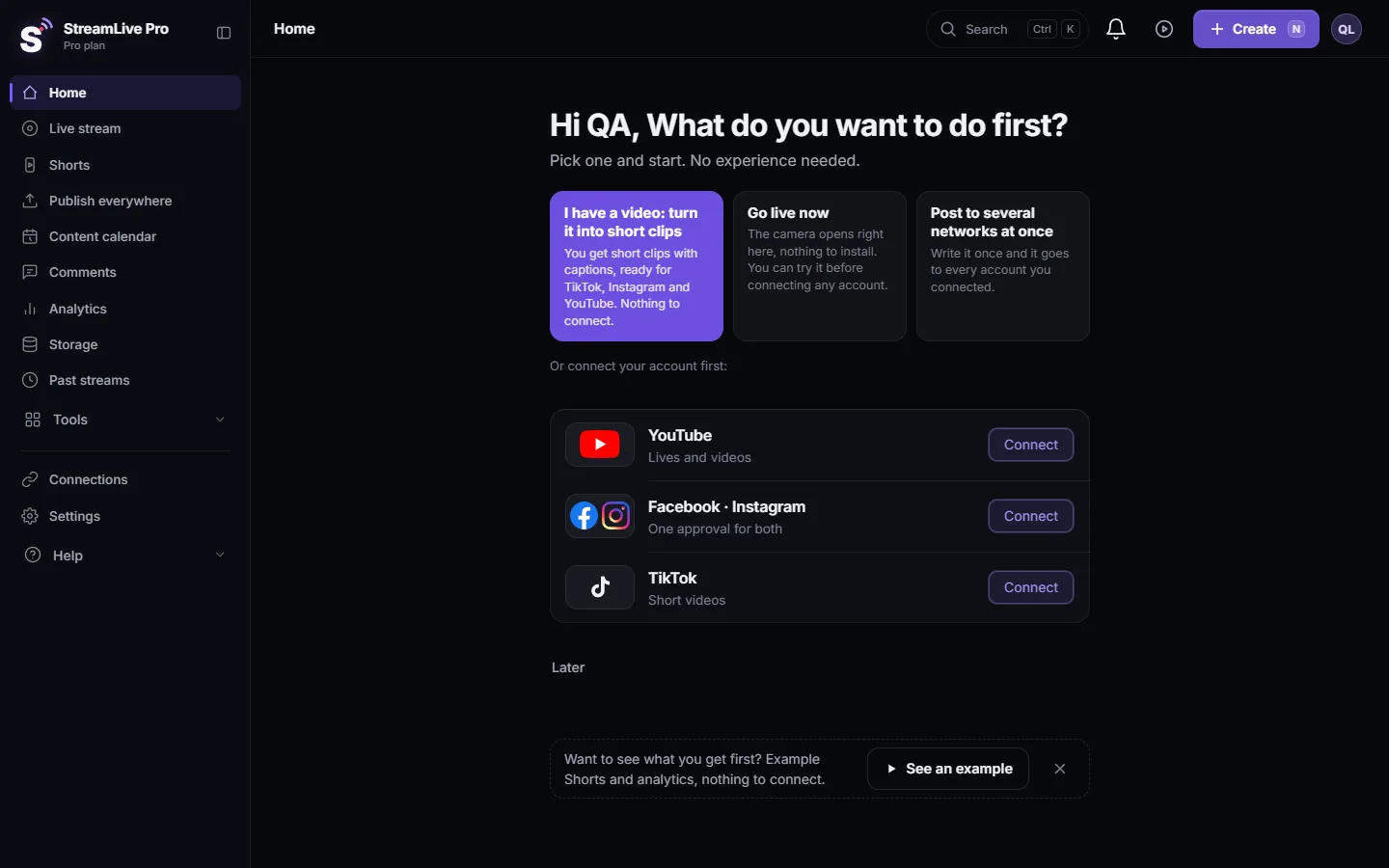
The Your first week card on Home follows the same four steps and shows how many days are left: Your first week: the four steps on Home.
What the trial does not include
- Streaming from software. OBS, vMix, Streamlabs and hardware encoders need a paid plan. In the trial the stream key is hidden and you go live from the browser studio. See Streaming from OBS or vMix with RTMP.
- Exports without the mark. Every Short and export from the trial carries a small StreamLive Pro mark. See The trial watermark and TikTok.
- 4K recording and API keys. 4K is on Pro and Studio; API keys for your own code are on Studio: API keys for developers: create, use and revoke.
- More than two networks in one broadcast. Tick two; a third is refused before the broadcast starts.
Things that are not in the product at all, in the trial or on any plan: captions or translation that viewers see during the live, dubbing, and a TikTok post on a schedule.
When you reach a trial limit
The action stops before it starts and a message says which limit you reached, with the numbers. Nothing else in your account changes. The message offers to see the plans, or to wait. More on these messages: When you reach a limit: what the message means. What happens on day 8: My trial ended: what happens to my account and files.
Frequently asked questions
Do I need a credit card for the trial?
No. The 7-day trial starts without a card and does not turn into a paid plan by itself.
Can I use OBS during the trial?
No. In the trial you go live from the browser studio or the phone browser. OBS, vMix and other encoders open on a paid plan.
Why is there a mark on my Shorts?
Everything exported during the trial carries a small StreamLive Pro mark. Shorts made on a paid plan have no mark.
A live failed to start. Did I lose one of my two lives?
Not if no picture reached us. A broadcast that never sent video is checked after it ends and does not count toward the two lives.
How many networks can I stream to in the trial?
Two at the same time. You can connect more networks, but one broadcast reaches at most two of them during the trial.
Can I invite my team during the trial?
Team seats depend on the plan. The seats each plan includes are listed on the pricing page.
Keep reading
Live stream or video call, slides and camera layout, lecture hall sound, student privacy, chat moderation, and captions and clips from the recording.
What is VOD? The replay of a live streamWhat VOD means: video on demand, the recording people watch after a live ends. Where replays live on each network and in StreamLive Pro, and how to keep yours.
Live streaming glossary: the terms you will meetA live streaming glossary in plain words: stream key, RTMP, SRT, bitrate, multistream, Preview and Program, ISO, captions, reframe. Where each shows up in StreamLive Pro.
A weekly Torah class online: live, Shorts and a podcastHow to run a weekly Torah class online: a weekday live, scheduling ahead, Shorts with Hebrew captions, translation for students abroad and a podcast episode.
Want to try it? 7-day trial, no credit card.
Start free