 StreamLive Pro
I cannot schedule: "You can schedule up to" a date
Scheduling a post or a live is refused: the date is past your trial or plan period, the account has no active plan, TikTok is ticked, or the time has passed.
Scheduling works on every plan and in the 7-day trial, for posts and for broadcasts. When it is refused, the reason is almost always the date: a scheduled post or live may not be set later than the end of what pays for it. In the trial that is the trial's last day; on a paid plan it is the date your current plan period runs to. The message then says "You can schedule up to" and names the date. Pick a time before that date, or schedule the later item once your plan has renewed.
The other messages are rarer: "Scheduling requires a paid plan" when the account has no active plan or trial, a TikTok refusal because TikTok cannot be scheduled, and a time that has already passed.
Message, cause, fix
| The message | Why | Fix |
|---|---|---|
| You can schedule up to (a date) | The time is after the end of your trial or current plan period | Choose a time on or before that date |
| Scheduling requires a paid plan. Upgrade to use this feature. | The account has no active plan or trial | Choose a plan: /pricing?lang=en |
| TikTok posts cannot be scheduled. Publish to TikTok now from the Publish screen, or untick TikTok to schedule the other networks. | TikTok is ticked in a scheduled post | Untick TikTok and schedule the rest; post to TikTok now, by hand |
| The time must be in the future | The time you picked has passed, or is less than a minute away | Pick a later time |
| A message that pre-recorded broadcasts need another plan | You scheduled a video as a live on Creator | Pre-recorded broadcasts are on Pro, Studio and the trial: Broadcast a pre-recorded video as a live stream |
Steps
- Read the date in the message. "You can schedule up to" shows the last day you can use, in your own time zone.
- Check what you are on. Open Billing. In the trial the limit is the trial's last day. On a paid plan it is the end of the current period, which moves forward when the plan renews.
- Choose an earlier time. In Publish everywhere under When? choose Schedule and pick a time before the date. For a live, use Schedule broadcast in Live stream.
- Untick TikTok if it is ticked. A scheduled post cannot include TikTok. Schedule the other networks, then publish the TikTok version now: Post a video to TikTok from your computer.
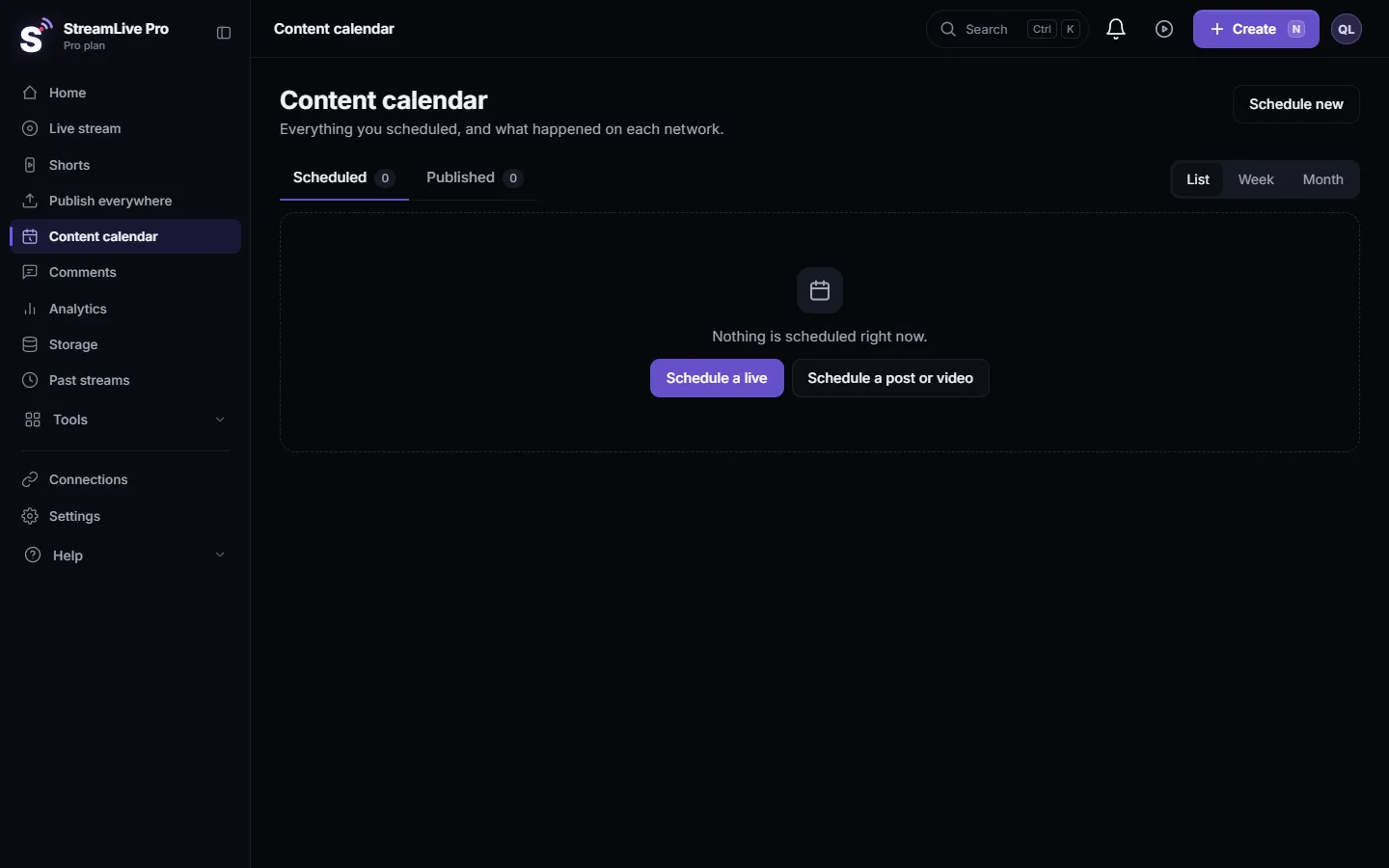
- Schedule the rest later. For an item after the date, save the text and the file, and schedule it after your plan renews. Items you already scheduled are listed in the Content calendar: Edit, copy or cancel a scheduled post.
Why the limit exists
A scheduled post or live is published by our servers at the set time, even when your computer is off. Because the plan or trial pays for that work, the schedule cannot reach past the period it covers. Nothing you already scheduled within the period is affected, and the same rule applies to posts, lives, and schedules made from ChatGPT or Claude.
What the trial includes
The 7-day trial schedules posts and broadcasts like a paid plan, within the trial's own limits, with the trial's last day as the latest date. See What the StreamLive Pro 7-day trial includes.
When to contact support
If the message names a date that does not match your plan in Billing, for example right after you paid, write to [email protected]. Send the exact message, the date and time you tried to schedule, your time zone, and the plan shown in Billing.
Related pages
- Schedule social media posts to several networks at once
- Schedule a live broadcast in advance
- Plans, billing and limits
Frequently asked questions
Can I schedule posts during the trial?
Yes. The 7-day trial schedules posts and lives, up to the trial's last day. There is no free plan after the trial.
Why can I not schedule a post for next month?
Your current plan period ends before that date. Schedule it on or before the date in the message, or after your plan renews.
Can I schedule a post to TikTok?
No. TikTok posts leave StreamLive Pro only when you press Publish yourself. Untick TikTok to schedule the other networks.
What time zone is the date in?
Your own time zone, the same one the scheduler uses.
Does an annual plan let me schedule further ahead?
The limit is the end of the period you paid for, so on annual billing that date is further away.
Keep reading
StreamLive Pro API errors explained: invalid or expired key, missing permission, plan limit, 409 conflicts, 429 and 5xx, plus the older uppercase key codes.
My Facebook Page is not in the listFacebook Page missing after you connect Facebook? Usually it was not ticked on Facebook's approval screen. How to add it with Reconnect, and the other causes.
Busy for a moment" or "under maintenance" messagesStreamLive Pro says "Busy for a moment", "The server is very busy right now" or "System under scheduled maintenance"? What each one means and what to do.
My storage is fullStorage full in StreamLive Pro? What uses the space, what stops working, which files to delete first, and how to keep a recording from being cut short.
Want to try it? 7-day trial, no credit card.
Start free