 StreamLive Pro
Edit, copy or cancel a scheduled post
Change the time, text, cover or networks of a scheduled post, make a copy for another day, or cancel it before it goes out. What can and cannot be changed.
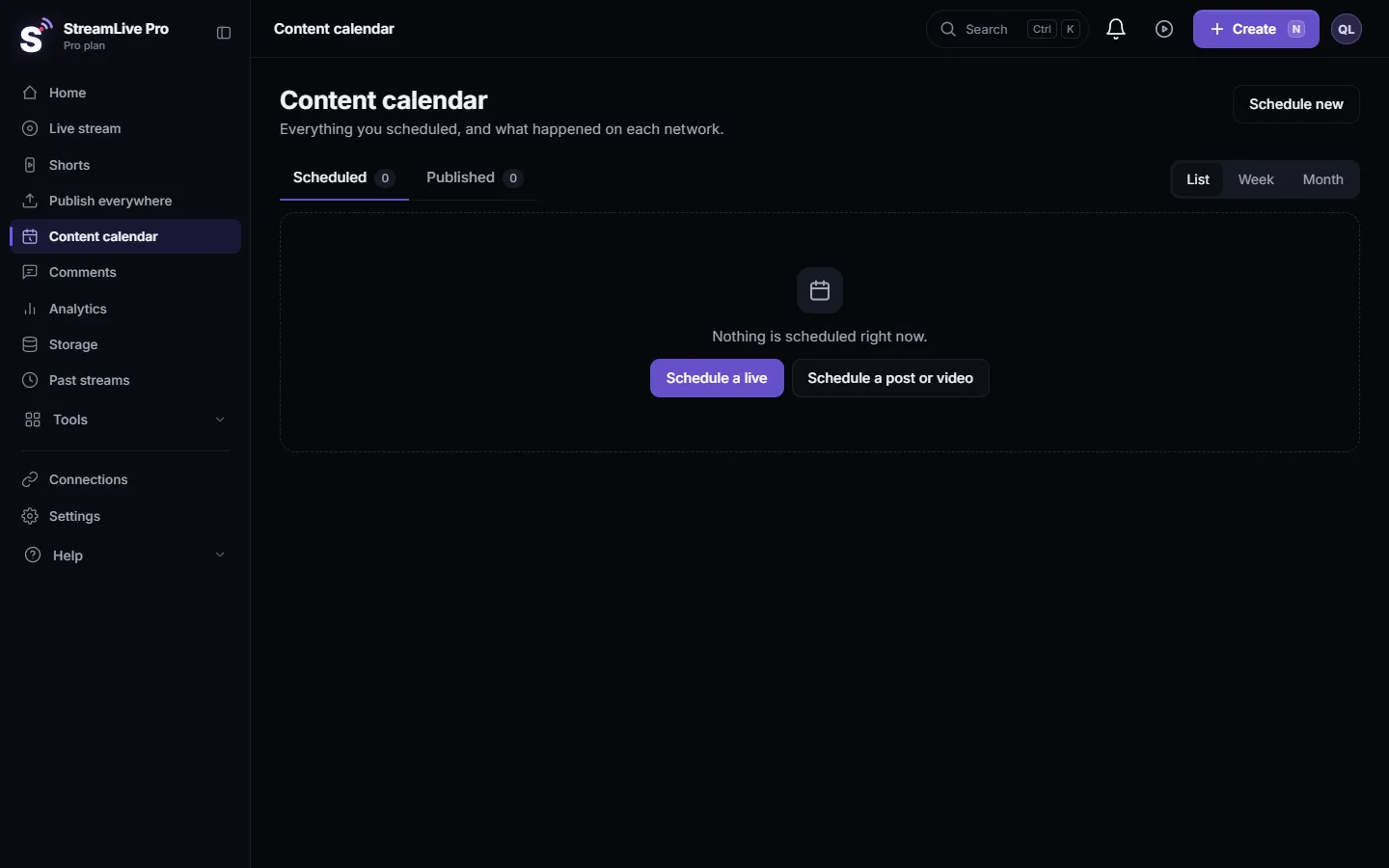
A scheduled post can be changed until the moment it starts publishing. Open the Content calendar, click the post, and choose Edit to change its time, title, text, cover or networks; Duplicate to make a copy for another time; or Cancel post to stop it. Cancelling never deletes your file: it stays in Storage.
Once a post has started publishing or went out, it can no longer be edited. To take a published post down, see Delete a published post from every network.
Before you start
- The post is still Scheduled. Edit and Cancel post appear only while the status is Scheduled. Duplicate is always there, also on published posts.
- Where to find it. In the Content calendar, under the Scheduled tab. Scheduled posts also appear on Publish everywhere, in Activity under the Scheduled filter, with Edit and Cancel buttons.
- One minute ahead. A new time must be at least a minute from now.
Steps
- Open the post. In the Content calendar click the post, then Edit. The window is called "Edit scheduled post".
- Change the time. Set a new Date and Time.
- Change the title and text. Title is required. Description is the post text.
- Change the cover. Under Thumbnail click Replace image (up to 10 MB) or Remove. The change is saved when you press Save.
- Change the networks. Tick or untick networks. At least one must stay ticked.
- For YouTube, check the choices. If YouTube is ticked, choose On YouTube: who can watch (Public, Unlisted or Private), and whether the video is Made for kids.
- Save. You see "Changes saved", and the calendar shows the new time.
Copy or cancel
- Duplicate. In the post's sheet click Duplicate. You get "A new copy with the same file, text and networks. Choose when." Pick the date and time and click Schedule the copy.
- Cancel. Click Cancel post. The window says "The post will not go out. The file stays in Storage." Click Cancel the post, or Keep it to change your mind.
What you can change, and what you cannot
| Change | Possible? |
|---|---|
| Time, title, text, cover, networks | Yes, while it is Scheduled |
| YouTube privacy and made for kids | Yes, in the same window |
| Add TikTok | No. TikTok is posted by hand, not scheduled. A copy also leaves TikTok out |
| Swap the video file | No. Cancel and schedule a new post with the other file |
| Edit a post that is publishing or published | No. Publish a new post, or delete the old one |
| Change a scheduled live | Yes, with the live's own schedule form; the button is Cancel schedule instead of Cancel post |
Posts waiting in your groups' queue
Posts that arrive from Post from groups can wait in a queue. In the calendar such an item has Publish now, to send it at once, and Cancel post, to drop it.
From ChatGPT or Claude
If you connected StreamLive Pro to ChatGPT or Claude, you can ask in plain words, for example "move tomorrow's post to 18:00". The assistant can change the time, title or text of a post that is still scheduled, and cancel one after you confirm. Changing the networks or the cover is done in the Content calendar. Setup: Use StreamLive Pro from ChatGPT and Claude.
What can go wrong
| Symptom | Likely cause | Fix |
|---|---|---|
| "This post is no longer scheduled" | It started publishing, or was published or cancelled | Check the Published tab; make a new post if needed |
| "Pick a time at least a minute from now." | The new time is too close or in the past | Pick a later time |
| "TikTok posts are published by hand" | TikTok was added to a scheduled post | Untick TikTok; post it yourself at that time |
| "For YouTube, choose who can watch." | YouTube is ticked without a privacy choice | Choose Public, Unlisted or Private |
| "The image is larger than 10 MB." | The new cover is too big | Use a smaller JPG or PNG |
| "One of the chosen networks is not connected to your account." | That connection was removed | Reconnect it, or untick it |
Related pages
- Use the Content calendar for posts and lives: the views, filters and statuses.
- Schedule social media posts to several networks at once
- Schedule a live broadcast in advance: changing a scheduled live.
Frequently asked questions
How do I change the time of a scheduled post?
Open the Content calendar, click the post, click Edit, set the new date and time, and save. The time must be at least a minute from now.
Does cancelling a scheduled post delete my video?
No. The post will not go out, and the file stays in Storage.
Can I edit a post after it was published?
No. Editing works only while the post is scheduled. You can publish a corrected post or delete the old one from the networks.
Can I add TikTok to a scheduled post?
No. TikTok posts are published by hand at the time you choose, so TikTok cannot be part of a scheduled post.
Can I reuse a scheduled post on another day?
Yes. Duplicate makes a copy with the same file, text and networks and asks you for a new time.
Keep reading
Remove a post you published from YouTube, Facebook, LinkedIn and X in one step with Delete everywhere, and what to do on Instagram, TikTok and the others.
Post a Short to YouTube Shorts, Reels and TikTokPost one Short to YouTube Shorts, Instagram Reels and TikTok from StreamLive Pro: connect the accounts, pick them, fill TikTok's form, publish. TikTok is manual only.
Publish a post to every network from the phone appPublish a video, picture or text post to every network from the StreamLive Pro Android app: pick the file, write once, choose networks, post now or schedule it.
Manage comments from your networks in one placeRead and answer YouTube, Facebook Page, Instagram and Threads comments on the Comments page: which networks work, filters, replies, likes and hiding, and limits.
Want to try it? 7-day trial, no credit card.
Start free