 StreamLive Pro
Duplicate a subtitle project without running it again
Duplicate a subtitle project in StreamLive Pro to try another design or edit safely: the copy keeps the lines, word timing and glossary, and uses no minutes.
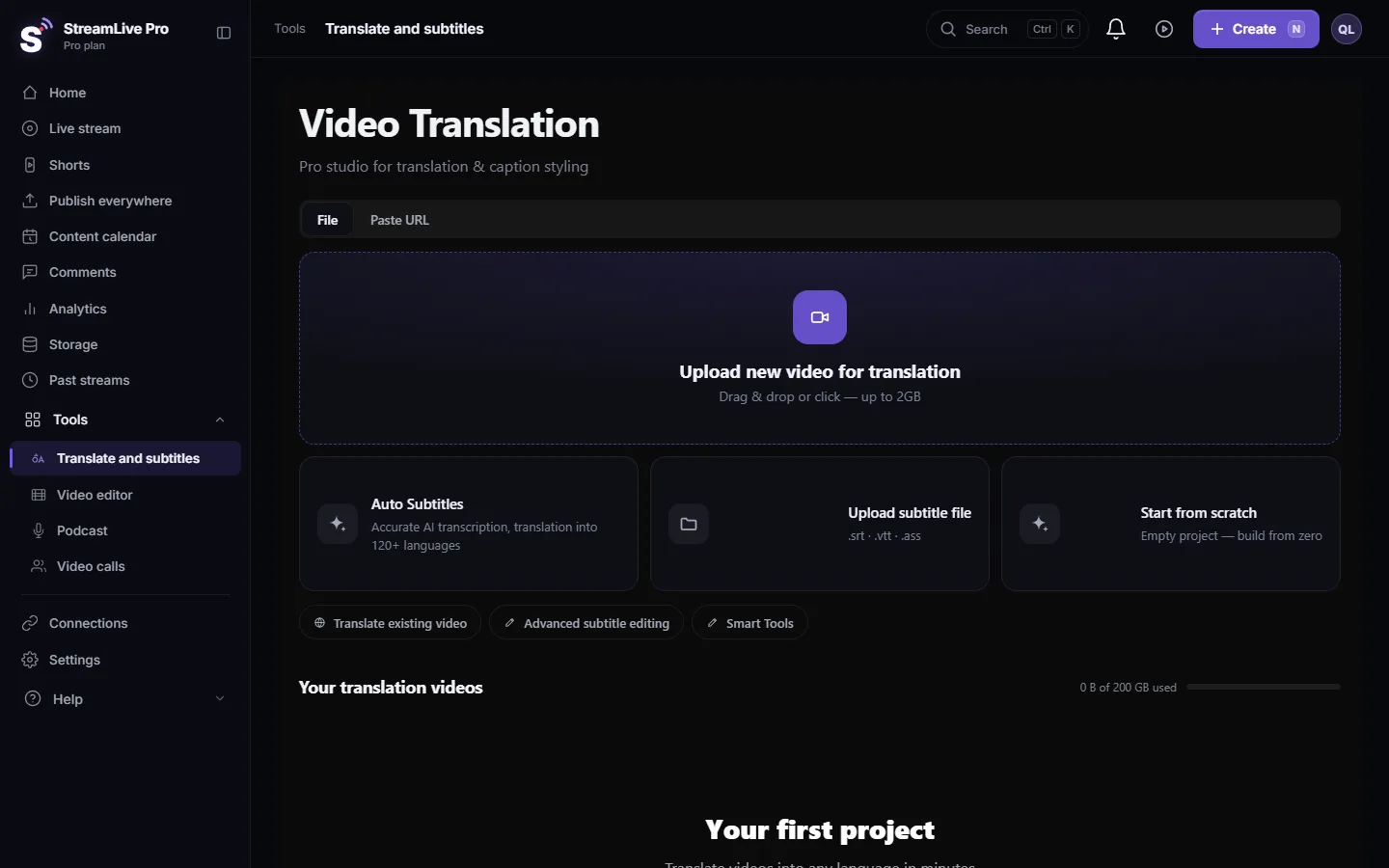
To make a copy of a subtitle project, open Translate and subtitles, find the project under Your translation videos and press Duplicate on its card. The copy appears in the list as the same name with "(copy)" at the end. It has the same video, the same lines with their timing per word, and the same project glossary. Nothing is transcribed or translated again, so the copy does not use translation minutes.
When a copy helps
| You want to | Why a copy is better than editing the original |
|---|---|
| Try a very different caption design | The original keeps the look you already approved |
| Shorten the text for a vertical clip | The full version stays for YouTube or your site |
| Let a colleague edit while you keep a clean version | Two projects, no overwriting each other |
| Run the AI polish on the whole translation | You can compare the result with the untouched copy |
| Render the same lines in two sizes or positions | Each project keeps its own settings |
Before you start
- The project must be ready. The duplicate button is greyed out while a project is still being transcribed, translated or rendered. Wait until it finishes.
- Same languages. The copy has the same source and target language as the original. For captions in another language, start a new translation; see How to translate video subtitles into other languages.
- No minutes and no extra video storage. The copy points at the same video file as the original, so the video is not uploaded or stored a second time.
Steps
- Open the project list. Go to Translate and subtitles. Your projects are under Your translation videos.
- Find the project. Each project card has a row of small buttons, one of them for duplicating.
- Press duplicate. Press Duplicate. When the copy is ready you see Project duplicated.
- Rename the copy. The copy opens in the editor by itself. Click its name at the top of the editor, next to Back, type a name that says what it is for, for example "Reel version" or "Before polish", and press Enter. Names can be up to 120 characters.
- Open the copy and work on it. Change the design in Templates, edit lines in Subtitles, or move the captions in the preview.
- Export from the copy. Press Export as usual. Each project keeps its own list of past exports, so the files of the copy and the original do not mix.
What is copied and what is not
| Copied | Not copied |
|---|---|
| Every line with its start and end time | Past exports of the original |
| Timing of each word (for the highlighted-word effect) | Saved versions of the original |
| Source and target language, the caption template | Font, colour and position changes made in Properties |
| Glossary entries saved on the project | |
| The link to the same source video |
Deleting the copy later does not delete the video of the original. The video file is removed only when no project uses it any more.
A copy or a saved version
Inside one project you can also keep a snapshot: press Export, open Versions and press Create new version. A version lets you go back to an earlier text of the same project. A copy is better when you want two results to live side by side, each with its own design and its own exports.
| Need | Use |
|---|---|
| Go back if an edit goes wrong | A saved version |
| Two different videos from the same lines | A copy |
| Compare two wordings of the same line | A saved version, then Compare versions |
| One project for a colleague, one for you | A copy |
For example, a weekly class is published as a full video on YouTube and as a short vertical clip. Correct the full transcript first, duplicate it, then cut the copy down to the lines that fit the clip and give it a larger design. Fixes you made before duplicating are in both.
What can go wrong
- The duplicate button is grey. The project is not finished. Wait for it, then refresh the page.
- **Duplicate failed.** Try again. If it repeats, write to [email protected] with the project name and the time.
- You edited the wrong project. Both cards look alike. Rename the copy right after you make it.
Related pages
Frequently asked questions
Does duplicating a project use translation minutes?
No. The copy reuses the lines and timing that already exist. Nothing is sent for transcription or translation.
Can I duplicate a project into another language?
The copy keeps the same languages. For another language, start a new translation from the same video.
If I delete the original, does the copy still work?
Deleting a project removes its video file only when no other project uses it, so the copy keeps working.
Are my caption design and position copied?
The caption template is copied. Font, colour and position changes you made by hand are not copied, so set them again in the copy before you render.
Can I duplicate a project that is still processing?
No. The button becomes available once the project is ready.
Keep reading
Open vs closed captions: burned into the picture or sent as a file the viewer can switch off. What each is good for, which networks take which, and how to make both.
Another translation is already runningAnother translation is already running? Your plan's limit on parallel translations is reached. How long to wait, what counts as running, and stuck jobs.
The source video of my project is no longer storedSource video no longer stored in a subtitle project? What you can still open and download, why it happens, and how to get the captions back onto the video.
My transcript came out in the wrong languageTranscript in the wrong language? Auto-detect decides from the opening of the video and keeps that choice. Set the source language yourself and run it again.
Want to try it? 7-day trial, no credit card.
Start free