 StreamLive Pro
Compare two accounts in Analytics, per follower
Compare your social accounts side by side in Analytics: a ranking, 2 to 4 accounts in columns, and account vs account per follower, fair to small Pages.
The Compare tab in Analytics answers "which of my accounts is doing best", and it does it fairly. A Page with 200,000 followers will always have more views than one with 3,000 (example numbers), so besides the totals the tab divides each account's numbers by its followers: views per follower, interactions per 1,000 followers, follower growth and engagement rate. There are three parts: a ranking of every account with 2 to 4 of them chosen side by side, a card that shows where one account stands among your others, and Account vs account, per follower, a two-column table with the gap between them.
Before you start
- At least two accounts are shown in Analytics. They can be on different networks. See Read your social media analytics for every account.
- Followers: the per-follower numbers use each account's follower count today. Accounts under 100 followers are left out of the per-follower comparison, because one share or one new follower would swing it too much.
- Each network counts a view its own way, so a YouTube channel against an Instagram account is a rough comparison. Two Pages on the same network compare best.
Steps
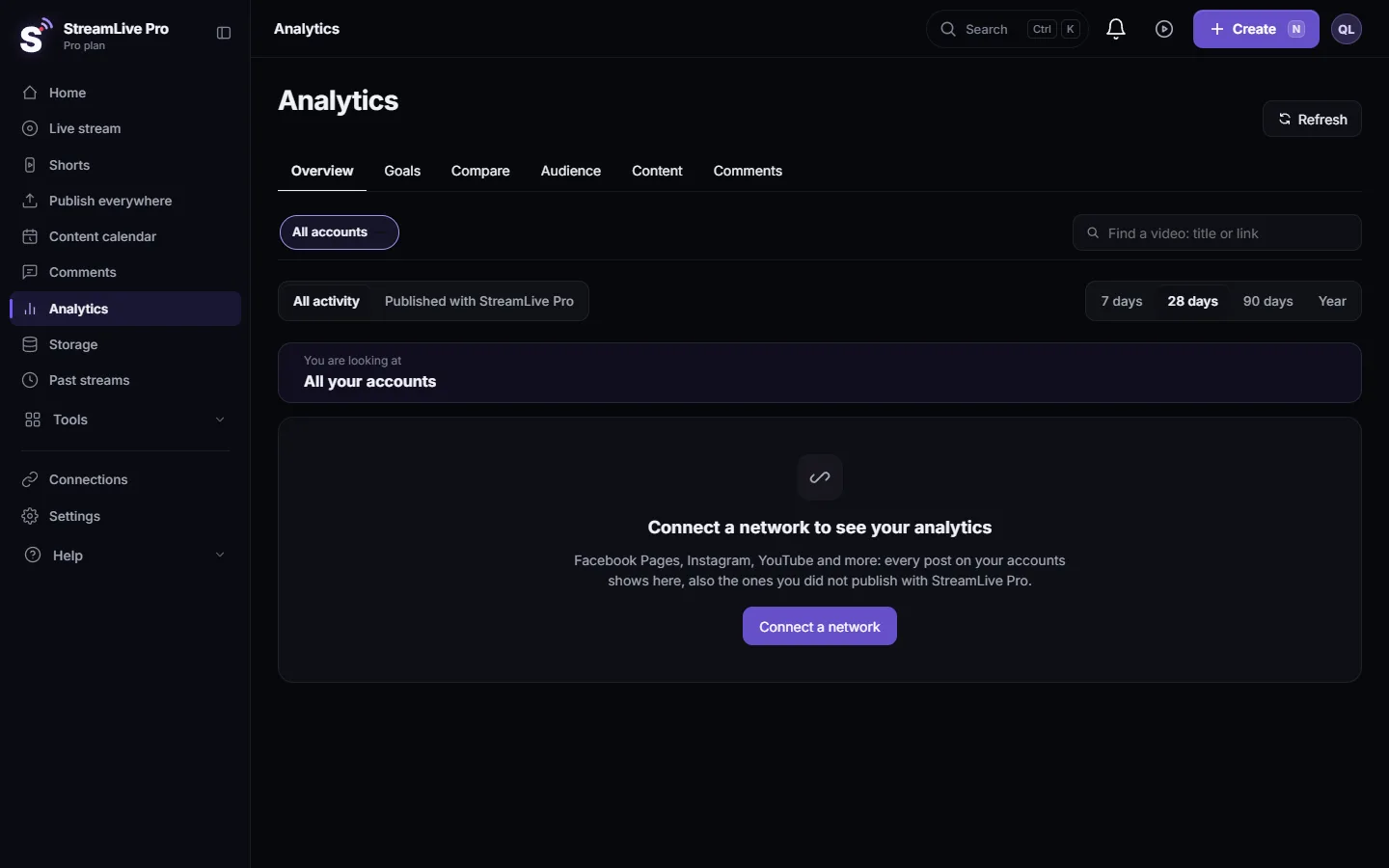
- Open Compare. In Analytics click Compare. Set the account switcher to All accounts.
- Pick the period. 7 days, 28 days, 90 days or Year. Every number below is for that period.
- Read the ranking. Ranking of your accounts lists every account with views, share of all views, reach, follower growth and engagement. Sort by any of them.
- Choose 2 to 4 for side by side. Tick the accounts in the ranking. They appear in columns with one chart, each with its change against its own previous period.
- See where one account stands. In How this account relates to your others, choose an account. Each measure shows its value, your typical account (the median of your accounts) and where the others are, with a line such as "Stronger than your typical account on: views per follower" and its rank, for example #2 of 5.
- Put two accounts head to head. In Account vs account, per follower choose Account A and Account B. The table lists Followers, Views, Views per follower, Interactions per 1,000 followers, Engagement rate, Follower growth, Views per post (estimate) and Posts a week. The higher value in each row is marked, and the Gap column shows how many times higher it is.
- Export if you need it. The Report and export card at the bottom of the tab downloads the same period as CSV or a PDF report: Export your analytics to CSV or a PDF report.
The measures, in plain words
| Measure | How it is worked out | Good for |
|---|---|---|
| Views per follower | Views in the period divided by followers today | Reach against size |
| Interactions per 1,000 followers | Likes, comments, shares and saves per 1,000 followers | How involved the audience is |
| Engagement rate | Interactions per 100 views of the posts published in the period | Whether people who saw it reacted |
| Follower growth | Follower change in the period divided by followers at its start | Whether the account is growing |
| Views per post (estimate) | Views divided by posts in the period | Whether fewer, better posts would do |
| Posts a week | Posts in the period, per week | Whether a gap is about effort, not content |
For example: Page A has 10 times the views of Page B, but Page B has twice the interactions per 1,000 followers. B's smaller audience is more involved, and its content may be worth repeating on A.
Reading it honestly
- A week with one viral post moves every number for that account. Use 28 or 90 days to compare accounts.
- An account that shows "Not reported" in a row gets no mark in that row; the network does not give that number (for example views on a Facebook Page without the insights permission).
- Accounts on networks that give no numbers to apps are not ranked.
What can go wrong
| What you see | Fix |
|---|---|
| Connect another account to compare | Only one account is shown in Analytics. Switch on a second one, or connect it in Connections |
| Under 100 followers: the per-follower numbers are not compared | Nothing to fix. Compare totals for that account |
| A row says Not reported for one account | The network does not give it, or the connection needs a permission: Reconnect a channel whose connection expired |
| You cannot tick a fifth account | Side by side takes up to 4. Untick one first |
Related pages
- Compare this period with the previous one in Analytics: the same account against its own past.
- Analytics for one post: reach, engagement and audience
- Set weekly and monthly goals in Analytics
Frequently asked questions
How do I compare two of my Facebook Pages?
Open Compare in Analytics and choose the two Pages as Account A and Account B in Account vs account, per follower. The table shows each measure side by side with the gap.
Why compare per follower?
A big account always has bigger totals. Dividing by followers shows which account gets more out of the audience it has.
Can I compare a YouTube channel with an Instagram account?
Yes, but each network counts a view its own way, so treat it as a rough comparison. Accounts on the same network compare best.
Why is one of my accounts not in the per-follower comparison?
It has fewer than 100 followers, or its network gives no follower count. It still appears in the totals.
How many accounts can I compare at once?
Every account appears in the ranking. Side by side takes 2 to 4, and Account vs account takes two.
Keep reading
Export social media analytics from StreamLive Pro: a CSV of numbers per day, a CSV of every post, or a PDF report of the account and period on screen.
The Audience tab: age, countries, devices and hoursThe Audience tab in Analytics shows who follows or watches one account: age and gender, countries and cities, devices, subscribers, and when followers are online.
Find a post in Analytics: search, sort, paste a linkFind any post or video in Analytics: search by words of the title, paste the post's link, filter videos, lives or posts, and sort by views or engagement.
Analytics for one post: reach, engagement and audienceRead the analytics of a single post or video: how it ranks against your usual, reach and traffic sources, the retention curve, audience, and why a number can be missing.
Want to try it? 7-day trial, no credit card.
Start free