 StreamLive Pro
The Audience tab: age, countries, devices and hours
The Audience tab in Analytics shows who follows or watches one account: age and gender, countries and cities, devices, subscribers, and when followers are online.
The Audience tab in Analytics answers "who is watching" for one account at a time: a YouTube channel, an Instagram account or a Facebook Page. It shows the groups the network reports, never individual people: age and gender, countries and cities, devices and operating systems, subscribers against non-subscribers, how people found you, and for Instagram the hours your followers are online. For every account it also adds two things from our own records: when your posts on that account do best, and the follower change per day.
What you see depends on the network. YouTube and Instagram give the most. Facebook gives little for Pages today, and the page says so in a sentence instead of showing an empty chart.
Before you start
- The account is shown in Analytics. Switch it on under Choose what Analytics shows; see Read your social media analytics for every account.
- Permissions. Instagram shares audience details only with its insights permission; if it is missing, the tab says so and offers Reconnect.
- Size. Networks hide small groups to protect privacy. Instagram does not return follower demographics for an account with fewer than 100 followers, per Meta's Instagram insights reference (checked 5 November 2026).
Steps
- Open the tab. In Analytics click Audience. The address is /dashboard/analytics/audience, so you can bookmark it.
- Pick the account. The audience is per account. The tab starts with your biggest account that has audience numbers; the chips under the title switch to another. The account switcher at the top works too.
- Pick the period. 28 days, 90 days or Year.
- Read the summary first. At the top: the account, its subscribers or followers, and the main groups, for example the largest age group.
- Go through the cards. Age and gender, Countries, Cities, When your followers are online, Devices and Operating systems, Subscribers or not (YouTube) or Followers or new people (Instagram), How people find you, and Follower change.
- Check where it came from. The line at the bottom says when the numbers were read from the network. They are kept for 12 hours, so opening the tab again does not ask the network each time.
- Export if you need it. The CSV and PDF buttons in the bar export the period you are looking at: Export your analytics to CSV or a PDF report.
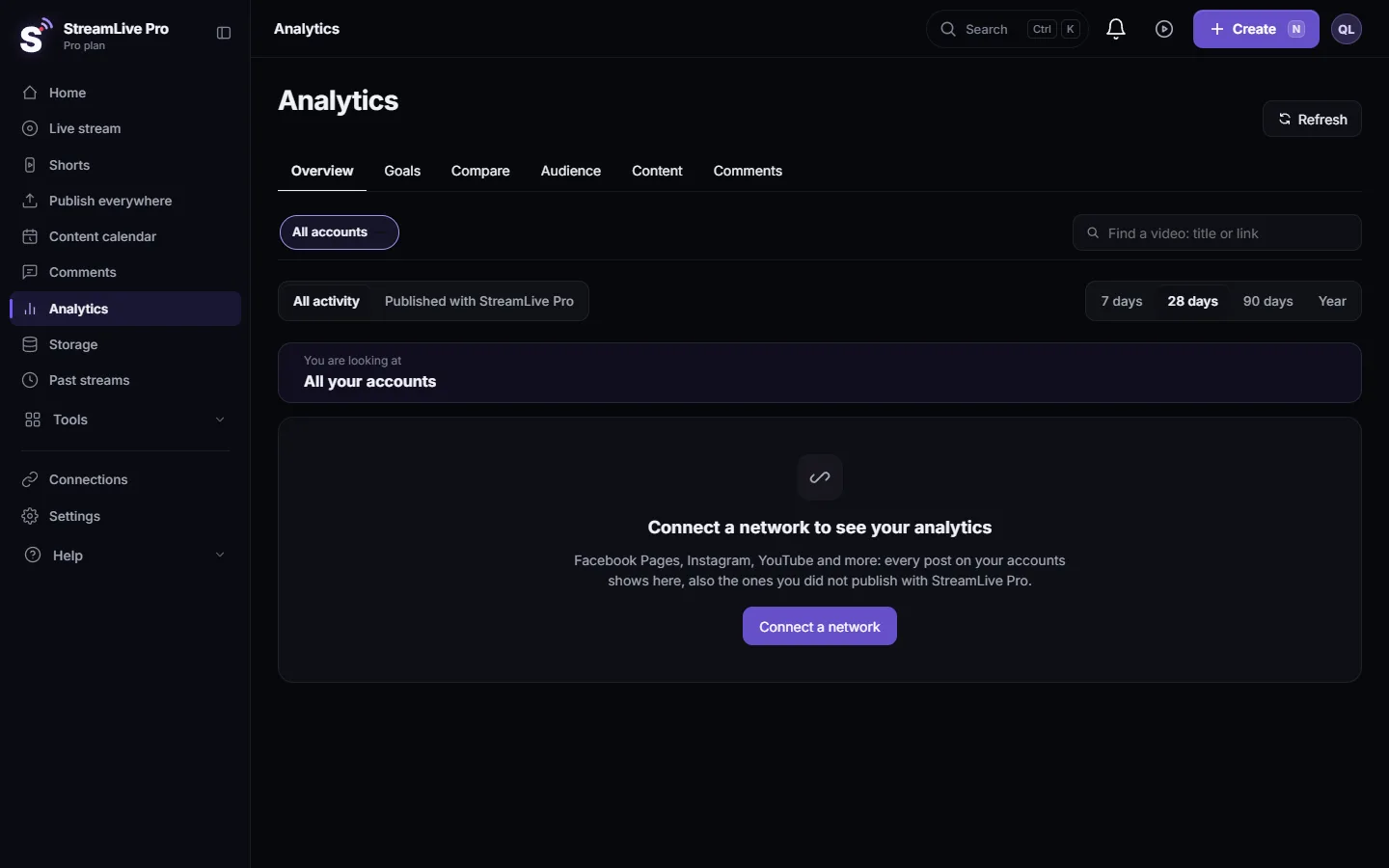
What each network gives
| Card | YouTube channel | Instagram account | Facebook Page |
|---|---|---|---|
| Age and gender | Yes, signed-in viewers only | Yes, of followers | Not given |
| Countries and cities | Yes, by views | Yes, of followers | Of followers, once Meta approves the permission |
| When followers are online | No (your best posting time instead) | Yes, by hour | Not given |
| Devices and operating systems | Yes | No | No |
| Subscribers or followers vs others | Subscribers vs not subscribed | Followers vs new people reached | No |
| How people find you | Traffic sources | No | No |
| Views by format | Yes (for example Shorts, videos, lives) | No | No |
| When your posts do best | Yes, from about 8 posts | Yes | Yes |
| Follower change per day | Yes | Yes | Yes |
YouTube's age and gender numbers count only viewers who were signed in, as its Analytics metrics reference says for viewer percentage (checked 5 November 2026), and they can arrive up to two days late.
For a Facebook Page the tab may say "Waiting for Meta approval": Facebook gives a Page's audience only with the "read insights" permission, which Meta is reviewing. It fills in by itself once approved; there is nothing to do. Other networks, such as TikTok, Threads or Twitch, give no account audience to apps, and their accounts show "When your posts do best" and "Follower change" only.
What can go wrong
| Message on the tab | Fix |
|---|---|
| Connect YouTube or Instagram to see your audience | Connect one of them in Connections |
| Instagram shares follower details from 100 followers. | Nothing to fix; it appears once the account grows |
| Not enough people yet for this network to share this | Small groups are hidden by the network. Try Year |
| Instagram (or YouTube) shares the audience only with its insights permission | Click Reconnect and allow every permission |
| The connection stopped working | Reconnect: Reconnect a channel whose connection expired |
| We could not read the network right now | Wait a few minutes and press Try again |
Related pages
- Analytics for one post: reach, engagement and audience: the audience of one post or video.
- Find your best time to post from your own results
- Analytics: every account, every post, your audience
Frequently asked questions
Can I see who exactly follows me?
No. Networks give apps groups only, such as age ranges and countries, never names. Small groups are hidden.
Why is there no age data for my Facebook Page?
Facebook does not give age and gender for Pages to apps. Countries and cities appear once Meta approves the read insights permission.
When are my Instagram followers online?
The When your followers are online card shows it by hour, as Instagram reports it for the last days, once the account has at least 100 followers.
Does YouTube show the hours my viewers are online?
No. YouTube does not give apps that. The tab shows when your own posts on that channel did best instead.
Why does the audience not match YouTube Studio exactly?
Different periods, numbers still arriving (up to two days for YouTube), and our copy is refreshed every 12 hours.
Keep reading
Export social media analytics from StreamLive Pro: a CSV of numbers per day, a CSV of every post, or a PDF report of the account and period on screen.
Compare two accounts in Analytics, per followerCompare your social accounts side by side in Analytics: a ranking, 2 to 4 accounts in columns, and account vs account per follower, fair to small Pages.
Find a post in Analytics: search, sort, paste a linkFind any post or video in Analytics: search by words of the title, paste the post's link, filter videos, lives or posts, and sort by views or engagement.
Analytics for one post: reach, engagement and audienceRead the analytics of a single post or video: how it ranks against your usual, reach and traffic sources, the retention curve, audience, and why a number can be missing.
Want to try it? 7-day trial, no credit card.
Start free