 StreamLive Pro
Which time zone are my scheduled posts in?
Scheduled posts in StreamLive Pro use the time zone of the computer or phone you schedule from. How to check it, travel, summer time and wrong times.
Scheduled posts use the time zone of the device you schedule from. When you choose Schedule on the Publish everywhere page, the line under the date and time says so, for example "In your time zone (Asia/Jerusalem)". The time you pick is saved as one exact moment, so the post goes out at that moment even if you later open the dashboard in another country. There is no separate time zone setting in the account: the browser's clock decides.
How it works
| Situation | What happens |
|---|---|
| You schedule 18:00 on a computer set to Israel time | The post goes out at 18:00 Israel time |
| You fly abroad and open the dashboard there | The same post shows the local time of where you are now; it still goes out at the same moment |
| Summer time starts or ends before the post | The time is worked out for that date, so 18:00 stays 18:00 local time on that day |
| Your computer's time zone is set wrong | The post goes out at the time you typed, in that wrong zone |
| You schedule for an audience in another country | Convert their time to yours first, then type your local time |
Before you start
- Check the device clock. On a computer, the time zone is in the system date and time settings. On a phone, it is in the phone's settings. A wrong zone is the most common cause of a post going out at the "wrong" hour.
- Plan rules. You can schedule only as far ahead as your plan allows; see /pricing?lang=en.
- TikTok cannot be scheduled. TikTok posts are published by a person, now. Untick TikTok to schedule the other networks: Post a video to TikTok from your computer.
Steps
- Open the page. Choose Publish everywhere and prepare the post.
- Choose Schedule. Under When, press Schedule. Quick picks offer In an hour (rounded to the next 5 minutes), Tomorrow 09:00 and Tomorrow 18:00.
- Read the time zone line. Under the date and time: "In your time zone (...)". If the name in the brackets is not where you are, fix the device clock first.
- Set the date and time. The time has to be in the future, or the page says "The time has to be in the future".
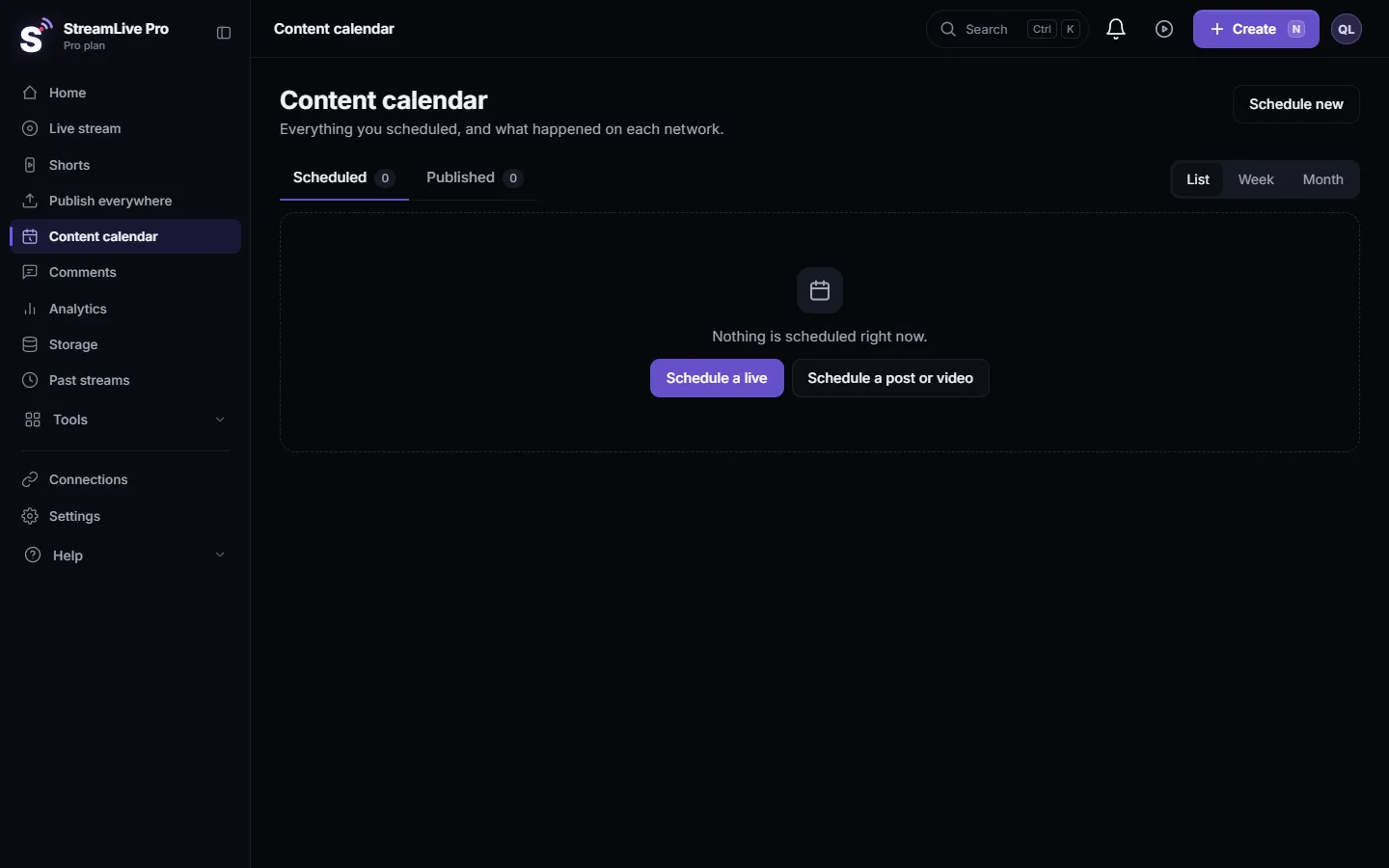
- Schedule. Press the button. The post appears under Scheduled on the page and in the Content calendar.
- Change it later if needed. In the Content calendar, edit the time. A new time must be at least a minute ahead: "Pick a time at least a minute from now." You can edit or cancel until the post goes out.
What can go wrong
| Symptom | Likely cause | Fix |
|---|---|---|
| The post went out an hour or more off | The device time zone was wrong when you scheduled | Fix the clock; edit the times of the other scheduled posts |
| "Delayed, not out yet" next to a post | The time passed more than 5 minutes ago and it has not gone out | Wait a few minutes; if it stays, see Edit, copy or cancel a scheduled post |
| "Waiting: the trial ended" | The trial ended before the scheduled time | Choose a plan; scheduled posts wait until then |
| "Pick a time at least a minute from now." | The new time in the calendar is now or in the past | Pick a later time |
| A colleague sees a different hour | They are in another time zone | Normal: each person sees the moment in their own local time |
Scheduled live broadcasts are set on the Live stream page and have their own rules: Schedule a live broadcast in advance.
Related: Schedule social media posts to several networks at once, Find your best time to post from your own results, How many posts per day can I publish to each network?.
Frequently asked questions
Which time zone does StreamLive Pro use for scheduled posts?
The time zone of the computer or phone you schedule from. The page shows its name next to the date and time.
Can I set a different time zone in my account?
No. There is no account setting for it. Change the device's time zone, or convert the time yourself.
Will my post go out at the wrong time if I travel?
No. The post goes out at the moment you chose. The dashboard just shows that moment in your new local time.
What happens with summer time?
The time is worked out for the date of the post, so a post set for 18:00 goes out at 18:00 local time on that day.
Why does my team member see another time for the same post?
Each person sees the time in their own device's time zone. The moment the post goes out is the same.
Keep reading
What a webhook is: a private web address that gets a message when something happens. Incoming webhooks in Discord and Slack, event webhooks, and how to keep them safe.
What is OAuth? Connecting an account without a passwordWhat OAuth is: how one app gets limited access to your account on another service without your password. Tokens, scopes, why connections expire, how to revoke.
What is a podcast RSS feed?What a podcast RSS feed is: one web address listing your show and every episode, which Spotify, Apple and other apps read by themselves. What is inside and who hosts it.
Find your best time to post from your own resultsFind your best time to post from your own posts: the heatmap by day and 3-hour block, how many posts it needs, and how scheduling and Publish all use it.
Want to try it? 7-day trial, no credit card.
Start free