 StreamLive Pro
I sent a video to my group and it was not published
A post sent to your WhatsApp group or Telegram channel did not reach your networks: how to read the activity log, every filter reason and the fix for each.
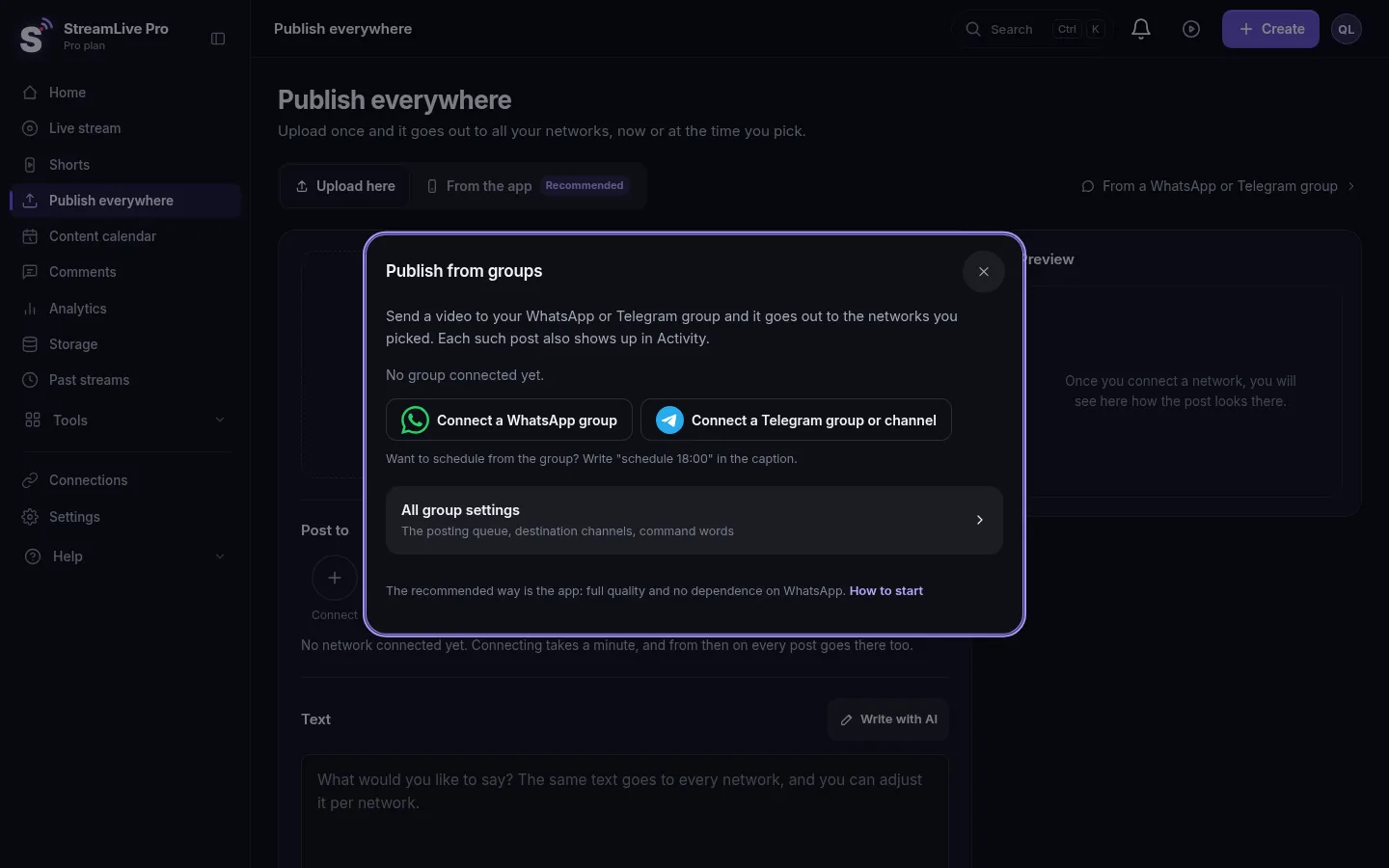
When something you sent to a group does not go out, the answer is almost always written in the Activity tab of Post from groups. Every item that reached StreamLive Pro has a row there with its status (Received, Filtered, Queued, Publishing, Published, Partly published, Failed) and, when it was held back, the reason. The most common cause is a rule doing its job: a sender who is not on the approved list, a text-only message in a group set to media only, or a missing required word. If the item is not in the log at all, the message never reached us, and the problem is the WhatsApp link or the Telegram bot.
What the log says and what to do
| In the activity log | Likely cause | Fix |
|---|---|---|
| Sender not allowed | Someone other than you posted, or you posted from a second number | Add the number (with country code) or Telegram user under Who can post in the group's Settings |
| The group is off | The group's switch is off | Turn the group on in the Groups tab |
| Stop word: "..." | The text contains one of the group's stop words | Remove the word from the message, or from the list |
| Required word missing | The group publishes only tagged messages | Add the tag (for example #post), or clear the rule |
| The group is set to media only | A message with text and no photo or video | Send media, or allow text in Queue and limit settings |
| Forwarded message / A reply / Sticker | These are ignored by default | Send the media as a new message |
| Duplicate (already published in the last 24 hours) | The same media or almost the same text went out already | Nothing to do |
| No networks chosen | The group has no destinations | Tick accounts under Where to publish |
| No chosen network takes text-only posts | A text post, and every ticked network needs media | Add a network that takes text, or send a photo |
| Skipped: not in your plan / subscription inactive | Posting from groups is not on the plan, or the plan or trial ended | See /pricing?lang=en; it is on Pro, Studio and the trial |
| Telegram lets the bot download files up to 20MB | A large file sent in Telegram | Send a smaller file, or upload it in Publish everywhere |
| The file is larger than your plan allows | A WhatsApp file above the upload limit | Upload it in Publish everywhere instead |
| Skipped: the queue is full (plan limit) | Too many items waiting | Release it by hand, or wait for the queue to drain |
| Queued, Waiting: your plan's daily limit (or the gap between posts) | Not a failure: it goes out later | Check the Expected time on the row |
Telegram's 20 MB limit for files a bot downloads is in the Telegram Bot API (checked 5 November 2026).
Steps
- Open the log. In the menu click Post from groups and open the Activity tab. Choose the group in the filter if you have several.
- Find your message. Rows show when it arrived, the group, who sent it, what it was (video, photo, text) and its status. Turn on Auto-refresh while you test.
- No row at all? Open the Devices tab. WhatsApp must say Connected. If it says Unlinked from the phone or Opened elsewhere, press Reconnect, and scan the code again. For Telegram, make sure the bot is still an admin of the channel.
- Filtered? Read the reason and fix it in the group's Settings (table above). Then send the message again; a filtered item is not retried by itself.
- Queued? It is waiting for a limit, a scheduled time ("schedule 18:00") or a watermark to be added. The row shows Expected and what it waits for.
- Failed or Partly published? Each network has its own line. Press Retry on the row once the cause is fixed, for example after reconnecting an expired account: Reconnect a channel whose connection expired.
- Test the rules without posting. In the Groups tab press Test, type the message as you would send it, pick the type and the sender (Me or Someone else in the group) and run it. It says whether it would be published, the final text and the destinations. Nothing is sent.
TikTok is never in the result
Posts from groups are automatic, and TikTok accepts posts from StreamLive Pro only when you press Publish yourself. A group that lists TikTok publishes everywhere else. Post the TikTok copy from Publish everywhere: Post a video to TikTok from your computer.
When to contact support
If WhatsApp shows Connected, the message is not in the log after five minutes, and Test says it would be published, write to [email protected]. Send the group name, the time you sent the message (with your time zone), whether it was WhatsApp or Telegram, and a screenshot of the Activity tab.
Related pages
Frequently asked questions
Why does my group ignore messages from my colleague?
By default only the linked number can trigger a post. Add the colleague's number with its country code under Who can post in the group's Settings.
Will a filtered message be published later by itself?
No. A filtered item stays filtered. Fix the reason and send the message to the group again.
My post is Queued for hours. Is it stuck?
Usually not. It waits for your plan's daily or hourly allowance, a network's limit, the gap between posts, or the scheduled time you wrote. The row shows the expected time.
Why did a text message not go out?
Groups take media only by default. Allow text in the queue settings, and make sure at least one ticked network accepts text-only posts.
How long is the activity log kept?
30 days. The counters on each group card show the last 7 days: items, failed and filtered.
Keep reading
The WhatsApp QR code for Post from groups expires, keeps changing or will not link: why, how to link with a phone-number code, and what each status means.
My video upload failedVideo upload failed in StreamLive Pro? The file may be over 6 GB, bigger than your free storage, or the upload was cut off. What each message means and the fix.
My YouTube upload is waiting in a queueYour YouTube upload says it is queued? Why it waits for midnight Pacific time, how to check when it starts, and what to do when it cannot wait.
AI suggestions are paused" or "AI editing is pausedAI help paused or used up for today? What each AI message means in StreamLive Pro, when it comes back, and how to keep working without waiting.
Want to try it? 7-day trial, no credit card.
Start free