 StreamLive Pro
B-roll in Shorts: what it is and how to turn it off
B-roll in StreamLive Pro Shorts adds short stock cutaways that match what the speaker says. How it is chosen, its limits, and how to switch it off.
B-roll is a few seconds of other footage that cuts in while the speaker keeps talking: a speaker mentions a city, and for a moment the Short shows that city. In StreamLive Pro Shorts it is on by default. It picks licensed stock footage that matches the words being said, and if nothing fits well enough it adds nothing. You switch it on or off once, in the Short style window, and the choice applies to every new Short.
Before you start
- Plans. B-roll is part of the Shorts on Creator, Pro and Studio and in the 7-day trial.
- What it uses. Only stock clips from licensed sources. It does not take footage from your own Storage, and you cannot upload your own cutaways into the automatic Shorts.
- Your voice stays. B-roll replaces the picture for a moment, never the sound. The captions stay on screen.
Steps
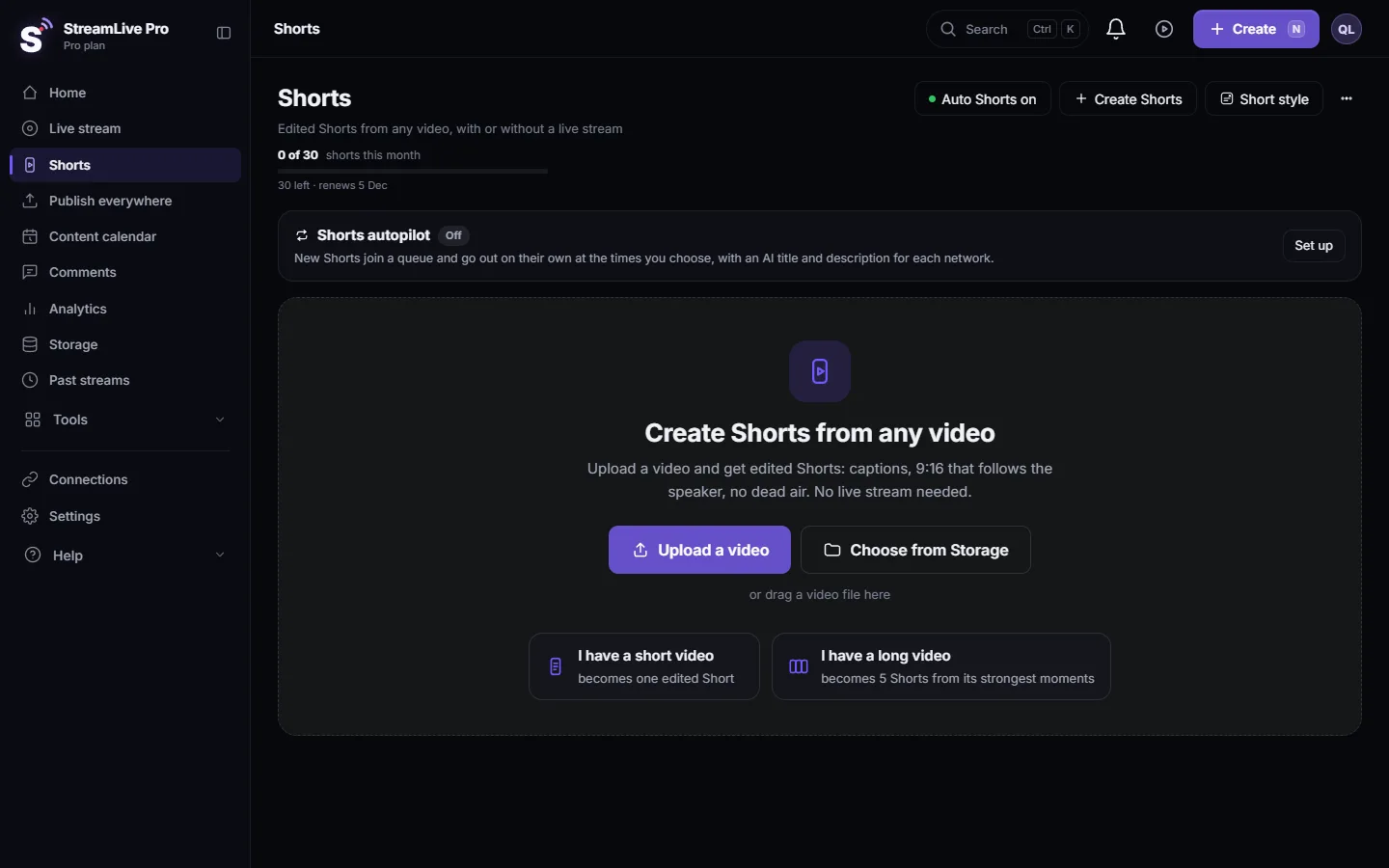
- Open the Short style window. On the Shorts page press Short style. It also opens from Settings, in the automatic Shorts card: Brand & Short style, Open.
- Find the B-roll switch. It is at the bottom of the window: B-roll, "Footage that matches what is said".
- Leave it on or switch it off. On is the default. Switch it off if your Shorts should show only the speaker, for example a class where the face and the board matter, or content where you want full control of every image.
- Close with Done. The choice is saved at once ("Saved").
- Watch the next Short. If a cutaway does not suit the moment, edit that Short and remove it (see Edit a Short before you publish it), or switch B-roll off and make the Short again.
How the cutaways are chosen
- The words of each Short are transcribed, and the topics in them are matched against the stock library.
- A cutaway is used only when it is relevant enough. If no clip passes, the Short has no B-roll. A Short of only the speaker is better than a cutaway that does not fit.
- All the cutaways together stay under half of the Short, so the speaker remains the main picture.
- Each cutaway is cropped to the Short's frame and enters and leaves with a short dissolve.
The choice is automatic, so it can miss: a word with two meanings can bring a picture of the other meaning. Watch every Short before you publish it.
What can go wrong
| Symptom | Likely cause | Fix |
|---|---|---|
| No B-roll at all in a Short | Nothing relevant enough was found, or B-roll is switched off | Normal for abstract talk. Check the switch in the Short style window |
| A cutaway does not match the meaning | A word was matched in its other sense | Remove it in the Short editor, or switch B-roll off |
| You switched B-roll off and a Short still has it | The Short was made before the change | Make it again; new Shorts follow the setting |
| You want your own footage as cutaways | Automatic B-roll uses the stock library only | Add your clips on a second video track in the editor: Work with several video and audio tracks |
When to switch B-roll off
B-roll helps when the speaker talks about things a viewer can picture: places, objects, food, travel, work. It helps less, and can distract, in these cases:
- A class or a lesson. The viewer follows the speaker's face and the board. Cutaways break the thread.
- A demonstration. When the hands or the screen show the point, a stock clip hides it.
- Sensitive subjects. Grief, illness or news about real people. A generic image can feel out of place.
- A strict visual policy. If every image in your Shorts must be approved by you, switch B-roll off and add your own footage in the editor.
You can also keep B-roll on and remove a single cutaway from one Short in the Short editor. That is quicker than switching the whole setting when only one Short is affected.
Related settings in the same window
The Short style window also holds the logo (Add your logo to every Short automatically), the background music (Background music in Shorts: choose a mood or turn it off), the caption look and its accent colour, and the caption language.
Related: How to create Shorts from any video, no live stream needed, How the moments for your Shorts are chosen, Shorts with two people in the frame.
Frequently asked questions
What is B-roll in a Short?
Short pieces of other footage that cut in while the speaker keeps talking, to show what is being described. The sound stays the speaker's.
Is B-roll on by default?
Yes. Every new Short can get B-roll unless you switch it off in the Short style window.
Where does the B-roll footage come from?
From a library of licensed stock clips. It does not use files from your Storage.
Can a Short end up with no B-roll even when it is on?
Yes. A cutaway is added only when one fits the words well enough; otherwise the Short shows only the speaker.
Does B-roll cover the captions?
No. The captions stay on screen while the cutaway plays.
Keep reading
What VOD means: video on demand, the recording people watch after a live ends. Where replays live on each network and in StreamLive Pro, and how to keep yours.
What is LUFS? Loudness for video and podcastsWhat LUFS means: a unit for how loud audio sounds to people, not its peaks. Common targets, true peak, and the levels StreamLive Pro sets for Shorts and podcasts.
How to create Shorts from any video, no live stream neededUpload a video and get edited Shorts: a short video becomes one Short, a long one is cut into several Shorts from its strongest moments. No live stream needed.
What StreamLive Pro is, and who it is forOne paragraph on the product, who it was built for, and what it does better than a single-purpose tool.
Want to try it? 7-day trial, no credit card.
Start free