 StreamLive Pro
What is LUFS? Loudness for video and podcasts
What LUFS means: a unit for how loud audio sounds to people, not its peaks. Common targets, true peak, and the levels StreamLive Pro sets for Shorts and podcasts.
LUFS (Loudness Units relative to Full Scale) measures how loud audio sounds to a person over time, not how high its highest peak is. Two clips can both peak at the same level and still sound very different, because one is a quiet voice with a single loud clap and the other is dense music. A loudness meter in LUFS hears the difference. The numbers are negative: -14 LUFS is louder than -16 LUFS, which is louder than -23 LUFS. One LU (loudness unit) is the same step as one decibel.
The measurement method is set by the ITU standard BS.1770, which Apple, broadcasters and most audio tools use. You may also see LKFS: it is the same measurement under another name.
Why loudness matters
- Viewers do not adjust the volume for you. If your Short is much quieter than the one before it, people scroll on before they turn it up.
- Too loud backfires. A player that evens out loudness turns a very loud file down. If you pushed the audio hard with a limiter to sound loud, it is turned down anyway and keeps the squashed, distorted sound.
- A series should sound the same. Listeners notice when one episode needs the volume up and the next needs it down.
The terms you will meet
| Term | Meaning |
|---|---|
| Integrated loudness (LUFS-I) | The average loudness of the whole file. This is the number targets refer to |
| Short-term loudness | The loudness over the last few seconds, useful while mixing |
| Momentary loudness | The loudness right now, the fastest reading |
| True peak (dBTP) | The highest level the signal reaches, including peaks between samples. Kept below 0 to avoid distortion after conversion |
| Loudness range (LRA) | How much the loudness varies between quiet and loud parts |
| Normalization | Raising or lowering a whole file so its integrated loudness hits a target |
| Limiter | A tool that stops peaks from going over a ceiling |
Common targets
| Where | Target | Source |
|---|---|---|
| Broadcast TV in Europe | -23 LUFS | EBU R 128, checked 5 November 2026 |
| Apple Podcasts | About -16 LKFS, plus or minus 1 dB, true peak not above -1 dBFS | Apple: Audio requirements, checked 5 November 2026 |
| StreamLive Pro podcast episodes | -16 LUFS, true peak -1.5 dB | Set by us |
| StreamLive Pro Shorts | -14 LUFS, true peak -1.5 dB | Set by us |
| StreamLive Pro browser studio, Auto level | -16 LUFS for the microphone | Set by us |
Video platforms each apply their own playback level and change it from time to time; we do not quote their numbers here. A Short at -14 LUFS is a little louder than a podcast, which suits phone speakers and noisy places; a podcast at -16 LUFS matches Apple's published guidance for spoken audio.
Loudness in StreamLive Pro
You do not need a meter for the main cases, because the level is set for you:
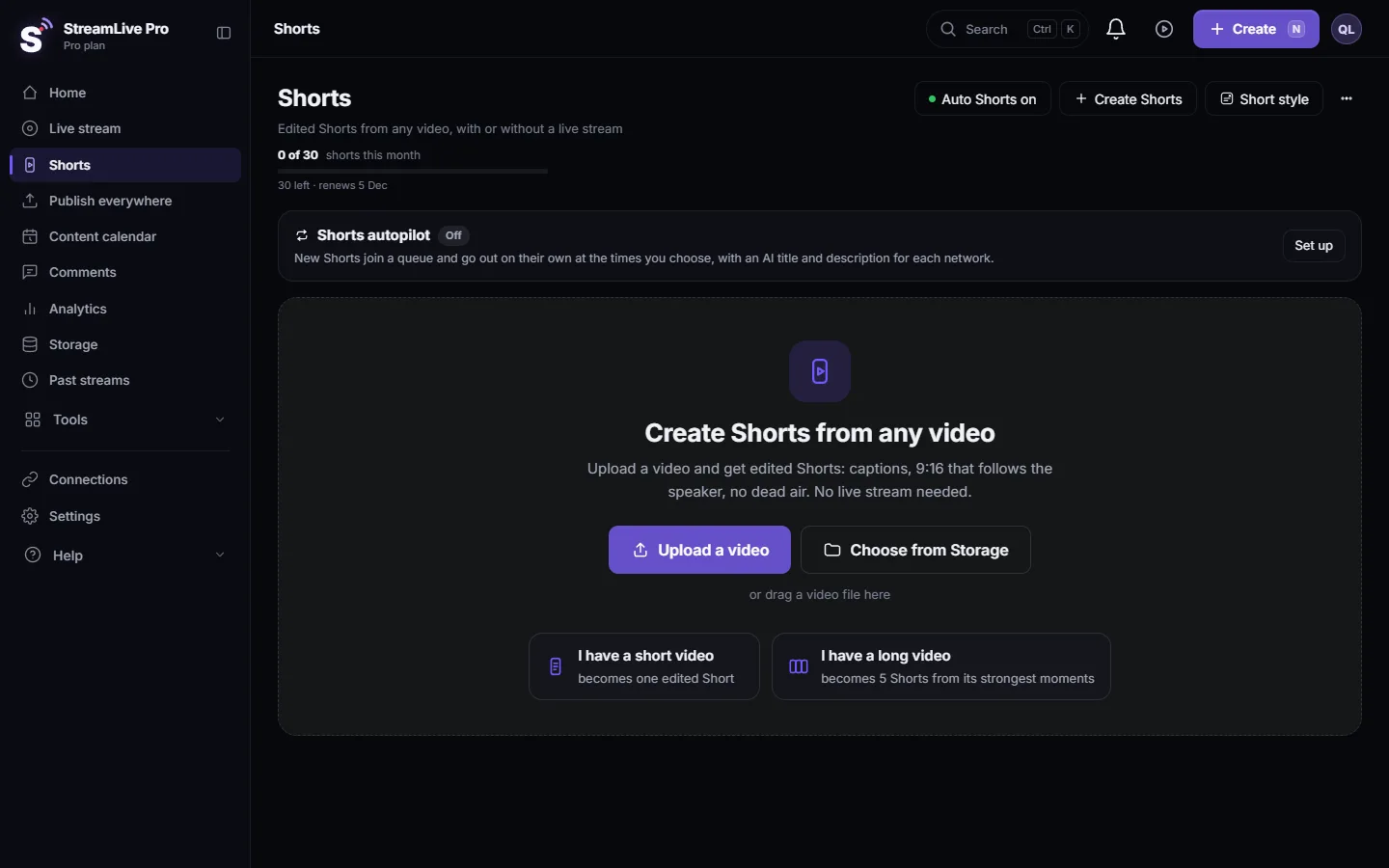
- Automatic Shorts. Each Short's sound is evened to -14 LUFS with a true peak ceiling of -1.5 dB, so a quiet speaker and a loud one come out at a similar level. See How to create Shorts from any video, no live stream needed.
- Podcast episodes. When you add an episode, its audio is measured and evened to -16 LUFS, the usual level for podcasts. See Add an episode to your podcast RSS feed.
- The browser studio microphone. The audio-quality panel, opened with the Noise button in the studio bar, has Auto level (-16 LUFS). It raises a quiet voice and lowers a loud one while you speak. It is on by default on browsers that support the processing. See Echo cancellation and noise suppression explained.
What evening the level cannot do: it cannot fix a recording that was too quiet and noisy at the source, because raising the level raises the noise too. It cannot undo distortion from a microphone that was overloaded. Getting a clean, healthy level at the microphone is still the first step.
Reading the level during a live
The audio-quality panel in the browser studio shows a live line under its switches: In, Out and Gain, in decibels. In is your microphone as it arrives; Out is what goes on air after noise suppression and Auto level; Gain is how much Auto level is adding or taking away at that moment. If Gain stays high all the time, your microphone is too quiet at the source: move closer or raise its input level, and let Auto level do the fine work. If In jumps to the top when you laugh, the input is too hot; lower it before the next segment. These are dB readings for guidance, not an integrated LUFS meter for the whole broadcast.
How to get good loudness at the source
- Speak at a steady distance from the microphone, about a hand's width for most USB microphones.
- Set the input gain so normal speech moves the meter well into the middle and loud laughter does not hit the top.
- Keep music lower than speech. In the browser studio, ducking lowers media under speech automatically; in the editor, lower the music track. See Add music to a video and adjust the sound.
- Record a test, listen on a phone speaker and on headphones, and adjust before the real session.
Common mistakes
- Comparing peak meters and thinking two files are equally loud.
- Normalizing a file to a peak level (for example -1 dB) and expecting it to sound as loud as another file.
- Pushing a Short far above the target with a heavy limiter. It sounds squashed, and a player that evens out loudness turns it down anyway.
- Mixing a podcast for TV levels (-23 LUFS). It plays quietly next to other podcasts.
Frequently asked questions
What does LUFS stand for?
Loudness Units relative to Full Scale. It measures perceived loudness over time, following the ITU BS.1770 method.
Is -14 LUFS louder than -16 LUFS?
Yes. The numbers are negative, so a number closer to zero is louder. -14 is 2 LU louder than -16.
What LUFS should a podcast be?
Apple asks for about -16 LKFS with a 1 dB tolerance and true peak below -1 dBFS. StreamLive Pro evens podcast episodes to -16 LUFS.
Do I need to set loudness for my Shorts?
No. StreamLive Pro evens each automatic Short to -14 LUFS when it makes it.
What is the difference between LUFS and LKFS?
None in practice. They are two names for the same measurement; Apple writes LKFS, EBU R 128 writes LUFS.
Keep reading
Video podcast setup by budget: one person or two, dynamic mics in untreated rooms, camera angles, light, ISO recording, Spotify and Apple video, and Shorts.
Podcast recording app: record a video podcast with guestsA podcast recording app for video: record in the browser with remote guests and phone cameras, go live at the same time, publish by RSS and cut Shorts.
Echo cancellation and noise suppression explainedEcho cancellation removes your speakers from your microphone; noise suppression removes background sound. What each does, its limits, and the StreamLive Pro settings.
What is B-roll? Cutaway footage explainedWhat is B-roll: cutaway footage laid over a speaker to show what they talk about. A-roll vs B-roll, when it helps a Short, and how StreamLive Pro adds it.
Want to try it? 7-day trial, no credit card.
Start free