 StreamLive Pro
 vs Restream: an honest comparison (November 2026)
Both services send one stream to many networks. Here is what each plan costs, what it includes, and where each one is the better pick, with a source for every number.
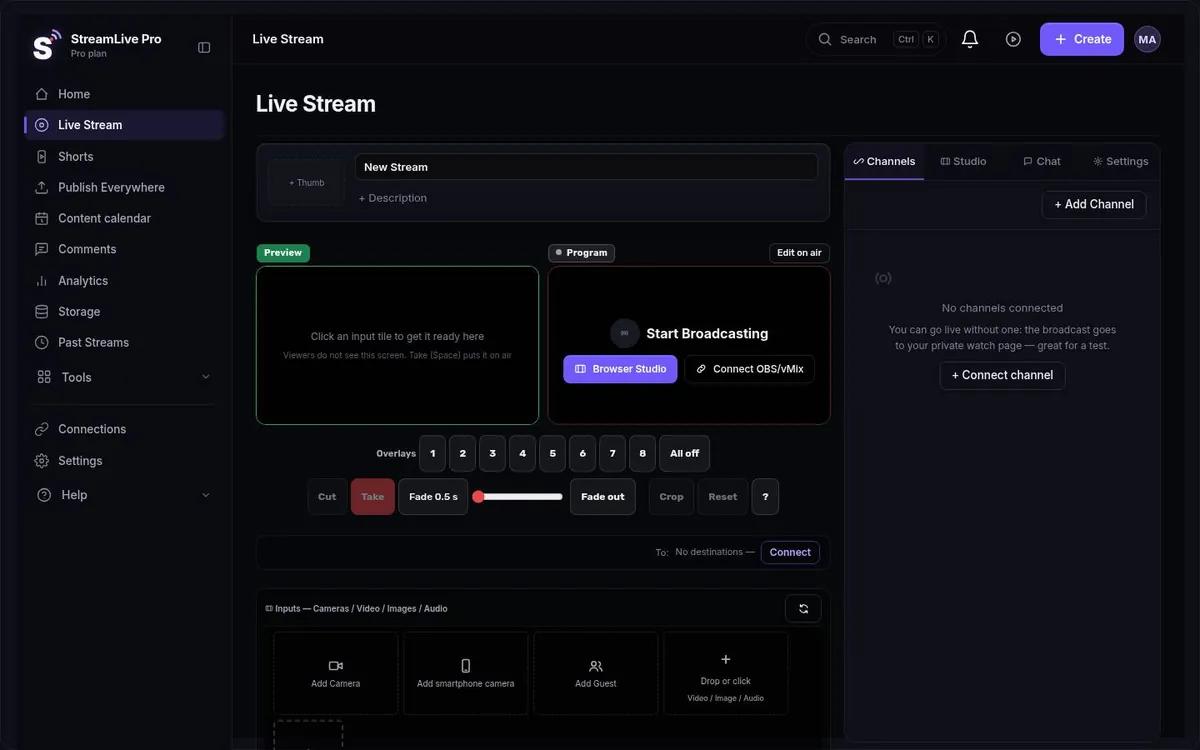
Restream and StreamLive Pro do the same first job: you send one stream from your room, and servers copy it to YouTube, Facebook and the other networks you picked. Your upload does not grow with the number of destinations on either service. The differences are in the plan limits, the price of each step, and what you can do with the recording after the broadcast ends. This page puts the published numbers side by side. For the longer story of how the two products work day to day, read our guide A Restream alternative with the editing on the other side.
The facts, side by side (checked 4 November 2026)
| Restream | StreamLive Pro | |
|---|---|---|
| Free plan | Yes, $0: 2 channels, 6 on-screen participants, recording up to 6 hours per stream, 15-day storage | No free plan. 7-day trial, no credit card, does not turn into a paid plan by itself |
| Entry plan | Standard, $19 a month: 3 channels, 10 participants | Creator, $29 a month |
| Middle plan | Professional, $49 a month: 5 channels | Pro, $85 a month |
| Top listed plan | Business, $239 a month: 8 channels. Enterprise: custom | Studio, $199 a month. Enterprise: by arrangement |
| Destinations at once | 2, 3, 5 or 8, by plan | 3, 6 or 20, by plan |
| Participants | On screen: 6 on Free, 10 on the paid plans | Guests in the live studio: 4, 15 or 15, by plan |
| Supported networks | 30+ destinations listed | YouTube, Facebook, Instagram, TikTok, X, LinkedIn, Twitch, Kick, and any RTMP or SRT server |
| Annual billing | Saves 20% | Two months free |
| Short vertical clips | Paid add-on: +$19 a month for 50 clips (Standard), +$29 for 100 (Professional), +$59 for 250 (Business) | Included: 10, 30 or 300 Shorts a month, with captions |
| Transcription | Of recordings, paid plans only, 36 languages in its help article; Hebrew not listed | Every word time-stamped; Hebrew right to left |
| Caption translation | We have not checked this | 143 languages; 120, 500 or 1,500 minutes a month |
| Unified live chat | Covers more networks than ours | YouTube and Facebook comments in one panel, reply to both |
| Captions viewers see during the live | We have not checked this | Not available (in development) |
Source: Restream pricing, Restream integrations, Restream help: transcribe your recordings, StreamLive Pro pricing. Checked 4 November 2026.
How we checked: we read Restream's pricing page and its transcription help article on 4 November 2026, and took our own numbers from our live billing data, which is what fills the right-hand column. We did not run test broadcasts on Restream for this page, so nothing here is a speed or quality claim. Restream's pricing page mentions 39 languages for transcription; its help article lists 36, and that list is the one we quote.
Prices change. Both companies adjust plans and limits, so open both pricing pages before you decide. If you find a number here that no longer matches, the vendor page is right and this page is out of date.
Where Restream is the better choice
- You want to pay nothing. Restream has a free plan with 2 channels. We do not have a free plan; we have a 7-day trial that ends.
- You need more than 8 networks on a mid-range budget, or a network we do not list. Restream lists more than 30 destinations. Check their list for the exact network you need before you check ours.
- You read chat from many networks during the stream. Our unified chat brings in YouTube and Facebook only. Restream's chat covers more networks. If your audience talks to you on Twitch, Kick and LinkedIn at once, that is a real gap on our side.
- You want the cheapest paid entry. Restream Standard is $19 a month. Compare that with our Creator price in the table above.
- You value a long operating record. Restream has been running multistreams for years and has a long public record.
- You only need distribution. If the job ends when the stream ends, a product that does only that has less to learn.
Where StreamLive Pro is the better choice
- Shorts are part of the plan. On Restream, clips are a paid add-on starting at $19 a month for 50 clips. Here every plan includes 10, 30 or 300 vertical Shorts a month. If you want many clips and nothing else, Restream's price per clip is lower. When a broadcast ends, Shorts are cut automatically in 9:16, reframed to follow the speaker, with captions and a thumbnail. The AI picks the moments and it can pick wrong, so review them before you publish.
- Hebrew captions that read correctly. The transcript has a timestamp for every word, and Hebrew runs right to left with punctuation and numbers on the correct side, even when the current word is highlighted. Restream's transcription help article lists 36 languages and Hebrew is not one of them.
- Translation in the same place. Captions can be translated into 143 languages, sentence by sentence rather than word by word. Burn them into the video or export SRT or VTT. Translation is not available live: viewers do not see translated captions during the broadcast, and there is no dubbing.
- An editor after the stream. A recording you kept (you pressed Record) opens in a multi-track video editor with colour correction, chroma key, keyframes and transitions, so you do not need a second tool for a quick fix.
- Publishing from WhatsApp or Telegram. On Pro and Studio, a video sent into a connected WhatsApp or Telegram group can be published to your networks. Useful when the person filming is not the person running the account.
- Hebrew and English interface, Israeli billing. In Israel the price is in shekels and includes VAT, with an Israeli tax invoice for every payment.
Going live: what is the same
Both services give you a browser studio with remote guests, and both accept an encoder such as OBS or vMix (Restream integrations). Here OBS, vMix or Streamlabs can send RTMP, RTMPS or SRT to a StreamLive Pro address and key, on a paid plan (not in the trial). See using OBS or vMix. Instagram and TikTok LIVE go through the stream key those networks give your account; we cannot hand you one, because TikTok and Instagram decide who gets it, and you paste a fresh key before each live. Our guide on Instagram and TikTok stream keys explains who gets one.
Our browser studio also has Preview and Take with several cameras, a phone as an extra camera, green screen with an eyedropper, lower thirds and a news ticker, and a 10-second camera check before you go live.
How to compare the prices honestly
Line up what you would actually pay for the same work. Say you stream to 3 networks. If our smallest Shorts limit is enough, that is Creator at $29 a month, Shorts included. If you want about 50 clips a month, Restream is Standard at $19 plus the 50-clip add-on at $19, so $38 a month before any annual discount. Our limit is 10, 30 or 300 Shorts a month, so here 50 clips only fit on Studio, at $199 a month. For clips alone Restream is much cheaper. The sum changes if you also need Hebrew captions or translation: then add the cost of whatever tool would do that next to Restream. If you need none of that, Restream's free plan or Standard is the cheaper answer.
Moving from Restream
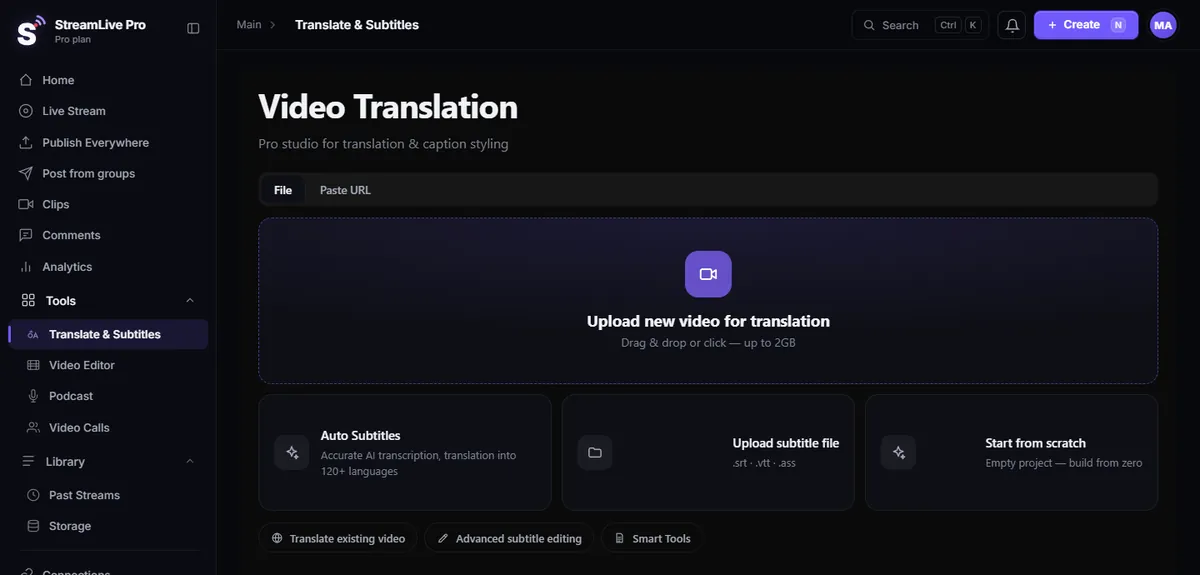
You do not have to switch everything at once. Connect your channels here (connect your channels), run one broadcast in the 7-day trial, and look at the Shorts and captions it produces from your own content. The trial allows up to 2 destinations and 2 lives of up to 60 minutes, which is enough for a real test. If the result is not worth the switch, you have lost nothing but an hour.
No credit card. The trial never turns into a paid plan by itself.
Start a 7-day trialMore on the same subject: multistreaming to YouTube, Facebook, Instagram and TikTok, StreamLive Pro vs StreamYard, and the comparison hub.
Frequently asked questions
Is there a free alternative to Restream on StreamLive Pro?
No. We offer a 7-day trial with no credit card that does not turn into a paid plan by itself. Restream has a free plan with 2 channels, and if price is the only factor it is the cheaper option.
Does Restream transcribe Hebrew?
Restream's help article on transcribing recordings lists 36 languages and Hebrew is not among them (checked 4 November 2026). StreamLive Pro transcribes Hebrew with a timestamp per word and right-to-left captions.
Can StreamLive Pro show chat from every network?
Only YouTube and Facebook, in one panel where you can reply to both. Restream's chat covers more networks, which is a point in its favour if you read many chats while live.
Can I keep using OBS with StreamLive Pro?
Yes. OBS, vMix or Streamlabs can send RTMP, RTMPS or SRT to a StreamLive Pro address and key, and our servers send it on to every network. This opens on a paid plan, not in the trial.
Do viewers see captions or translation during the live stream?
Not yet; it is in development. Today captions and translation are made from the recording and the Shorts after the broadcast, and there is no dubbing.