 StreamLive Pro
My Short has a "Made with StreamLive Pro" watermark
Why your Short, export or recording shows the Made with StreamLive Pro watermark, how to remove it for the next ones, and why TikTok refuses watermarked Shorts.
The small "Made with StreamLive Pro" mark in the bottom-right corner appears on what the system makes for an account on the 7-day trial. That covers Shorts, videos exported from the editor, translated videos with burned-in captions, and the picture of lives and recordings from the browser studio, the podcast studio and video calls. Paid plans have no mark. The mark is burned into the file when it is made, so choosing a plan removes it from what you make next, not from files already made.
Symptom, cause and fix
| What you see | Likely cause | Fix |
|---|---|---|
| The mark on every new Short | The account is on the trial | Choose a plan in Billing, then make the Shorts again |
| The mark on an old Short after you paid | It was made during the trial; the mark is part of the file | Create the Short again from the same video |
| The mark came back on new Shorts | The paid plan expired and was not renewed for more than a couple of days | Renew the plan in Billing |
| The mark on your live or studio recording | Trial accounts carry it on the program of the browser studio, podcast studio and video calls | It disappears on the next live or recording after you choose a plan |
| TikTok says it does not allow videos with an added logo or watermark | TikTok refuses app posts with a mark the app added | Post your original upload from Publish everywhere, or make the Short again on a paid plan |
| The mark on a video you uploaded yourself | It was a Short or an export, not your original file | Your own file posted as it is never gets a mark. Post the original |
| The mark appears on the right in Hebrew | It is always bottom-right, in every language | Nothing to fix; it is the same position on purpose |
Steps
- Check the plan. Open Billing. If it says trial, the mark is expected. If it shows an expired plan, renew it.
- Choose a plan if you want clean output. Shorts, exports and recordings made from then on have no mark. Plans are on /pricing?lang=en.
- Make the marked Shorts again. In Shorts create Shorts again from the same video. Each new Short counts toward the month's Shorts.
- Export again from the editor. An exported video or translated MP4 made during the trial must be exported again.
- Post to TikTok. Send the new, clean Short to TikTok from the publish screen. TikTok posts are made by you on the publish screen; they cannot be scheduled. See Post a video to TikTok from your computer.
- Keep the old file if you like. A marked Short can still be downloaded and posted to Instagram, Facebook or YouTube; only TikTok refuses it.
What the mark looks like
A small play badge with the words "Made with StreamLive Pro", white with a soft shadow, at about 70 percent opacity and roughly 3 percent of the frame height. It is drawn in the bottom-right corner in every language, so a Hebrew page does not flip it. There is no switch to hide it on the trial; the plan decides.
Why TikTok refuses it
TikTok's guidelines for apps say an app should not add promotional watermarks or logos to the content it shares, and call it a violation (TikTok: Content Sharing Guidelines). StreamLive Pro checks this before sending and stops with a clear message, rather than letting TikTok reject the post later. Other networks accept the Short with the mark. More: The trial watermark and TikTok.
Related pages
When to contact support
Write to [email protected] if you are on a paid plan, Billing shows it as active, and a Short made today still has the mark. Send the account email, the name of the Short or video, when it was made, and a screenshot of the Billing page.
Frequently asked questions
How do I remove the watermark from my Shorts?
Choose a plan in Billing, then create the Shorts again. The mark is burned into Shorts made during the trial and cannot be taken off those files.
Does the watermark go on my own uploaded videos?
No. A file you upload and post as it is never gets a mark. Only what the system makes for you on the trial carries it.
Why does TikTok block my Short?
The Short carries the trial mark, and TikTok does not let apps post videos with an added logo or watermark. Post your original upload, or make the Short again on a paid plan.
Is my live broadcast watermarked on the trial?
Yes. The program of the browser studio, the podcast studio and video calls carries the small mark on the trial, and so does the recording.
Can I post a watermarked Short to Instagram or YouTube?
Yes. Only TikTok refuses it. Instagram, Facebook and YouTube accept it with the small mark.
Keep reading
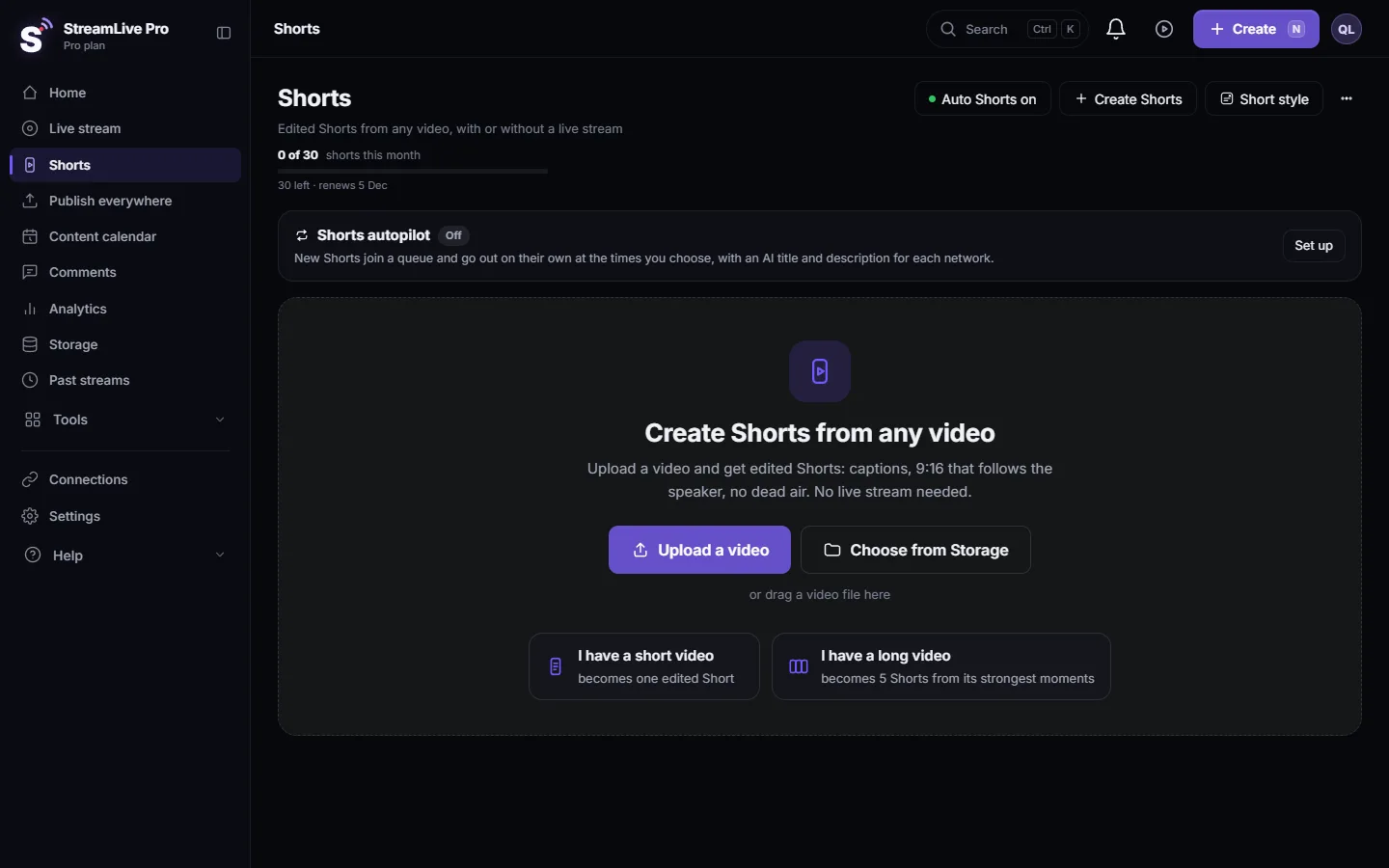
Upload a video and get edited Shorts: a short video becomes one Short, a long one is cut into several Shorts from its strongest moments. No live stream needed.
Automatic Hebrew captions on ShortsEvery broadcast or video can become vertical Shorts with Hebrew captions that read right to left, with punctuation in the right place. How it works and what you can change.
A Submagic alternative for people who also make the videoSubmagic turns an uploaded video into a captioned vertical short, quickly and well. Here it is next to a Short engine that sits at the end of a studio.
My storage is fullStorage full in StreamLive Pro? What uses the space, what stops working, which files to delete first, and how to keep a recording from being cut short.
Want to try it? 7-day trial, no credit card.
Start free