 StreamLive Pro
End a live from ChatGPT or Claude
Ask ChatGPT or Claude to end a live on every channel at once. How the confirmation works, what happens to the recording and Shorts, and what to stop yourself.
You can end a broadcast that is on air by asking ChatGPT or Claude, for example "End the live now". The assistant finds the live that is on air, tells you its title, and asks you to confirm. Only after you say yes does it end the live, on every channel at once. Then stop your streaming software or close the studio yourself.
Before you start
- The assistant is connected to StreamLive Pro: Use StreamLive Pro from ChatGPT and Claude. Ending a live uses the permission to schedule, edit, cancel and end lives, which is on by default when you connect.
- The live is on air. A live that has not started yet is cancelled, not ended: Change or cancel a scheduled live with ChatGPT or Claude.
- Decide about the recording first. StreamLive Pro keeps a recording only if you pressed Record (or Keep recording) for that live. Otherwise the temporary recording is removed about 2 hours after the broadcast. See Where is my live stream recording?.
Steps
- Ask to end it. "End the live" or "Stop the broadcast on all channels." If more than one live is on air, name it, for example "End the live called Evening class."
- Read the confirmation question. The assistant names the live it is about to end. Ending cannot be undone, so the StreamLive Pro tool refuses to act until you agree.
- Say yes. Answer clearly, for example "Yes, end it." The assistant calls the tool again with your approval and the live ends on every channel.
- Stop the source. If you broadcast from OBS, vMix or another encoder, press Stop Streaming there too. If you used the browser studio or the phone, you can close it.
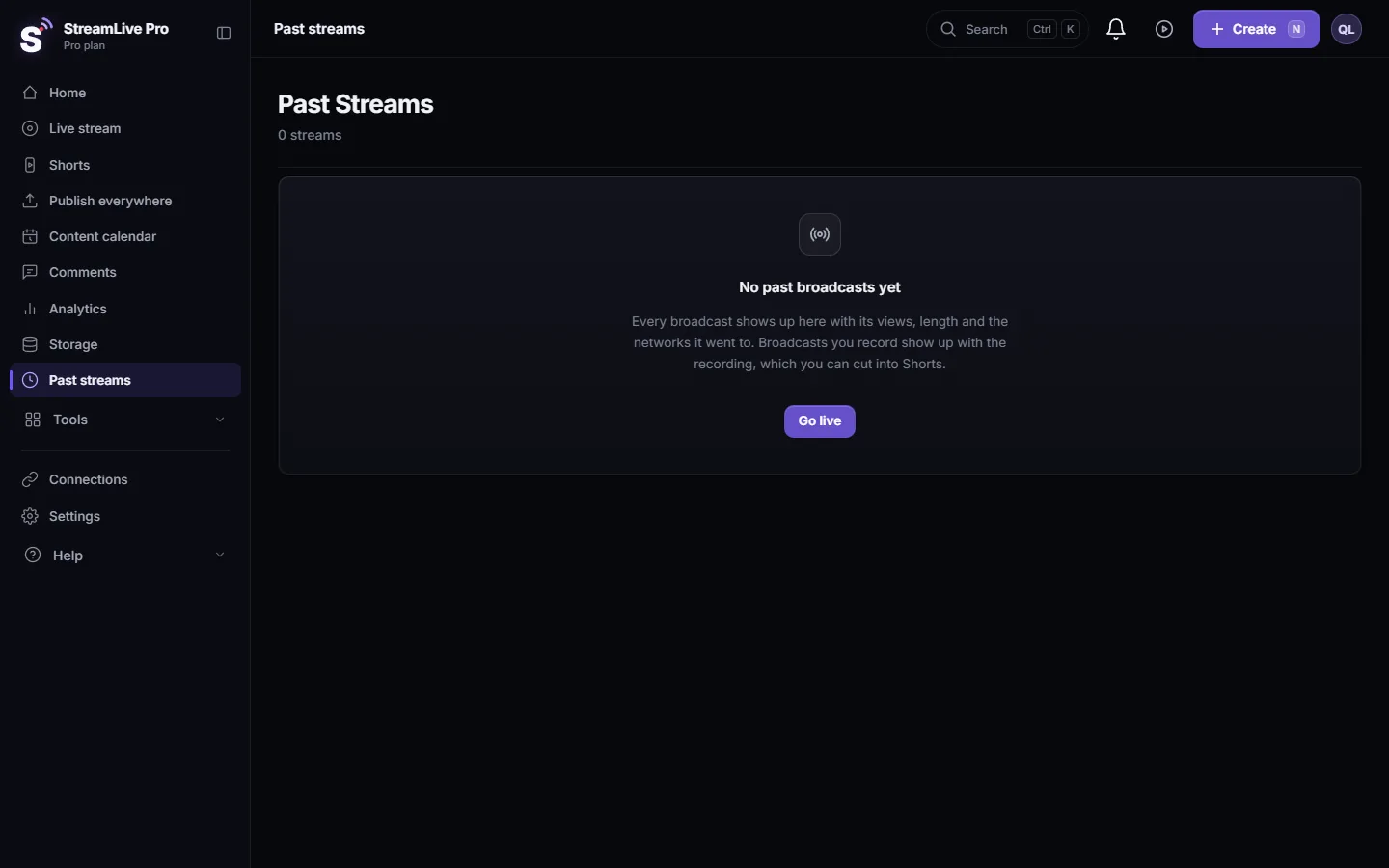
- Check the result. Ask "Did the live end?" or look at Past streams. The live now shows as ended, with its length and viewers.
- Shorts, if automatic Shorts are on. After the recording is processed, Shorts are cut from it within minutes. Ask "Show me the Shorts from tonight's live", or see Create and publish Shorts from Claude or ChatGPT.
Why the assistant asks first
Three StreamLive Pro tools can never act in one step: ending a live, cancelling a scheduled live and cancelling a scheduled post. Each one is refused with "confirmation required" until it is sent again with the person's approval. A well-behaved assistant shows you what it is about to do and waits for your answer. If an assistant ever ends a live without asking you, disconnect it (Disconnect ChatGPT or Claude from StreamLive Pro) and write to support.
This protects you from a mistaken request in a long chat, and from text written by viewers: chat messages and titles reach the assistant marked as content written by people, not as instructions.
Ending from the studio instead
You do not need the assistant to end a live. Ending the broadcast in the browser studio or in the phone app, or pressing Stop Streaming in your encoder, ends it too. The assistant is useful when you are away from the studio screen, for example when a helper ran the broadcast and forgot to stop it.
What can go wrong
| What happens | Likely cause | Fix |
|---|---|---|
| "This live is not on air" | It already ended, or it never started | Ask for the list of lives to see its status |
| The assistant ended nothing and keeps asking | You did not give a clear yes | Answer "Yes, end it" |
| OBS still shows that it is streaming | The software was not stopped | Press Stop Streaming in OBS or vMix |
| No recording after the live | Record was not pressed, and 2 hours passed | Next time press Record before or during the live |
| "Missing permission" | The permission to change lives was unticked when you connected | Reconnect the assistant and tick it |
| No Shorts appeared | Automatic Shorts are off, or something stopped them | See Shorts were not created after my live stream |
Frequently asked questions
Can ChatGPT end my live without asking me?
No. The end tool refuses to act until it is called again with your confirmation, so the assistant has to ask you first.
Does ending from the assistant stop every network?
Yes. It ends the live on every channel it was going to, at the same time.
Is my recording saved when the assistant ends the live?
Only if you pressed Record for that live. Otherwise the temporary recording is removed about 2 hours after the broadcast.
Can I undo it and continue the same live?
No. An ended live stays ended. Start a new live from the studio, or ask the assistant to set one up.
Do I still need to stop OBS?
Yes. Press Stop Streaming in your software so it stops sending video.
Keep reading
What VOD means: video on demand, the recording people watch after a live ends. Where replays live on each network and in StreamLive Pro, and how to keep yours.
Live streaming glossary: the terms you will meetA live streaming glossary in plain words: stream key, RTMP, SRT, bitrate, multistream, Preview and Program, ISO, captions, reframe. Where each shows up in StreamLive Pro.
How to host a live Q&A session on YouTube and FacebookRun a live Q&A: collect questions before, read YouTube and Facebook chat in one panel, show a question on screen, bring in an expert by link, and reuse the answers.
How to live stream a local or youth sports gameLive stream a youth or amateur sports game with one or two phones: where to stand, sound, the score on screen, the venue's internet, privacy and highlights afterwards.
Want to try it? 7-day trial, no credit card.
Start free