 StreamLive Pro
SRT file or SRT protocol? Two different things
SRT means two things: a subtitle file (SubRip, .srt) and a live streaming protocol (Secure Reliable Transport). How to tell which one you need and where each is used.
SRT is two unrelated things that happen to share three letters. An SRT file is a plain text subtitle file (SubRip, extension .srt): numbered lines of text with start and end times. SRT the protocol (Secure Reliable Transport) is a way to send a live video stream over the internet that copes with a weak connection. One is a document you upload next to a finished video; the other is a connection your encoder opens while you are live.
If someone asks you for "the SRT", the context tells you which: an editor or YouTube's caption screen wants the file; a broadcast engineer or an encoder setting wants the protocol.
Side by side
| Question | SRT subtitle file | SRT streaming protocol |
|---|---|---|
| Full name | SubRip subtitle format | Secure Reliable Transport |
| What it is | A text file with timed caption lines | A network protocol for live video |
| When it is used | After the video exists | While you are broadcasting |
| What it carries | Words and times | Video and audio |
| Typical place you meet it | YouTube captions, Premiere Pro, DaVinci Resolve | OBS, vMix, hardware encoders, contribution links |
| How it looks | A .srt file you can open in a text editor | An address such as srt://host:port, with a passphrase and settings |
| In StreamLive Pro | Exported from Translate and subtitles | Encoder ingest (paid plans) and Custom SRT destinations |
The SRT subtitle file
An SRT file is about as simple as a caption format gets. Each block has a number, a time range and one or two lines of text, with an empty line after it:
1
00:00:01,200 --> 00:00:03,800
Welcome to the weekly class.

2
00:00:04,000 --> 00:00:06,500
Today we start a new chapter.
There is no font, colour or position in it: the player decides how it looks. That is why it works almost everywhere. YouTube lists SRT among the caption files it accepts (YouTube Help: Supported subtitle and closed caption files, checked 5 November 2026). Its web cousin is VTT (WebVTT), defined by the W3C for HTML5 players (W3C: WebVTT).
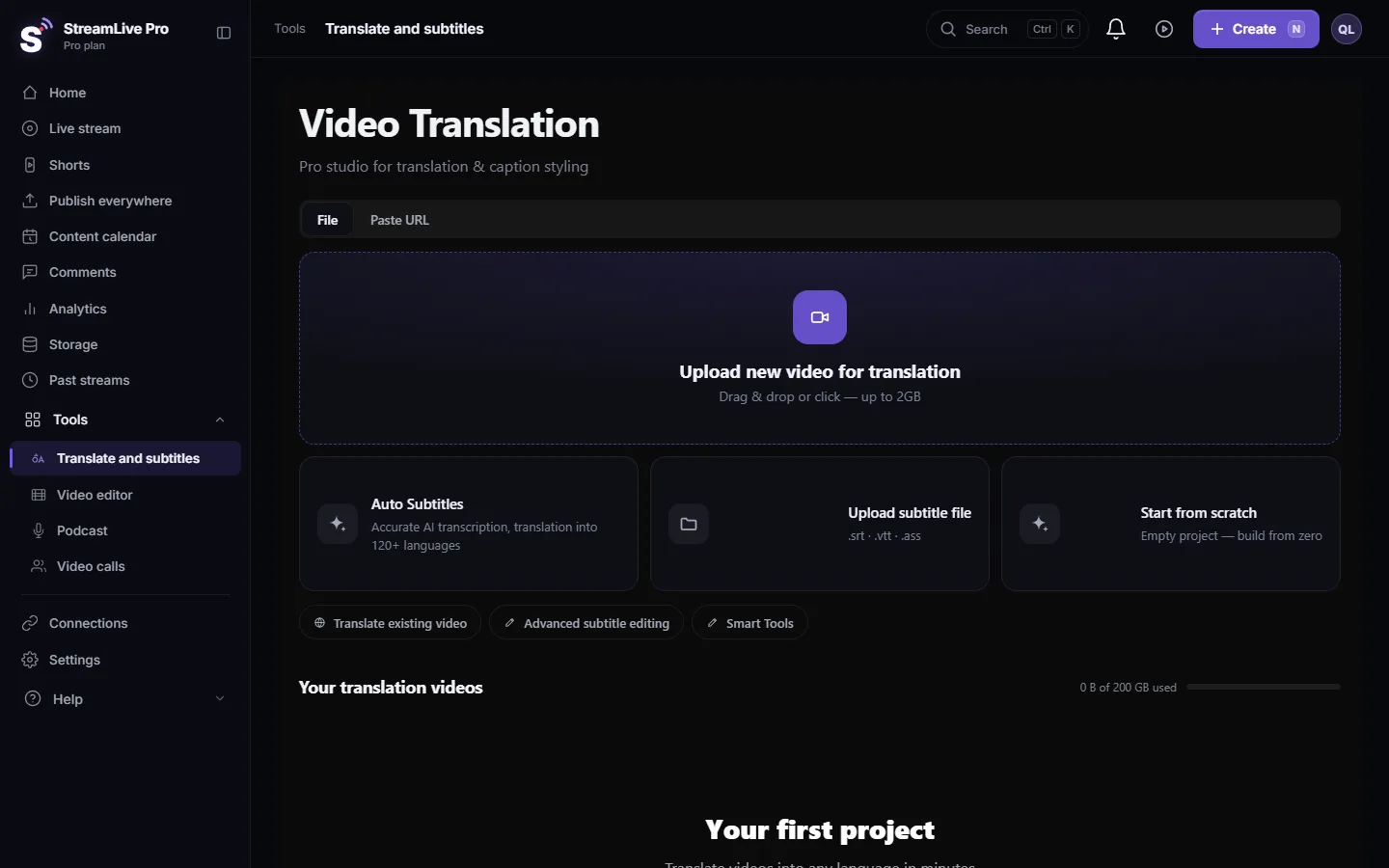
In StreamLive Pro: open a project in Translate and subtitles, press Export and choose SRT — Subtitles. The file is UTF-8, and lines with Hebrew or another right-to-left script start with an invisible right-to-left mark so punctuation lands on the correct side. SRT, VTT and TXT are on every plan, the trial included. More: Export captions as SRT, VTT or ASS, and which one to use and Upload SRT captions to YouTube, step by step.
The SRT streaming protocol
SRT the protocol was created and open-sourced by Haivision, according to the SRT Alliance (SRT Alliance, checked 5 November 2026). It sends video over UDP and asks again for packets that went missing, within a time window you set, called latency. On a line that loses packets, for example a venue's shared Wi-Fi or a mobile connection, it keeps the stream going where RTMP tends to freeze. A passphrase encrypts the stream.
An SRT address has more parts than an RTMP one: the host and port, a passphrase, often a stream ID, the latency and a connection mode (caller, listener or rendezvous). Encoders such as OBS and vMix put these in one srt:// address or in separate fields.
In StreamLive Pro, two places:
- Sending to us. Every broadcast has an SRT address on the Encoder card, next to RTMP and RTMPS. You send SRT from OBS, vMix or a hardware encoder; we send the broadcast on to each network in the protocol that network takes. Encoder ingest is on the paid plans; the 7-day trial uses the browser studio. Step by step: Stream with SRT from OBS, vMix or a hardware encoder.
- Sending from us. A Custom SRT destination sends your broadcast to an SRT server you name, for example a TV station's receiver. See Stream to a custom RTMP or SRT server.
How SRT compares with RTMP and RTMPS on a bad line, on firewalls and on encryption: RTMP vs RTMPS vs SRT: which one to use and when.
How not to mix them up
- A file you can open in Notepad is a subtitle file. A protocol is never a file.
- An address that starts with srt:// is the protocol.
- A request after the event ("send me the SRT for the recording") is almost always the subtitle file.
- A request before the event ("can you take SRT?") is almost always the protocol.
- In OBS settings, SRT is the protocol. In YouTube Studio's subtitles screen, it is the file.
Common mistakes with each
With the subtitle file:
- Saving it in an old text encoding instead of UTF-8, so Hebrew turns into question marks. Our exports are UTF-8; re-saving in an old editor can break that.
- Editing the times by hand and leaving two lines that overlap. Most players then show one and skip the other.
- Uploading it in the wrong language slot on YouTube.
With the protocol:
- Pasting the address but not the passphrase, so the connection is refused.
- Setting the latency too low for a weak line. SRT can only recover packets inside that window.
- Testing at home on a wired line and assuming the venue's network allows outgoing UDP. Test at the venue, and keep RTMPS as a fallback.
Do you need either?
| Your situation | What you need |
|---|---|
| You want captions on a YouTube video | The SRT file |
| You edit in Premiere Pro or DaVinci Resolve and want the text | The SRT file |
| You want captions inside an Instagram or TikTok video | Neither: burn the captions into the MP4. See Open and closed captions: burned in or a separate file |
| You stream from the browser studio | Neither: the browser handles the connection |
| You stream from OBS on a stable wired line | RTMP or RTMPS is enough |
| You stream from a venue with unreliable internet | The SRT protocol |
| A TV station wants your feed | Often the SRT protocol, to their address |
Frequently asked questions
Is an SRT file the same as SRT streaming?
No. An SRT file is a subtitle text file. SRT streaming is the Secure Reliable Transport protocol for sending live video. They only share the letters.
What does SRT stand for in subtitles?
It is short for SubRip, the name of the subtitle format. In streaming, SRT stands for Secure Reliable Transport.
Can I send SRT from OBS to StreamLive Pro?
Yes, on a paid plan. The Encoder card of each broadcast has an SRT address next to RTMP and RTMPS.
Can StreamLive Pro make an SRT subtitle file?
Yes. Export it from Translate and subtitles on any plan, the trial included.
Keep reading
A printable live stream checklist: test broadcasts, stream keys, sound check, backup internet, what to do if the stream drops, and the work after it ends.
Live streaming glossary: the terms you will meetA live streaming glossary in plain words: stream key, RTMP, SRT, bitrate, multistream, Preview and Program, ISO, captions, reframe. Where each shows up in StreamLive Pro.
What is a video codec? H.264, AAC and live streamingWhat is a codec: the method that compresses video and sound. Why live streams use H.264 and AAC, how H.265 and AV1 differ, and codec vs container.
What is WHIP? WebRTC ingest for live streamingWhat is WHIP: a standard way to send a live stream over WebRTC with one HTTP request. How it differs from RTMP and SRT, its limits, and where it stands in StreamLive Pro.
Want to try it? 7-day trial, no credit card.
Start free