 StreamLive Pro
Check your podcast feed and Spotify status with AI
Ask ChatGPT or Claude where your podcast stands: the RSS feed link, what is missing, and its status on Spotify, Apple Podcasts and other apps, episode by episode.
If you host your podcast with StreamLive Pro, you can ask ChatGPT or Claude "Is my podcast live on Spotify and Apple Podcasts?" The assistant reads the status of each show: its RSS feed link, how many episodes are in the feed, the latest one, whether the show is ready to submit, and where it stands in each podcast app. It only reads. Submitting the feed is done once by you, in each app's own portal.
Before you start
- The assistant is connected: Use StreamLive Pro from ChatGPT and Claude. The podcast status uses the permission to see your lives and connections, which is on by default.
- A podcast exists on the account. With a name, cover, category, language and at least one published episode. See Podcast cover art and show details: what each app needs and Add an episode to your podcast RSS feed.
- A public feed needs a paid plan. In the trial the feed is not public, so the apps cannot read it yet. See /pricing?lang=en.
Steps
- Ask about your podcast. "What is the status of my podcast feed?" or "Is my show on Spotify yet?"
- Read the readiness checks. For each show the assistant says if the cover is right, if the owner email is verified, and if the show is public. All three are needed before you submit.
- Copy the feed link if you need it. The answer includes the RSS feed link of each show, ready to paste.
- Read the status in each app. Spotify, Apple Podcasts and the other apps each get one of five states (see the table below), with the show link once it is connected.
- Compare the latest episodes. The answer shows the newest episode in your feed and the newest episode each app has picked up, plus when the app last read the feed. If they differ, the app has not caught up yet.
- Finish the missing step in StreamLive Pro. Submitting, marking "I submitted it" and pasting the show link happen in Connections. Full steps: Publish your podcast to Spotify and Apple Podcasts.
The five states
| State in the answer | What it means | What you do |
|---|---|---|
| needs_setup | Something is missing: cover, verified owner email, or a public show | Fix the item the answer names |
| feed_ready | The feed is ready to submit | Submit it in the app's portal |
| waiting_for_claim | You marked it submitted, the ownership step in the app is not finished | Finish the claim in the app |
| waiting_for_verification | The app read the feed; the show is not seen listed yet | Wait, then paste the show link when it is live |
| connected | The show is live in that app | Nothing; new episodes reach it by themselves |
The apps run their own reviews. Apple's own requirements for a show are on its page: Apple Podcasts requirements, and submitting is described in Submit a new show (both checked 5 November 2026). Spotify's portal is Spotify for Creators (checked 5 November 2026).
Questions that work well
- "Which of my podcasts are not ready to submit, and why?"
- "Has Apple Podcasts picked up last week's episode?"
- "Give me the RSS feed link of my show."
- "When did Spotify last read my feed?"
What the assistant cannot do here
- Submit the feed to Spotify or Apple. You do that once, signed in to each app.
- Verify your owner email. That uses a code sent to you: Verify your podcast owner email for the RSS feed.
- Publish an episode. Episodes are added to the feed from the podcast screen in StreamLive Pro.
What can go wrong
| What happens | Likely cause | Fix |
|---|---|---|
| "Podcast connections are not available right now" | The podcast connection screen is switched off at that moment | Open Connections in StreamLive Pro, or ask again later |
| The show stays needs_setup | Cover, owner email or public setting missing | Fix the item named; the cover must be square |
| An app shows an older episode than the feed | The app reads feeds on its own schedule | Wait; the answer shows when it last read the feed |
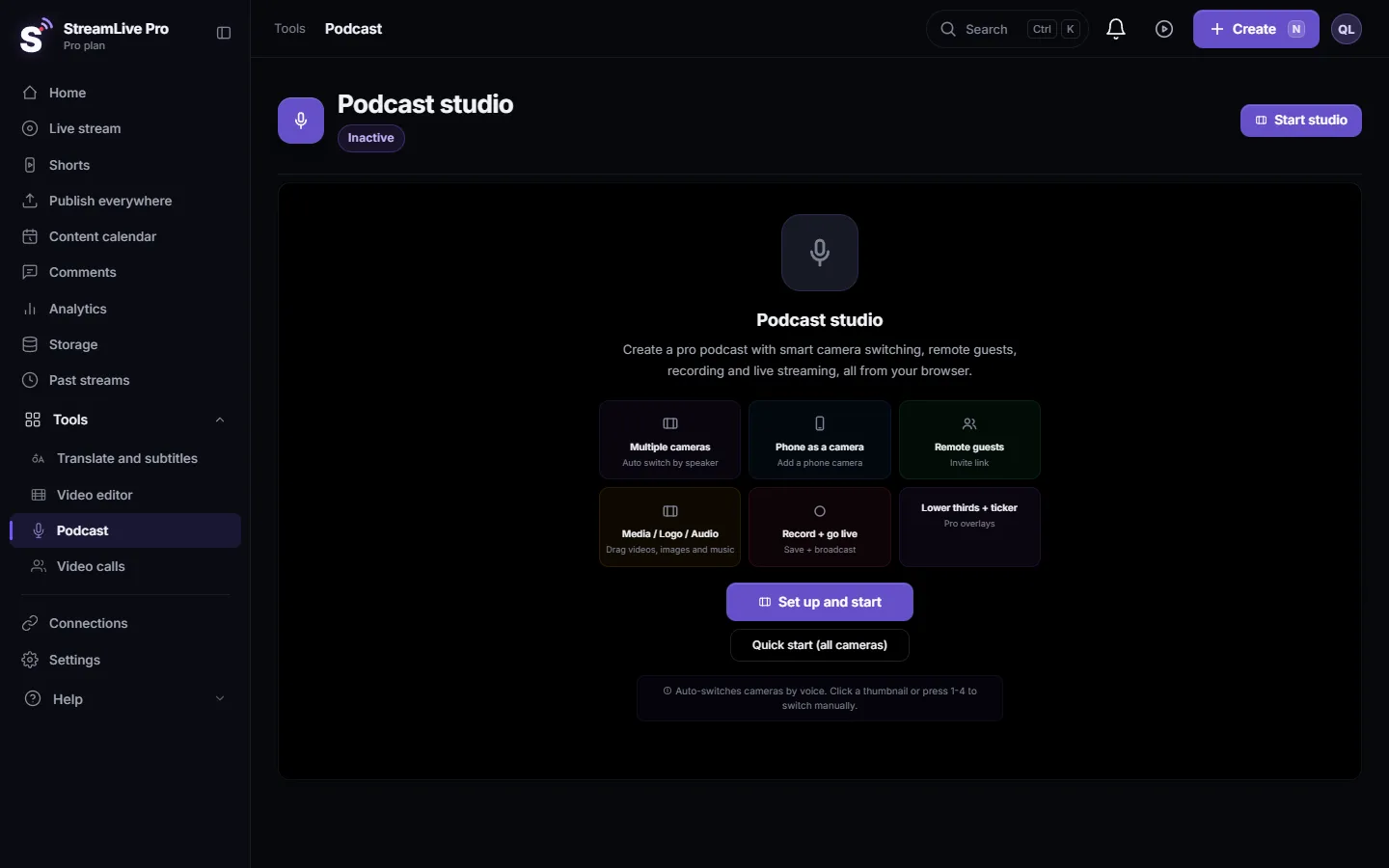
| No podcasts in the answer | No show was created on this account | Create the show on the Podcast page |
Frequently asked questions
Can ChatGPT tell me if my podcast is live on Spotify?
Yes. It reads the status StreamLive Pro keeps for each app, from feed ready to connected, with the show link once it is live.
Can the assistant submit my podcast to Apple Podcasts?
No. You submit the feed once in Apple's Podcasts Connect. The assistant tells you what is missing before you do.
Why does Spotify show an older episode?
Each app reads your feed on its own schedule. The answer shows the latest episode the app picked up and when it last read the feed.
Does this work in the trial?
The assistant can read the status, but the feed is public only on a paid plan, so the apps cannot read it during the trial.
Keep reading
What a webhook is: a private web address that gets a message when something happens. Incoming webhooks in Discord and Slack, event webhooks, and how to keep them safe.
What is OAuth? Connecting an account without a passwordWhat OAuth is: how one app gets limited access to your account on another service without your password. Tokens, scopes, why connections expire, how to revoke.
Echo cancellation and noise suppression explainedEcho cancellation removes your speakers from your microphone; noise suppression removes background sound. What each does, its limits, and the StreamLive Pro settings.
What is LUFS? Loudness for video and podcastsWhat LUFS means: a unit for how loud audio sounds to people, not its peaks. Common targets, true peak, and the levels StreamLive Pro sets for Shorts and podcasts.
Want to try it? 7-day trial, no credit card.
Start free