 StreamLive Pro
How to invite a guest to your podcast recording
Invite a guest to your podcast recording with one browser link: no account or install for the guest, a sound check before you record, and control of who is heard.
To bring a remote guest into your podcast, start the podcast studio, click Invite and send the link it creates. The guest opens the link in a browser, with no account and nothing to install, chooses how to join and lands in your participant strip, muted. You decide when they are heard and where they appear on the stage. One link serves every guest and stays valid for 4 hours.
Before you start
- Room size depends on the plan. The podcast room has its own limit of participants, separate from the live studio; see /pricing?lang=en. When the room is full, the next guest is told so.
- The guest needs a computer or phone with a recent browser, a camera and microphone, and headphones. Headphones are the simplest protection against echo.
- Time for a sound check. Send the link 15 to 30 minutes before you record. The same link works for the check and for the recording, as long as both fall within the 4 hours.
- Consent. Before the first recording the studio asks you to confirm that participants agreed to be recorded. Tell your guest in advance.
Steps
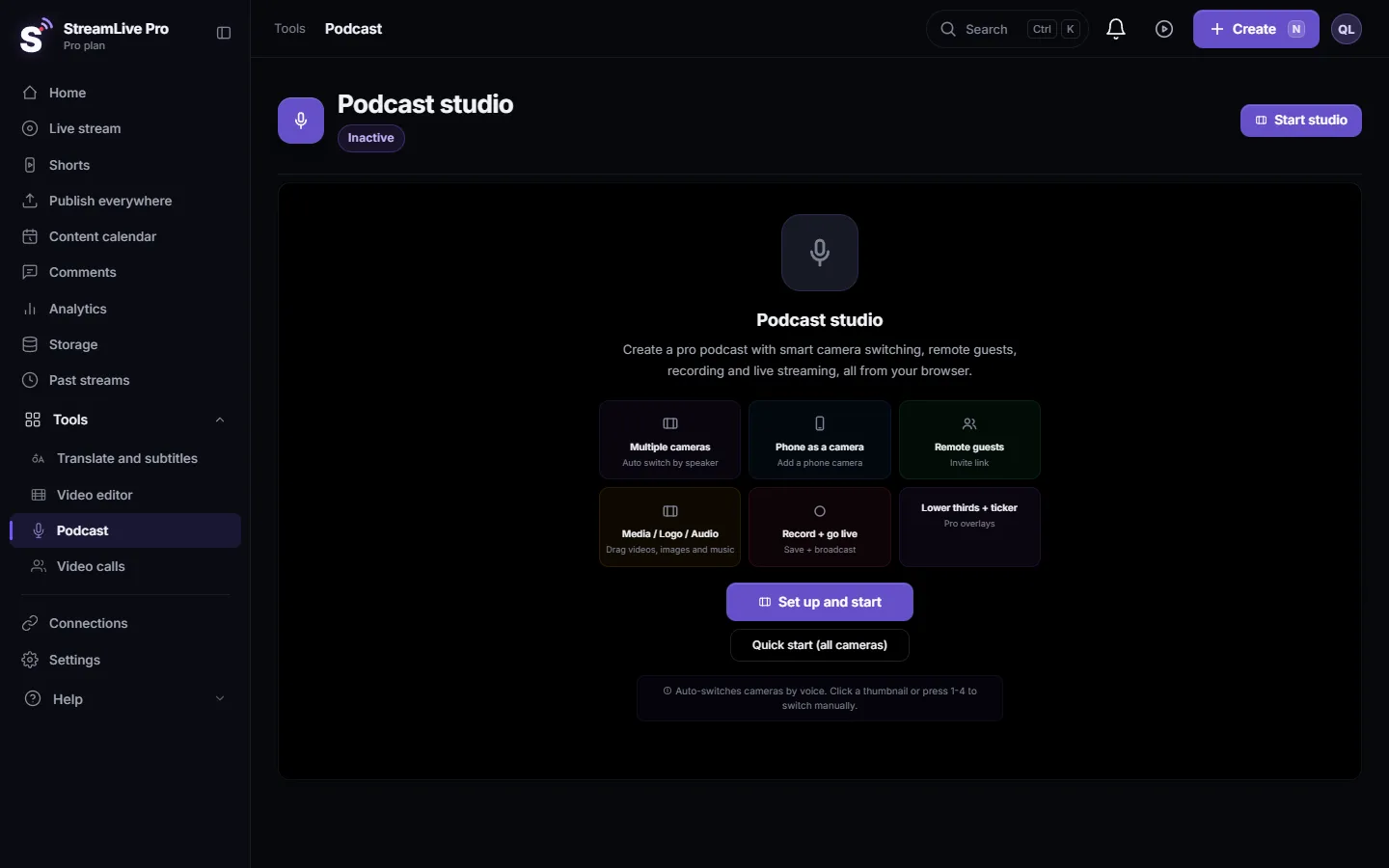
- Open the podcast studio. Choose Podcast and click Start studio. Pick your cameras and microphones and start it.
- Click Invite. It is in the row of tools under the stage. The invite window shows the link, ready to copy or send by WhatsApp or email.
- Send the link. Paste it into the chat you already use with the guest. The link opens in the language you work in.
- Let the guest choose how to join. On the guest's screen: a name, then camera and microphone, camera only, microphone only, or listen only. A level meter moves when they speak, so a wrong microphone shows up before the recording.
- Bring the guest in. The guest appears in your participant strip, muted. Unmute them and talk off the record to check the sound. If you prefer to admit people by hand, switch on the waiting room.
- Place the guest on the stage. Choose split, picture in picture, full or hidden for each guest, or use the Professional guest layout, which arranges everyone by the number of cameras.
- Show the guest's name. Add a name title from Lower Thirds under the stage, so a viewer of the video knows who is talking.
- Press Record. Record when everyone sounds right. To go live as well, see Record a podcast and go live at the same time.
What you control during the recording
- Per guest: mute, separate volume, rename, placement on the stage, and remove from the room.
- Screen sharing by a guest is closed until you allow it from the studio. Nobody shares a screen mid-recording without asking.
- Each guest hears everyone except themselves. The studio builds a separate sound mix for each guest, so there is no echo of their own voice and guests can talk to each other.
- A dropped connection rejoins by itself. If you, the host, drop, guests wait about a minute and a half for you to come back.
What is recorded
The recording is one file: the stage and the sound mix as they were while you recorded. Layout and mute decisions are part of the file. A guest is not recorded to a separate file. If you want a backup of the guest's own sound, ask them to record themselves locally at the same time. Separate files per camera exist only for cameras connected to your computer: How to record each camera separately (ISO recording).
What can go wrong
| Problem | Fix |
|---|---|
| The link says the room expired | More than 4 hours passed since the link was made. Create a new link from the invite window |
| You cannot hear the guest | They joined muted, chose listen only, or picked the wrong microphone. See I cannot hear my guest in the live stream |
| There is an echo | Usually a guest without headphones, or two devices in one room. See Echo during a live stream with guests |
| The guest sees that the room is full | The plan's participant limit is reached. Remove someone or check /pricing?lang=en |
| The guest's video does not come up | Strict office networks can block video. Ask them to rejoin with microphone only, and the sound gets through |
| The guest chose the wrong microphone | They leave and open the link again, choosing the right device |
For the full recording workflow see Record a podcast with remote guests. For guests in a live show rather than a podcast see How to do a live interview with a remote guest.
Frequently asked questions
Does my podcast guest need an account?
No. The guest opens the link in a browser, types a name and joins. There is no sign-up and nothing to install.
How long does the invite link work?
Four hours from the moment it is created. After that, create a new link from the same invite window.
Can several guests use the same link?
Yes. One link serves every guest, up to the number of participants your plan allows in the podcast room.
Can I record each guest separately?
No. Remote guests are part of the main recording. Ask a guest to record their own sound locally if you want a separate backup.
Can a guest join with sound only?
Yes. On the join screen the guest can choose microphone only, or listen only if they should hear without being heard.
Keep reading
Echo cancellation removes your speakers from your microphone; noise suppression removes background sound. What each does, its limits, and the StreamLive Pro settings.
Private video calls you can record, without going liveHold a private video call in StreamLive Pro and record it without going live: invite by link, control participants, share a screen and save the recording to Storage.
What is mix-minus? Echo-free sound for remote guestsWhat is mix-minus: a sound feed for each remote guest with everyone except their own voice. Why it prevents echo, how it works, and how StreamLive Pro builds it.
I cannot hear my guest in the live streamCan't hear a guest in your live? Usually the guest arrived muted, joined without a microphone, or picked the wrong mic. The checks for host and guest, in order.
Want to try it? 7-day trial, no credit card.
Start free