

מעלים פעם אחת.
מתפרסם בכל הרשתות.Upload once.
Post everywhere.
שידור חי, סרטונים, שורטס, רילס וטיקטוק ופוסטים עם תמונות — מעלים מהטלפון פעם אחת, וזה יוצא לכל הרשתות. מתזמנים מראש, או פשוט שולחים לקבוצת הווטסאפ וזה מתפרסם בכל מקום.Live streams, videos, Shorts, Reels, TikTok and photo posts — upload once from your phone and it goes out to every network. Schedule ahead, or just send it to your WhatsApp group and it posts everywhere.
האפליקציה לאייפון בבדיקה אחרונה של Apple ותגיע ל-App Store ממש בקרוב. בינתיים, כל הכלים זמינים בדפדפן של האייפון:The iPhone app is in Apple's final review and will be on the App Store very soon. Meanwhile, everything works in your iPhone's browser:
כניסה ללוח הבקרהOpen the web dashboardכוונו את מצלמת הטלפון לקוד. הדף ייפתח בטלפון עם כפתור ההורדה המתאים לו.Point your phone's camera at the code. This page opens on your phone with the right download button.
שידור, פרסום ותגובות — באפליקציה אחתLive, posts and comments — in one app
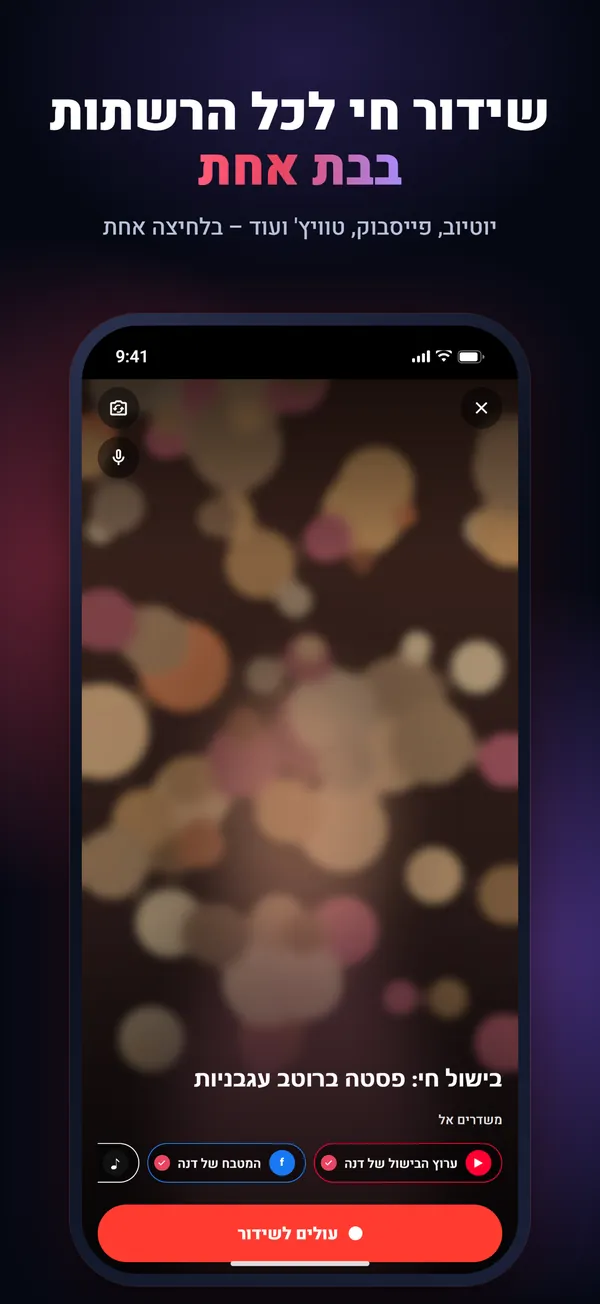
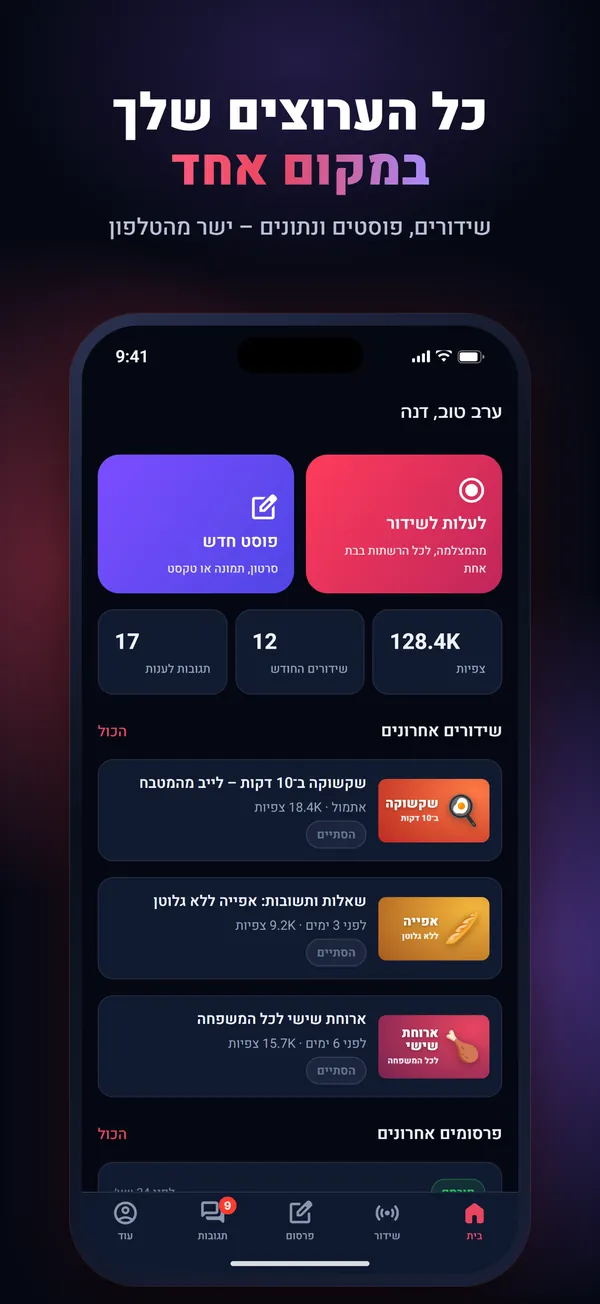
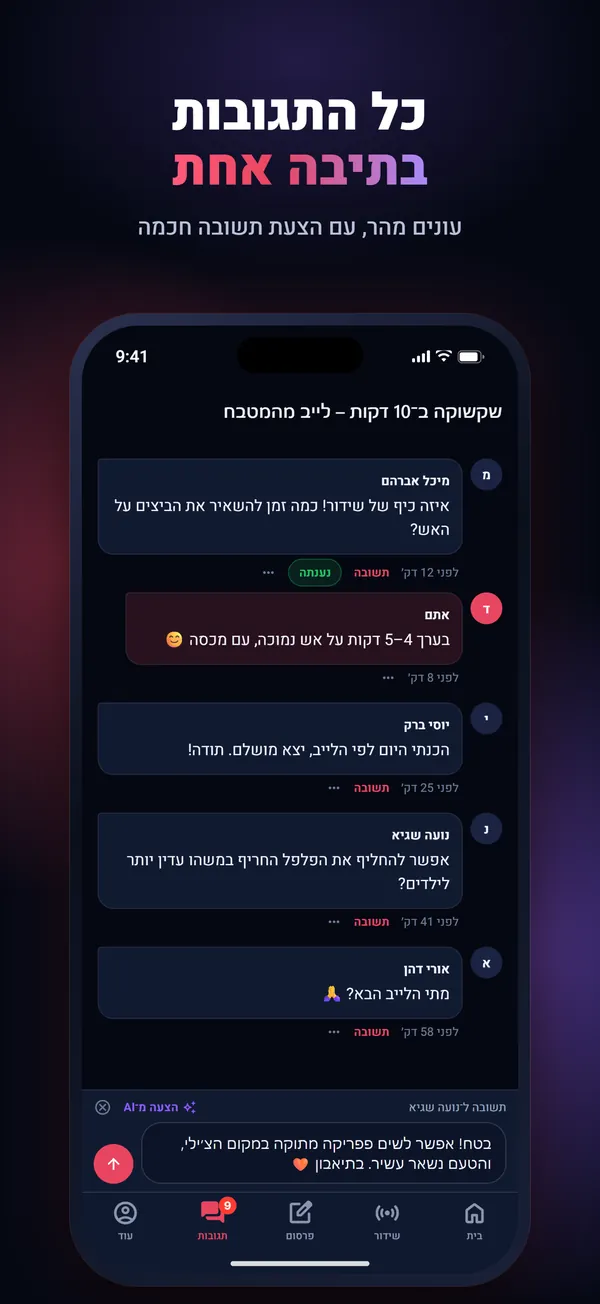
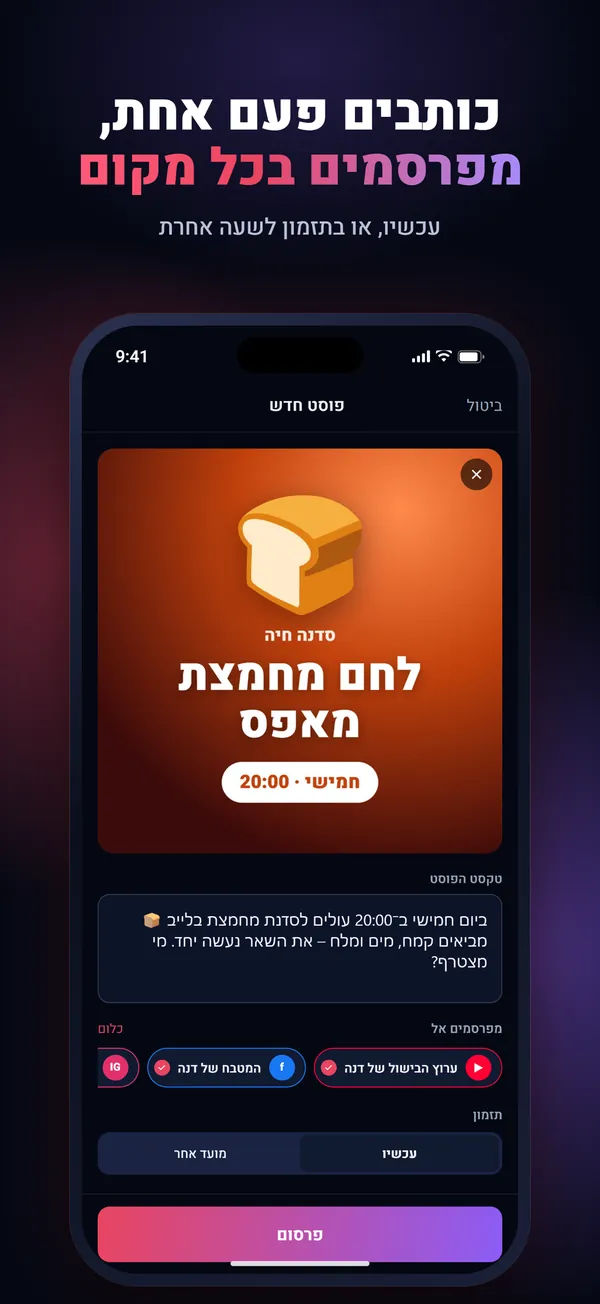
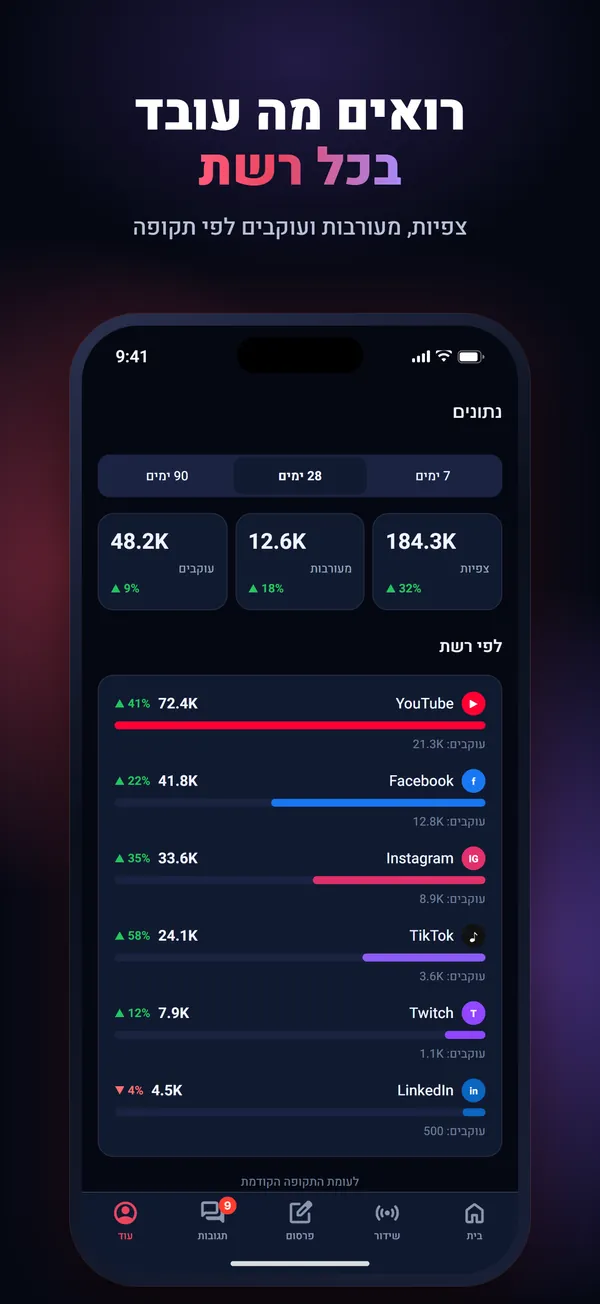
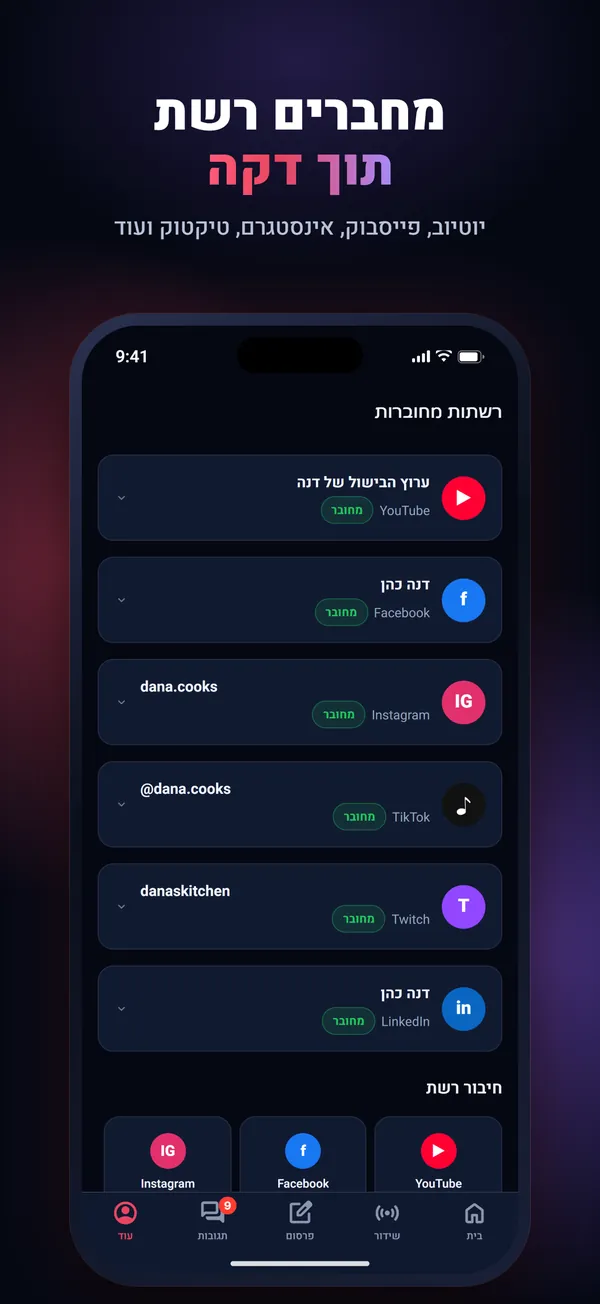
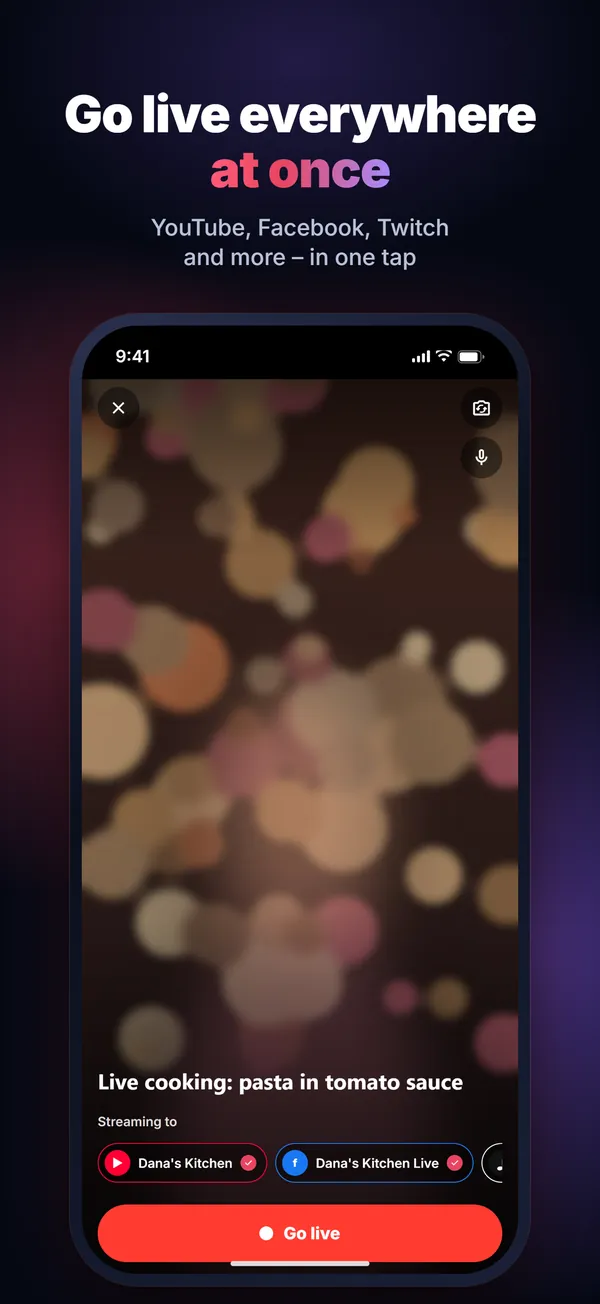
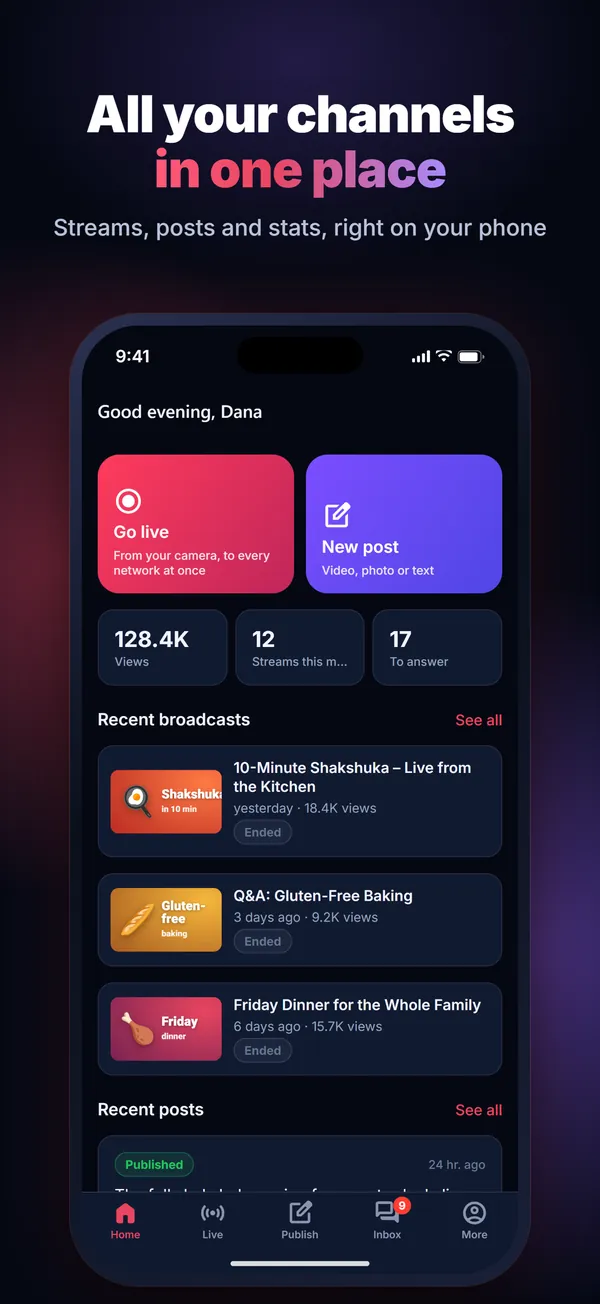
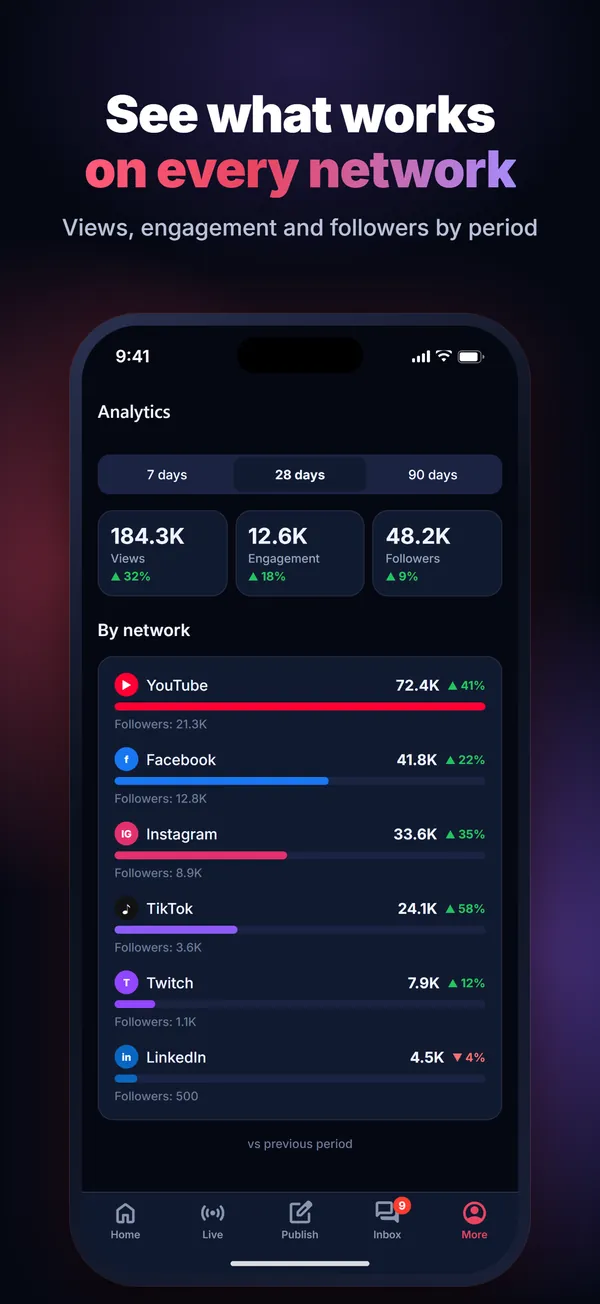
לא רק שידור חי: כל התוכן, לכל הרשתותNot just live: all your content, everywhere
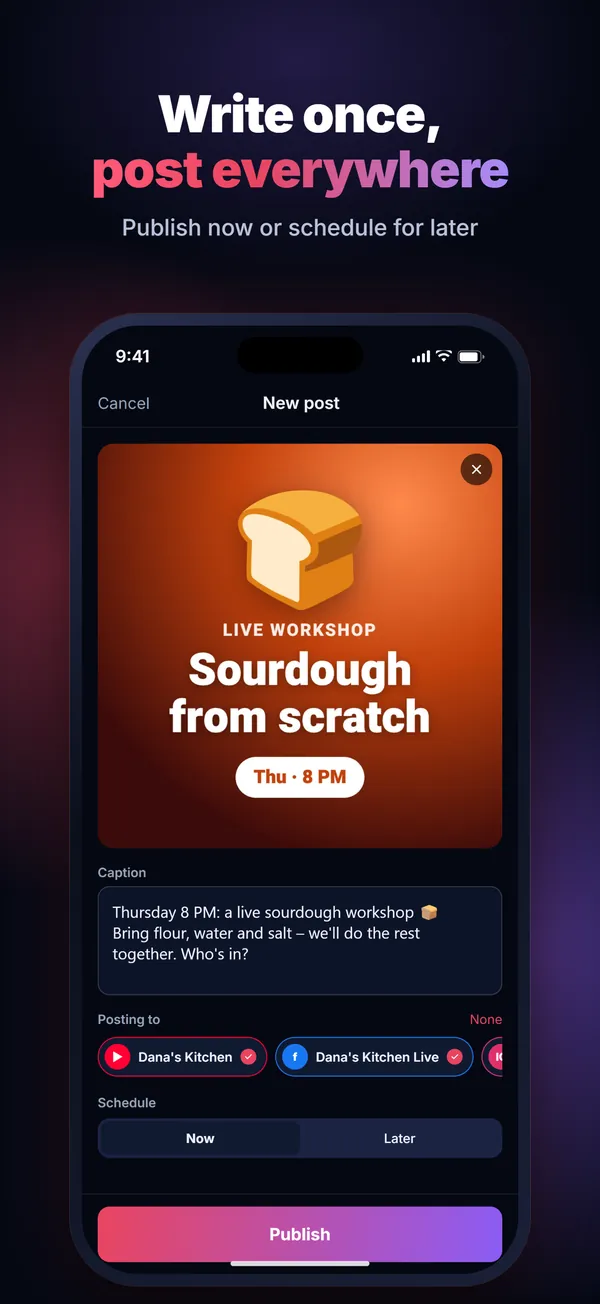
מעלים פעם אחת ← לכל הרשתותUpload once → everywhere
סרטונים, שורטס, רילס וטיקטוק ופוסטים עם תמונות. כותבים פעם אחת ומפרסמים לכולן — עכשיו או בתזמון.Videos, Shorts, Reels, TikTok and photo posts. Write once, publish to all — now or scheduled.
מהווטסאפ ← לכל הרשתותFrom WhatsApp → every network
שולחים סרטון או תמונה לקבוצת הווטסאפ (או טלגרם), וזה מתפרסם אוטומטית ברשתות שבחרתם.Send a video or photo to your WhatsApp (or Telegram) group and it posts itself to the networks you chose.
שידור חי לכולן בבת אחתLive everywhere at once
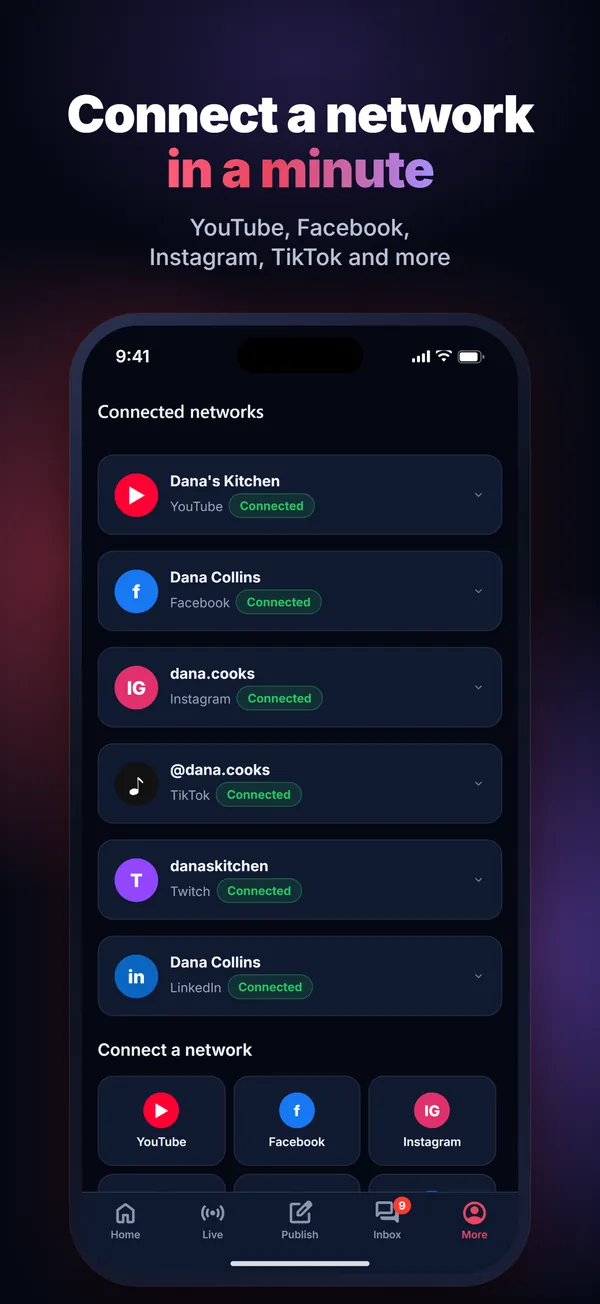
מהמצלמה של הטלפון ליוטיוב, פייסבוק, טוויץ', קיק, לינקדאין ועוד — בלחיצה אחת.From your phone camera to YouTube, Facebook, Twitch, Kick, LinkedIn and more — in one tap.
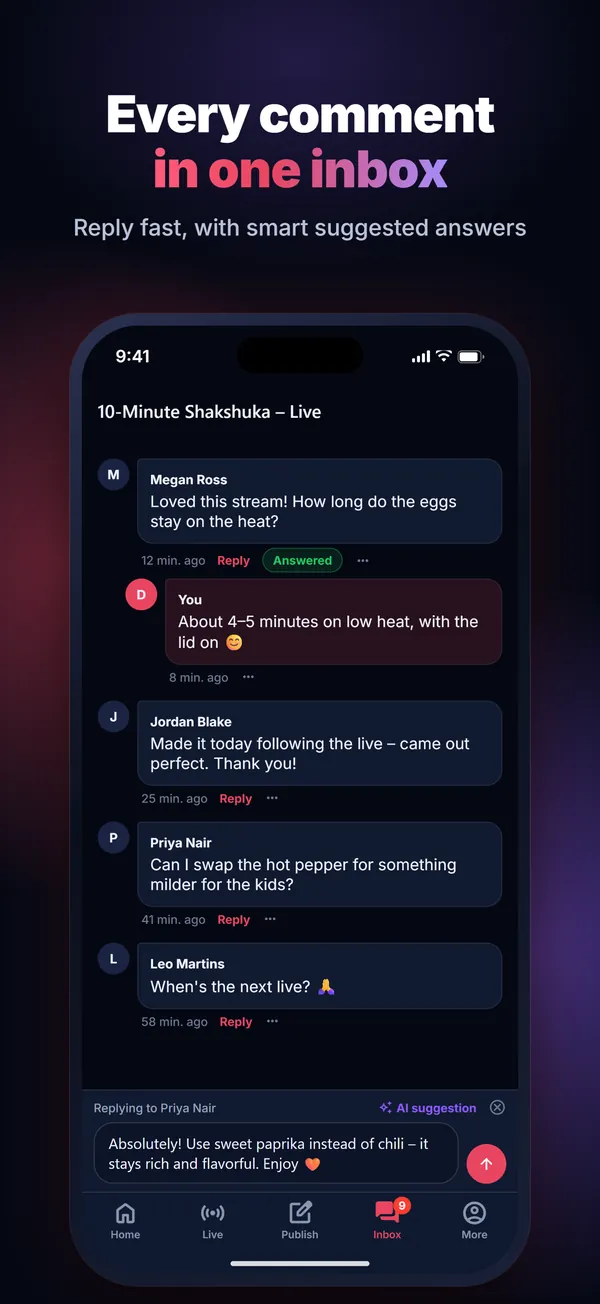
תגובות במקום אחדComments in one place
תגובות לפוסטים שלכם בתיבה אחת, עם הצעת תשובה בלחיצה, וצ'אט חי מיוטיוב ומפייסבוק בזמן השידור.Comments on your posts in one inbox, with a suggested reply when you tap for one, and live chat from YouTube and Facebook while you are live.
התקנה באנדרואיד בארבעה צעדיםInstall on Android in four steps
עד שהאפליקציה תעלה ל-Google Play, מתקינים אותה ישירות מהאתר שלנו. זה לוקח פחות מדקה.Until the app is on Google Play, you install it straight from our website. It takes under a minute.
- מורידים את הקובץDownload the file
לוחצים על "הורדה לאנדרואיד". הקובץ
StreamLivePro.apkיורד לטלפון (מומלץ ברשת Wi-Fi).Tap "Download for Android". The fileStreamLivePro.apkdownloads to your phone (Wi-Fi recommended). - פותחים אותוOpen it
מההתראה של ההורדה, או מתיקיית "הורדות" במנהל הקבצים.From the download notification, or from the Downloads folder in your file manager.
- מאשרים התקנה ממקור לא ידועAllow installing from this source
אם הטלפון שואל, לוחצים "הגדרות" ומפעילים "התרת התקנה ממקור זה" לדפדפן (למשל Chrome), וחוזרים אחורה. זה נדרש רק פעם אחת.If your phone asks, tap "Settings", turn on "Allow from this source" for your browser (e.g. Chrome), then go back. You only do this once.
- מתקינים ונכנסיםInstall and sign in
לוחצים "התקנה", פותחים את האפליקציה ונכנסים עם החשבון שלכם ב-StreamLive Pro. אם Play Protect מבקש לסרוק את האפליקציה — זה תקין לאפליקציות שמותקנות מחוץ לחנות.Tap "Install", open the app and sign in with your StreamLive Pro account. If Play Protect offers to scan the app, that's normal for apps installed outside the store.
תוכנת הפקה לשידור חי ל-Mac ול-WindowsLive production software for Mac and Windows
תוכנה מקצועית שמתקינים במחשב, חלופה ל-vMix ול-OBS: כמה מצלמות וטלפונים, הקלטה נפרדת של כל מצלמה, מסכי סטודיו ותרגום חי ב-AI. המנוי מוסיף שידור לכל הרשתות, אורחים ופרסום.Professional software you install on your computer, an alternative to vMix and OBS: multiple cameras and phones, a separate recording of every camera, studio screens and live AI translation. Your plan adds multistreaming to all your networks, guests and publishing.
אותו חשבון ואותו מנוי כמו באתר ובאפליקציה.The same account and the same plan as the website and the app.
כל מה שרציתם לדעתGood questions
מה אפשר לעשות באפליקציה?What can I do in the app?
איך עובד הפרסום מווטסאפ?How does posting from WhatsApp work?
האם האפליקציה בחינם?Is the app free?
זה אותו חשבון כמו באתר?Is it the same account as the website?
ומה עם אייפון?What about iPhone?
איך מעדכנים את האפליקציה?How do I update the app?
האם קובץ ה-APK בטוח?Is the APK safe?
מעלים פעם אחת. מגיעים לכולם.Upload once. Reach everyone.
שידור, סרטונים, שורטס ופוסטים — מהטלפון, לכל הרשתות.Live, videos, Shorts and posts — from your phone, to every network.
להורדת האפליקציהGet the app